
Multiple AI models in one place
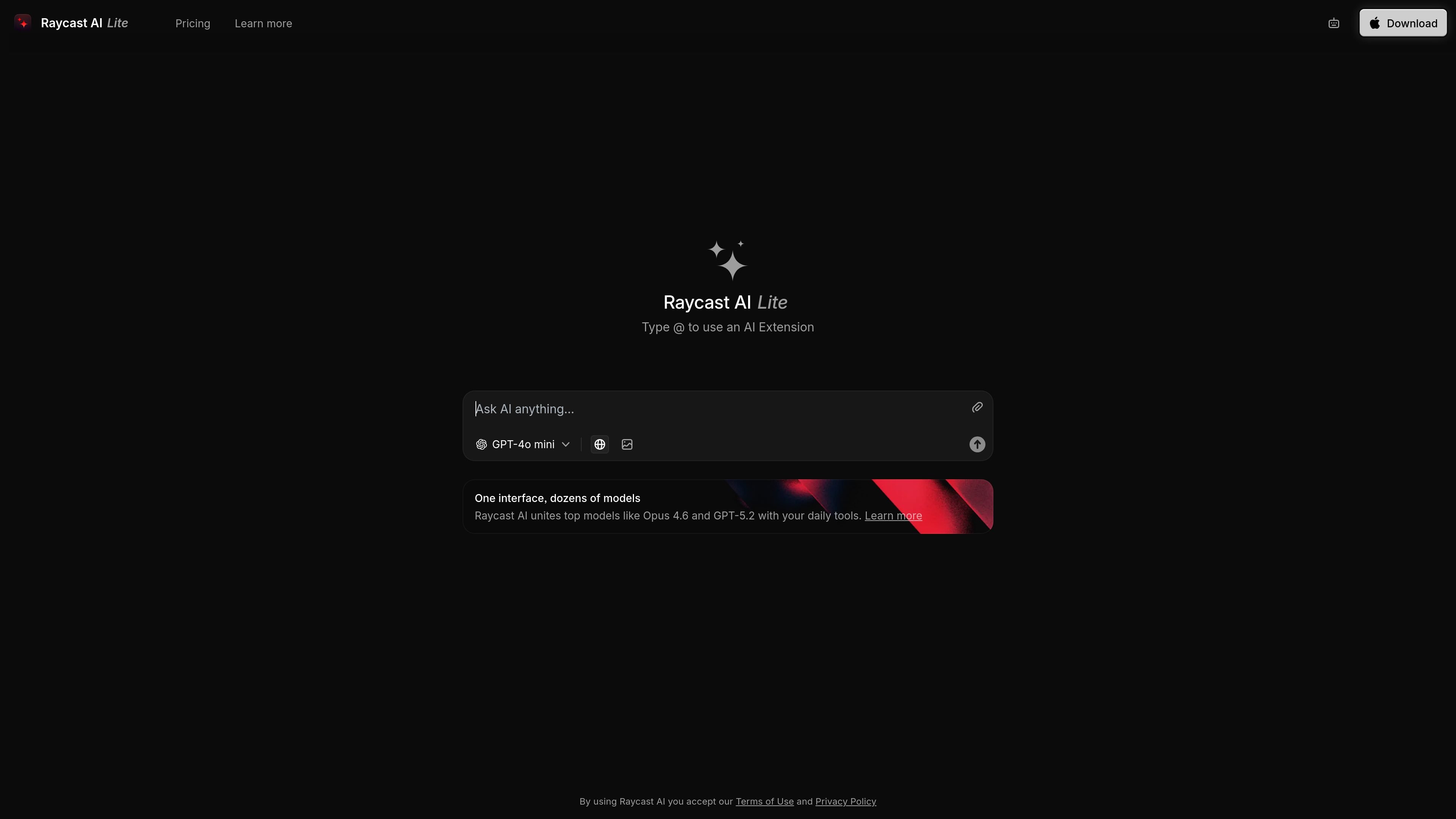
Raycast AI combines multiple leading models in one interface, including examples such as Opus 4.6, GPT-5.2, and GPT-4o mini.
Raycast AI è l’assistente AI di Raycast che riunisce più modelli all’avanguardia ed estensioni in un’unica interfaccia. La versione web leggera, Raycast AI Chat, si adatta ai flussi di lavoro quotidiani del sistema operativo.
Raycast AI is an AI assistant experience from Raycast that combines leading models with extensions in a single interface. The source describes it as something you can try on the web and also as part of Raycast AI on your OS.
Its core purpose is to help users work with AI inside their existing daily tools, using a model picker and extension-based actions rather than a standalone chat experience. The page also points to a lite version of Raycast AI Chat that is available to try for free.
Raycast AI combines multiple leading models in one interface, including examples such as Opus 4.6, GPT-5.2, and GPT-4o mini.
The page presents Raycast AI Chat as a lite web version that you can try for free, making the product accessible without a full desktop setup in the source text.
The interface supports AI Extensions, with the prompt to type @ to use an extension directly from the chat experience.
The product is positioned as working with your daily tools on your OS, indicating an operating-system-level workflow rather than a standalone chatbot.
The main page links to Learn more, Pricing, and Download, suggesting a product that spans web access, product information, and app download entry points.
Use the web version to try Raycast AI Chat without committing to a full desktop workflow first.
Run prompts against different models from one interface when you want to compare outputs or choose a model for a task.
Use @ extensions to connect a prompt to a Raycast extension when you want AI-assisted actions tied to your tools.
Use Raycast AI alongside everyday OS workflows when you want AI available in the same environment as other tools.
Raycast AI is presented as a web experience for trying Raycast AI, and the page also points to Raycast AI on the OS through the main product site. The source does not spell out a detailed setup flow.
The source describes Raycast AI as combining leading models with powerful extensions and says you can try a lite version of Raycast AI Chat for free. It does not provide a detailed comparison between free and paid access.
The page highlights Raycast AI Chat and AI Extensions, including the prompt to type @ to use an AI Extension. It does not provide a full list of supported extensions or connected apps in the collected text.
The collected pricing URL returns 404: NOT_FOUND, so no verified plan details or limits are available from the provided sources.
I dati sul traffico sono solo a scopo di riferimento.

poke.com
Assistente AI basato sulla chat per Apple Messages, WhatsApp e Telegram, con connessioni a email, calendario, Notion, Oura e flussi di lavoro ripetibili.

fyndr.in
Club Fyndr è un collaboratore IA vocale per gestire email, calendari, messaggi e flussi di lavoro quotidiani.

alterhq.com
Assistente AI nativo per macOS per lavorare con la voce, automatizzare app, prendere note delle riunioni e ricevere aiuto contestuale in file, siti web e app, con modelli locali e chiavi API personali.

thunai.ai
Thunai è una piattaforma di IA aziendale che automatizza l’assistenza, supporta gli operatori e gestisce i flussi post-chiamata su voce, chat, email e CRM.

dubformer.ai
Dubformer è uno studio di doppiaggio AI basato sul Web per creare tracce vocali video localizzate, con controllo riga per riga di pronuncia, emozione e interpretazione. È pensato per i team di broadcasting, localizzazione e streaming che necessitano di esportazioni verificabili e flussi di lavoro collaborativi.