
Text-to-Video Generation
Generate videos from text prompts, with the home page describing Ray 2 as a text-to-video model and the dashboard showing a prompt field for creation.

Ray 2 è uno strumento web di generazione video con IA per creare brevi video da testo, immagini e video.
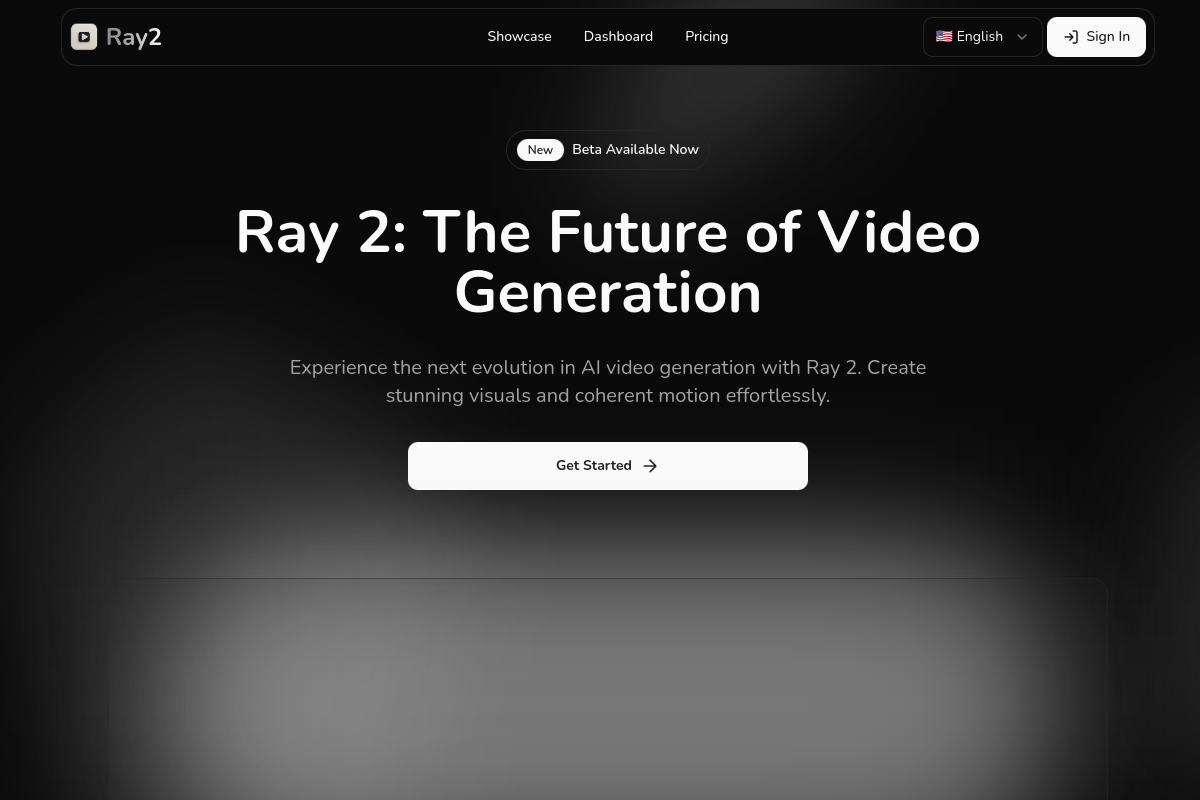
Ray 2 is an AI video generation tool for creating short videos from prompts and, according to the site, image and video inputs as well. The home page positions it as a model for producing coherent motion, detailed visuals, and outputs that can be used in professional projects.
The product site pairs the generation model with a dashboard for entering prompts, selecting a mode, choosing duration and aspect ratio, and downloading finished videos. Pricing is subscription-based, with monthly and yearly plans plus optional credit packs for additional usage.
Generate videos from text prompts, with the home page describing Ray 2 as a text-to-video model and the dashboard showing a prompt field for creation.
Work with multiple input types. The home page states support for text, image, and video inputs, and the dashboard shows an optional reference image field.
Produce output up to 1080p, which the home page lists as the supported resolution ceiling.
Control the visual format of the result with different aspect ratios, including 16:9, 1:1, and 9:16 on the dashboard.
Choose between Standard Mode and High Quality Mode, with the pricing page tying those modes to different credit costs and processing speeds.
Create and manage projects in one dashboard, with separate input and output sections plus access to previous videos.
Draft short promotional or concept videos from a written prompt when you want a fast way to turn an idea into a visual sequence.
Create videos that follow a reference image, using the dashboard’s optional image input to guide the scene and style.
Produce output in different formats for platforms that need landscape, square, or vertical framing.
Manage multiple iterations of a video project in one place, using the dashboard’s previous video list and output download flow.
Ray 2 is presented as an AI video generation tool that accepts text prompts, and the dashboard also shows optional reference image input. The home page says it supports text, image, and video inputs, while the dashboard example exposes prompt, optional reference image, mode, duration, and aspect ratio controls.
The pricing page offers monthly and yearly subscription plans: Basic, Plus, and Pro. It also provides separate credit packs for additional usage when needed.
The dashboard includes a download option for generated output, and the product pages describe Ray 2 as a video creation and management platform for creating and tracking projects in one place.
The pricing page includes a question about commercial use, but the rendered copy does not provide the answer. The home page describes outputs as production-ready, but that does not on its own confirm a specific license or usage policy.
Ray 2 lists several plan-based capabilities, including Standard Mode, High Quality Mode, and different processing speeds. The source does not specify team permissions or collaboration features beyond project management on the dashboard.
I dati sul traffico sono solo a scopo di riferimento.

pika.art
Pika è una piattaforma video AI per creare e modificare brevi video da prompt, immagini e filmati esistenti.

hailuoai.com
海螺视频 è uno strumento di creazione AI basato sul web per generare video da testo, immagini o più riferimenti, con funzioni anche per immagini, voci e musica.

domoai.app
DomoAI è uno strumento web di video AI per creare contenuti animati o stilizzati da video, immagini, fotogrammi e prompt testuali.

faceless.video
Faceless.video è uno strumento di IA per creator e aziende che consente di creare e pubblicare video brevi senza mostrare il volto. Genera bozze, permette di modificarle prima della pubblicazione e programma post ricorrenti su TikTok, Instagram Reels o YouTube Shorts.

www.buzzy.now
Buzzy AI è un motore video professionale per creare video AI di lunga durata, inclusi film e spot pubblicitari. I flussi di lavoro sono progettati per mantenere le scene coerenti e modificabili, offrendo un controllo più strutturato sulla generazione video rispetto a un semplice strumento che trasforma prompt in clip.

typeframes.com
Generatore di video con IA per creare video brevi da testi, immagini, documenti, audio o link.