
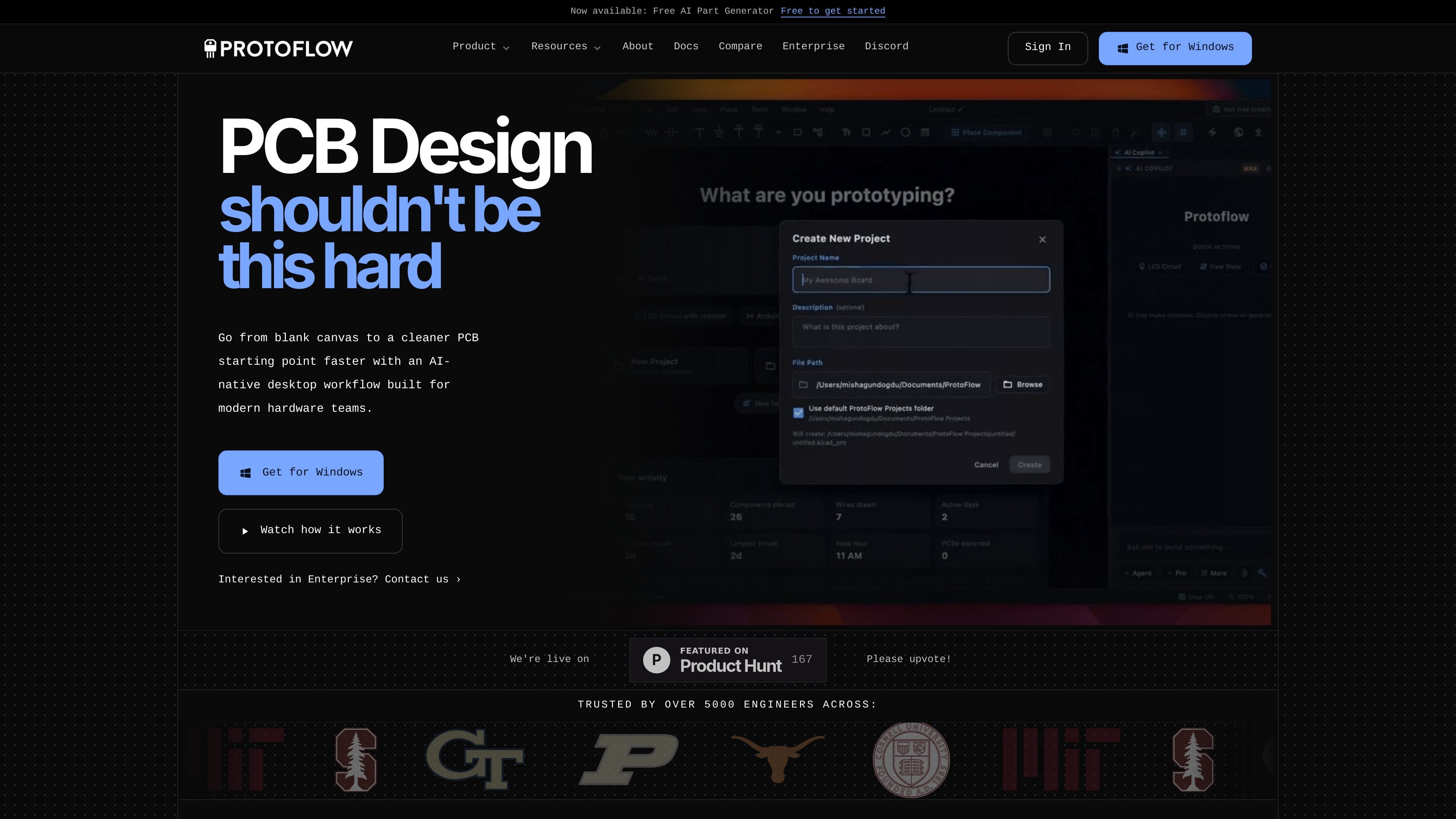
AI schematic generation
Describe a circuit or board block in plain language and get a drafted schematic instead of starting from a blank canvas.

ProtoFlow è uno strumento di progettazione PCB basato sull’IA per ingegneri elettronici: trasforma le idee sui circuiti espresse in linguaggio naturale in schemi modificabili e offre una base più pulita per il layout. Esporta in KiCad o Altium.
ProtoFlow is an AI-powered PCB design tool focused on the early schematic stage. It helps engineers move from a plain-English idea to an editable schematic, a cleaner netlist, and a more workable starting point for layout.
The product is desktop-first and is presented as a companion to established EDA tools rather than a replacement. The site says you can draft with ProtoFlow, validate the result with built-in checks, and then export to KiCad or Altium for the rest of the PCB workflow.
Describe a circuit or board block in plain language and get a drafted schematic instead of starting from a blank canvas.
Search for components from the built-in library and parts sources, then drag them into the schematic as real symbols and footprints.
Check the draft with built-in DRC/ERC and connectivity analysis before exporting, so obvious wiring issues are caught earlier.
Keep design work in sync with Git, including branching and visual diff overlays that show changes directly in the editor.
Collaborate in real time with multi-user editing, live cursors, comments, and threaded discussions for review.
Export cleaned projects to KiCad, with docs also referencing Altium, Gerbers, BOM output, and manufacturing files.
Use ProtoFlow when you have a circuit idea in your head but want a starting schematic with real parts, named nets, and early wiring conventions already in place.
Use the component library and AI part generation when you need a symbol and footprint starting point from a part name, datasheet, or pinout reference.
Use the built-in DRC/ERC and cleanup workflow to turn a rough first pass into a reviewable project before handing it off to your main EDA tool.
Use the collaboration, comments, Git, and diff features when more than one engineer needs to review or modify the same design.
Use the docs and getting-started flow when you want to install the app, create a new schematic, and learn the editor basics quickly.
ProtoFlow is an AI-native desktop tool for turning a plain-English description into an editable schematic and a cleaner PCB starting point. It is aimed at electronics engineers who want to reduce the repetitive early work in schematic capture before moving into KiCad or Altium.
No. ProtoFlow is positioned for the early drafting and setup stage, not as a replacement for KiCad or Altium. The workflow ends with export to those tools for final layout and routing.
Yes. The pricing page says ProtoFlow is free to start, with paid plans available for more AI help and higher limits. It also offers a 7-day free trial on new Pro subscriptions.
ProtoFlow’s docs say it runs on macOS, Windows, and Linux. The getting-started guide lists macOS, Windows 10 or later, and Linux builds, with macOS support for Apple Silicon and Intel.
The product is designed for desktop-first, local work and the FAQ says that helps keep work close to your machine and your team. The docs also describe real-time collaboration, comments, and Git integration as part of the workflow.
I dati sul traffico sono solo a scopo di riferimento.

plusdocs.com
Plus AI è un creatore di presentazioni basato sull’IA per PowerPoint e Google Slides, che consente di creare, modificare e perfezionare le presentazioni direttamente nelle app che già utilizzi. Trasforma i documenti caricati in presentazioni e offre controlli per modelli e branding del team.

template.net
Editor basato sull’AI per creare ed esportare documenti, presentazioni, design, grafici, lavagne e risorse web modificabili

flux.ai
Piattaforma browser di progettazione PCB con IA per pianificazione, schemi, layout e produzione.

paraflow.com
Paraflow è un agente di product design basato su canvas che trasforma le idee in PRD, flussi utente, UI, prototipi e codice frontend, con esportazione verso Figma, GitHub, HTML e ZIP.

uxpin.com
UXPin è uno strumento per UI design e prototipazione con librerie React, layout assistiti dall’AI e passaggio a codice pronto per la produzione.

uizard.io
Design UI basato sull’IA per app, siti web e software desktop