
AI video generation
Generate and transform videos with the platform’s video tools, including Seedance 2.0 and other listed models. The site positions these tools for creating realistic motion, dynamic scenes, and short-form content.

PixNova AI è uno studio creativo web per generare e modificare immagini, video e audio, con strumenti per generazione video, editing delle immagini e miglioramento del viso.
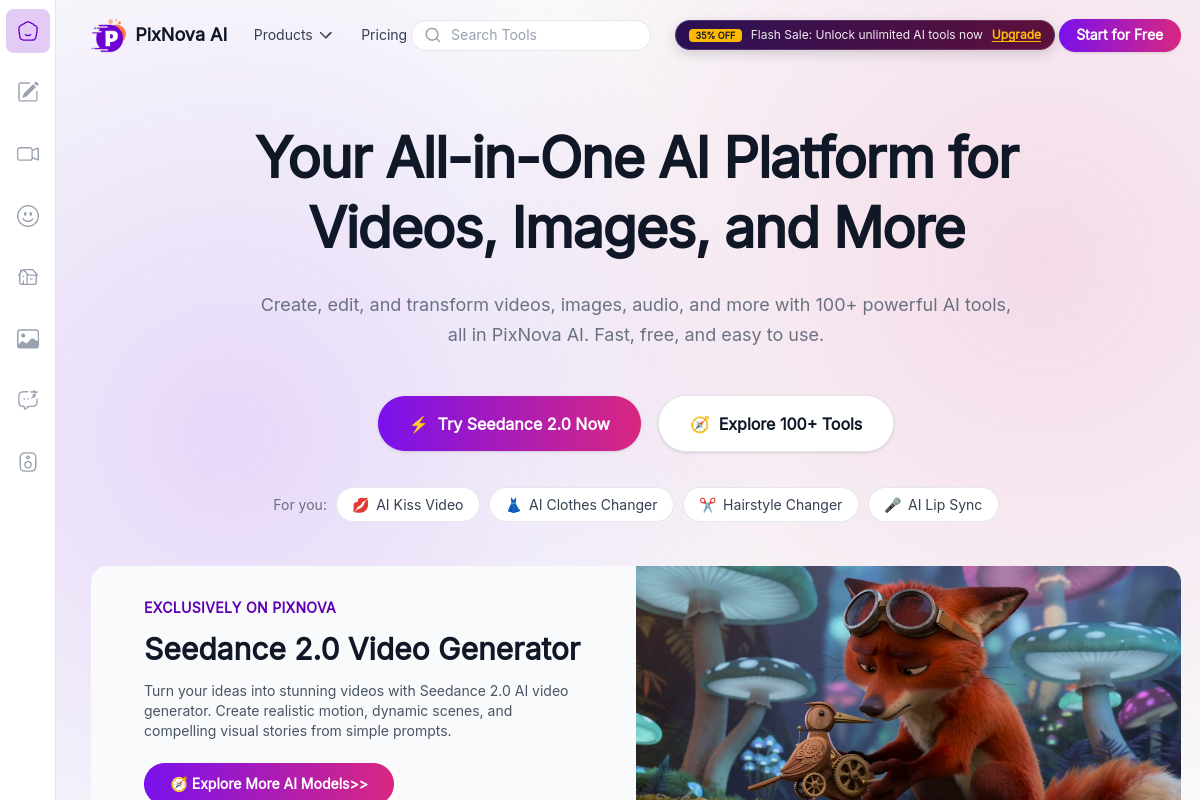
PixNova AI is an all-in-one web-based creative studio for generating and editing images, videos, and audio. The site groups more than 100 AI tools into a single browser interface, covering text-to-video, image editing, face enhancement, lip sync, and other content creation workflows.
Its product pages emphasize fast, browser-based use without installation, with free access available to start. The pricing page shows one-time credit purchases for video generation, while image generation and free tools are described as unlimited in the published pricing copy.
Generate and transform videos with the platform’s video tools, including Seedance 2.0 and other listed models. The site positions these tools for creating realistic motion, dynamic scenes, and short-form content.
Edit and improve images with tools such as image editor, inpainting, background removal, upscaling, photo enhancement, and style transfer. These tools support both basic cleanup and more advanced visual changes.
Use face-specific tools to smooth skin, refine facial details, replace backgrounds, and adjust portrait appearance. The face enhancer page describes sharpening features, improving lighting, and increasing resolution up to 4K.
Apply creative video effects such as lip sync, talking photo, kiss video, hug video, face expression changes, and dance generators. These tools are aimed at social content and animated character-style outputs.
Work with additional workflow tools for audio processing, transcriber tasks, key-point extraction from TikTok or YouTube videos, and everyday productivity features tied to content creation.
Generate short videos, promotional clips, or social posts from prompts using the platform’s video generators and model options. The site positions these tools for fast content creation without a complex workflow.
Improve product photos, portraits, and other visuals with background removal, upscaling, inpainting, and enhancement tools. These features are useful when a source image needs cleanup before publishing.
Create portrait-focused edits such as skin smoothing, facial detail refinement, and resolution boosts up to 4K. The face enhancer page also describes improving lighting, color, and overall facial clarity.
Produce animated social content like lip sync clips, kissing videos, hugging videos, talking photos, and face-expression changes. These tools fit creators who want stylized or playful outputs for sharing online.
Use planner, transcriber, and extraction tools to support content workflows beyond final-image generation. The site groups these alongside creative tools for handling supporting tasks in the same platform.
PixNova AI is a web-based creative studio for creating and editing images, videos, and audio. It includes tools for text-to-video, face enhancement, background removal, image upscaling, lip sync, and other AI editing workflows.
No. The site says PixNova AI is entirely web-based, so you can use it directly in a browser on desktop or mobile without downloads or plugins.
The pricing page says purchased credits are a one-time payment and do not expire. Free credits can only be used on the day they are claimed.
The face enhancer is designed for real-life portraits and works best on real people. The site says it may not make significant changes to anime characters.
The library page indicates only the last 30 days of history are shown and that users need to log in to view their library. It also notes that stored videos on servers are automatically cleared in one day.
I dati sul traffico sono solo a scopo di riferimento.

remaker.ai
Remaker AI è una piattaforma per modificare e generare immagini, creare, migliorare o ricreare contenuti visivi con prompt ed effetti preimpostati, oltre a rimuovere sfondi e oggetti, aumentare la risoluzione e usare strumenti video AI.

pollo.ai
Suite creativa AI per generare e modificare immagini, video, audio, avatar, annunci e visual dei prodotti

affogato.ai
Affogato è uno studio di IA per generare, modificare e aumentare la risoluzione di immagini e video in un unico spazio di lavoro, pensato per creator e team che cercano risultati visivi coerenti e continuità dei personaggi tra i fotogrammi.

rendernet.ai
Studio AI web per generare, modificare e migliorare la risoluzione di immagini e video

homiwork.com
Homiwork è un catalogo di strumenti AI nel browser per creare e modificare immagini, video, musica e testi, con oltre 70 strumenti, una prima generazione gratuita senza registrazione e una Telegram Mini App.

mitte.ai
Mitte è una suite creativa AI basata su browser per generare e modificare immagini, video e audio, con crediti condivisi, flussi preimpostati, collaborazione e opzioni aziendali.