
Assistant in your text thread
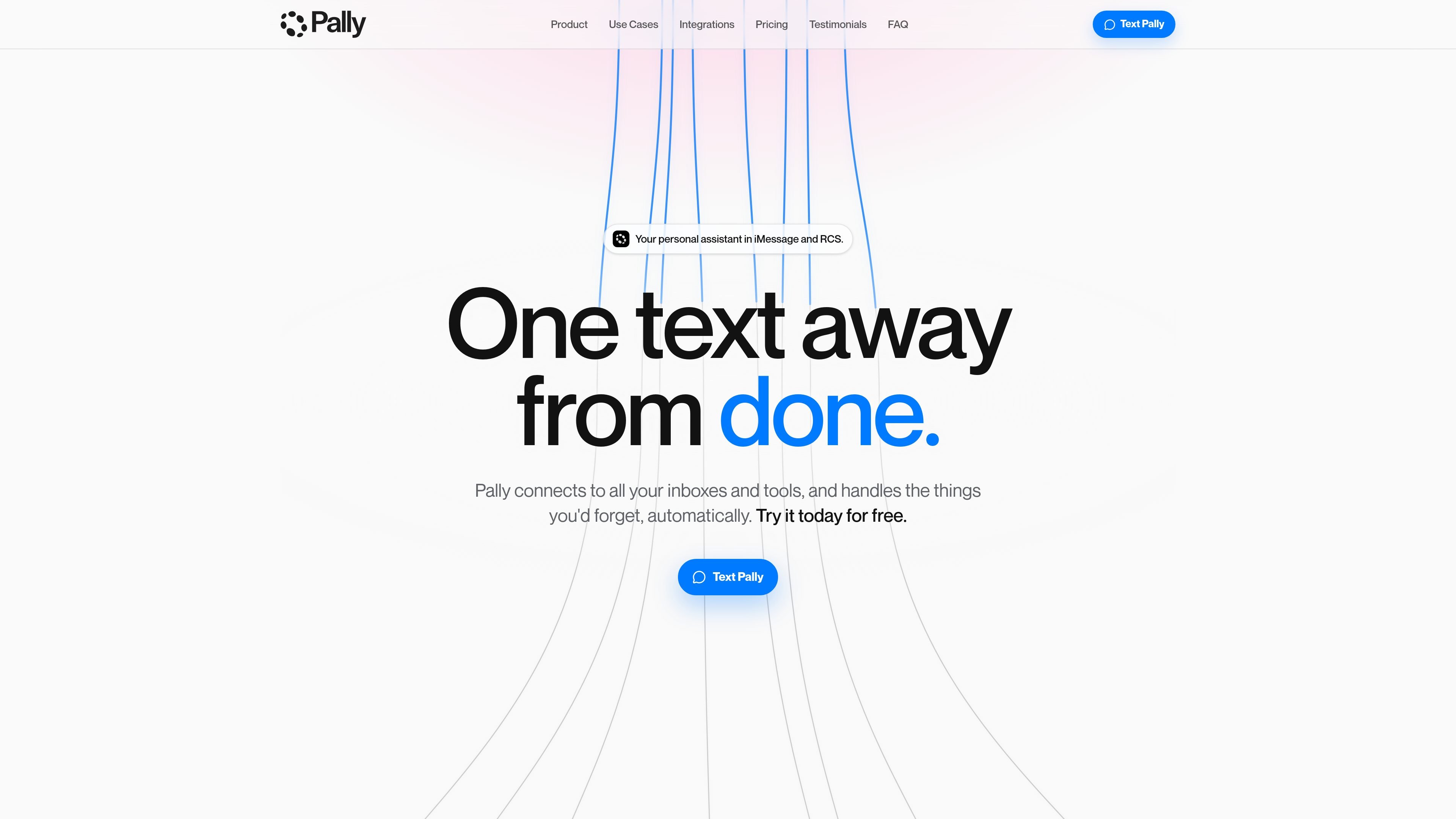
Pally is presented as a personal assistant you can message in iMessage or RCS, so the interface is a text thread rather than a separate app you have to switch into.

Pally è un assistente personale integrato nei messaggi su iMessage o RCS. Ti aiuta a gestire messaggi, riunioni, calendari, file, attività e informazioni dal web, organizzando follow-up e piani in un’unica conversazione.
Pally is a personal assistant that runs inside your text conversations over iMessage or RCS. Its job is to reduce the number of loose threads a user has to manage by pulling context from connected inboxes and tools, then helping complete the next step from the same thread.
The homepage positions Pally as a general-purpose assistant for messages, meetings, calendars, files, tasks, and web context. Examples on the site show it drafting replies, chasing unanswered messages, planning trips, summarizing meetings, and turning discussions into tasks or calendar events.
Pally is presented as a personal assistant you can message in iMessage or RCS, so the interface is a text thread rather than a separate app you have to switch into.
The homepage says Pally connects to inboxes and tools such as Gmail, WhatsApp, Slack, Drive, Calendar, Linear, Notion, Outlook, and the web to find the context behind a request.
Example flows on the page show Pally drafting replies, nudging people who have not responded, and helping decide which messages actually need attention.
The page shows Pally turning planning prompts into concrete outputs such as flights on hold, hotel bookings, calendar entries, and itineraries.
Examples also show it converting launch chats and meeting notes into Linear tickets, Slack summaries, and Notion action points.
The homepage repeatedly notes that Pally asks before doing anything major, which suggests an approval step before larger actions are taken.
Use Pally when you need to turn scattered messages into a single plan, such as booking a weekend trip or coordinating logistics across email and calendar.
Use it to identify which emails or chats need an answer, draft replies, and follow up on people who have not responded yet.
Use it after meetings or planning chats to capture action items, create tasks, and surface the next steps in the tools your team already uses.
Use it for recurring personal reminders and milestones, such as birthdays or anniversaries, when you want it to find context and prompt you in time.
Use it when a work thread needs cleanup, such as turning a launch conversation into Linear tickets and a Slack summary.
Pally is described as a personal assistant that lives in your texts over iMessage or RCS. The homepage shows it handling messages, meetings, calendars, files, tasks, and web-based context from a single conversation.
The homepage presents Pally as something you text directly, and it works across connected inboxes and tools. Examples shown include Gmail, WhatsApp, Slack, Drive, Calendar, Linear, Notion, Outlook, and iMessage, with Pally asking before doing anything major.
The site shows Pally drafting replies, finding context, turning conversations into tasks, summarizing meetings, booking travel, chasing replies, and surfacing reminders. It is positioned as a system for handling loose threads rather than a single-purpose chat tool.
The homepage says Pally connects to the tools you already use and that it never does anything big without asking first. The source does not provide setup steps, supported-device details, or team-admin features.
I dati sul traffico sono solo a scopo di riferimento.
| giu | 12501 |
|---|---|
| lug | 17906 |
| ago | 22920 |
Le analisi del traffico non sono ancora disponibili.

getbo.com
Bo AI è un assistente personale basato su testo per organizzare le attività, monitorare la salute, impostare promemoria e trovare rapidamente informazioni. Funziona tramite iMessage e si collega ad alcune app attraverso la Bo app.

calendly.com
Calendly è una piattaforma di pianificazione che aiuta a prenotare riunioni, riscuotere pagamenti e coordinare le attività legate agli incontri prima e dopo le chiamate. I suoi nuovi prodotti AI, Callie e Notetaker, aggiungono la pianificazione dalla posta in arrivo, riepiloghi delle riunioni, trascrizioni e supporto per i follow-up.

bookingbee.ai
Piattaforma AI per la gestione degli appuntamenti e la reception, pensata per saloni e attività di bellezza e benessere, che gestisce chiamate, prenotazioni, promemoria e follow-up su telefono, messaggi, chat e moduli.

tryvela.ai
Vela è un assistente di pianificazione basato sull’AI per i team di servizi professionali, che coordina riunioni tra clienti, fornitori e stakeholder interni tramite e-mail, SMS, WhatsApp, Slack, Teams e telefono.

routine.co
Workspace basato sull’IA per attività, calendari, note, contatti e automazioni

yestoki.com
Toki è un assistente calendario AI per gestire eventi, promemoria e flussi di lavoro tramite testo, voce, immagini e screenshot, sincronizzato con Google Calendar, Apple Calendar e Outlook.