
Ad and tracker blocking
Nook checks page requests against Ghostery's filter lists and stops requests identified as ads or trackers before they download.

Nook è un browser web minimalista per macOS che blocca annunci e tracker, offre modalità lettura e concentrazione e salva i dati di navigazione in locale per impostazione predefinita. È pensato per un’esperienza di lettura più tranquilla, senza estensioni, account o sincronizzazione.
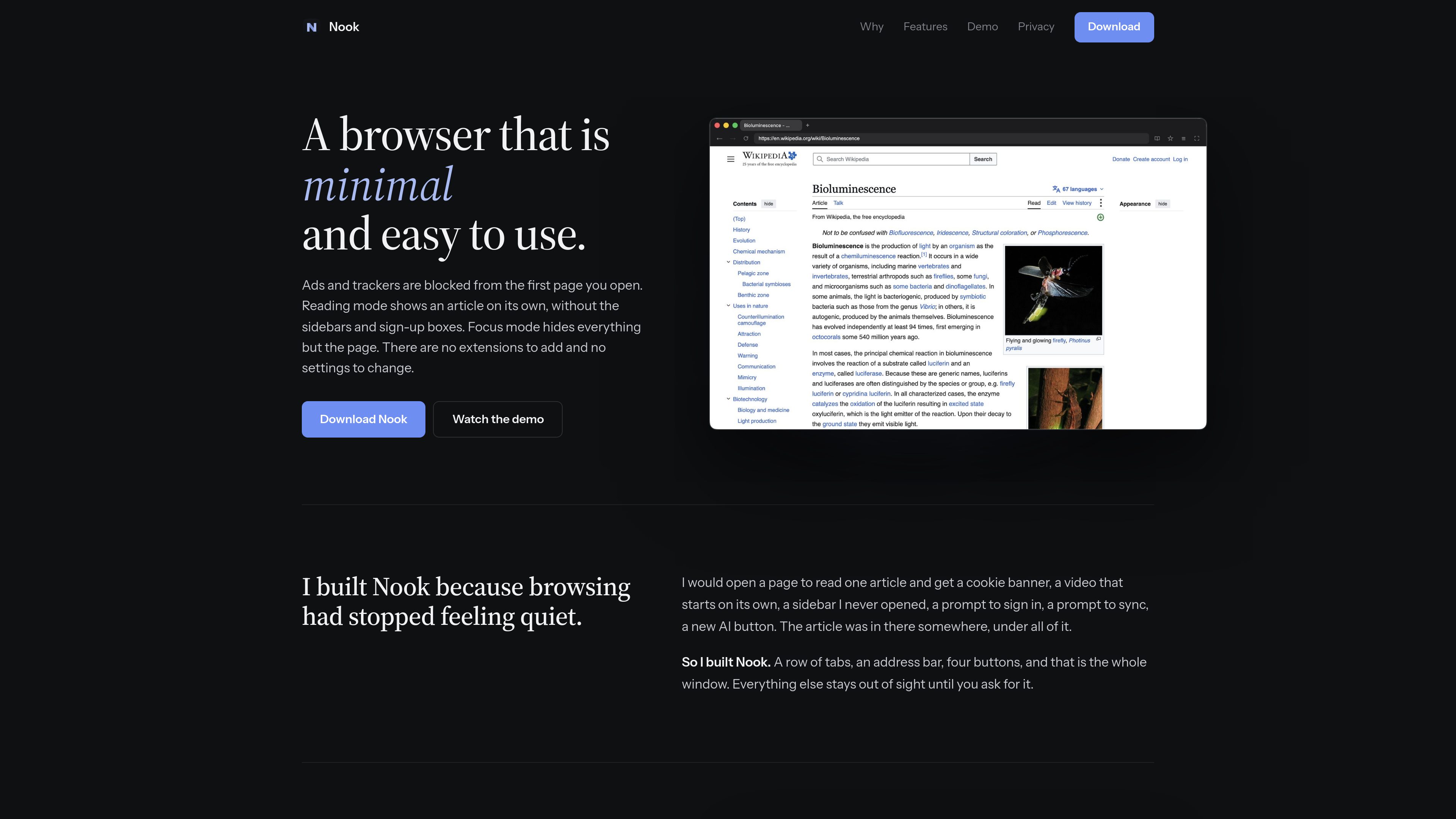
Nook is a minimal web browser for macOS built on Chromium. Its compact interface keeps the window to tabs, an address bar, and four buttons, while ad and tracker blocking operates from the first page you open.
The browser is aimed at readers and other users who want less surrounding page clutter. Reading mode turns long articles into a single column, while Focus mode hides the tabs and toolbar so the page occupies the available window space.
Nook checks page requests against Ghostery's filter lists and stops requests identified as ads or trackers before they download.
Long articles are shown as one readable column of text and pictures without sidebars, sign-up boxes, or related-link carousels. Shortcut: ⌘ ⇧ R.
The tabs and toolbar slide away so the page fills the window. Use ⌘L to enter an address while controls are hidden and Esc to restore them. Shortcut: ⌘ ⇧ F.
A single menu provides access to bookmarks, history, and downloads. Bookmarks are stored in a plain JSON file in the Mac's Application Support folder, while history is kept in memory only.
Cookies, cache, and site data are deleted when Nook quits. The product states that it has no account, sync, telemetry, or crash reporting.
Nook uses Chromium for page rendering, and each page runs in Chromium's sandbox. The Mac download is signed and notarized by Apple.
Use Reading mode to remove sidebars, sign-up prompts, and related-content modules while keeping the article's text and pictures.
Enable Focus mode when you want the page to occupy the window without visible tabs or toolbar controls.
Because cookies, cache, and site data are removed on quit, Nook suits browsing workflows where users prefer to begin signed out of websites.
Bookmarks are saved as a plain JSON file in Application Support, allowing them to be backed up or read outside the browser.
Nook supports macOS 13 or later and runs natively on both Apple silicon and Intel Macs.
No. The product states that there are no extensions to add and no settings to change.
Cookies, cache, and site data are deleted. History is held in memory and is gone after quitting, while bookmarks remain in a plain JSON file in the Mac's Application Support folder.
No. The site states that Netflix and other DRM-protected streaming services will not play in Nook.
I dati sul traffico sono solo a scopo di riferimento.
| giu | 0 |
|---|---|
| lug | 0 |
| ago | 0 |
Le analisi del traffico non sono ancora disponibili.
Le analisi del traffico non sono ancora disponibili.

blancbrowser.com
Blanc is a minimal desktop browser for macOS, Windows, and Linux with built-in ad and tracker blocking, private tabs, and keyboard-first navigation. It is designed for people who want a smaller browser surface while keeping tools for tab organization, profiles, reference viewing, and optional encrypted sync.

aside.com
Aside è un browser basato sull’AI che svolge attività su siti web con sessione attiva, account, cronologia del browser e file locali. Aiuta con ricerche, comunicazioni, procedure legate agli account e altre attività svolte nel browser.

favenest.app
FaveNest è una libreria privata per salvare e organizzare link, note, foto e file su iPhone, iPad e Mac. La libreria viene archiviata nel tuo iCloud e offre ricerca, lettura offline ed esportazione. FaveNest Pro consente anche di organizzare i contenuti con l’AI, sul dispositivo o usando la propria chiave.

readpdfoutloud.com
Read PDF Out Loud è un lettore PDF basato sul browser che legge i documenti con una voce naturale evidenziando ogni parola. È pensato per articoli di ricerca, report, libri e PDF con equazioni, figure, tabelle e layout a due colonne.

www.conscioussai.com
ConscioussAI è un assistente di esecuzione AI per macOS, Windows, iOS e Android. Con il tuo permesso, aiuta a usare app, browser, file, messaggi e flussi di lavoro, trasformando istruzioni e conversazioni in attività completate su telefono e computer.

thoughtsformac.com
Thoughts is a native macOS note-taking app that lives in the menu bar, letting you quickly save text, voice recordings, images, screenshots, links, and video notes. It is designed for capturing ideas without an account or subscription, with optional AI tools powered by a provider key you supply.