
Text-to-image generation
Create images from text prompts with the AI Image Generator page, which is positioned for making pictures from words.

Editor e generatore di immagini AI per pagine prodotto, annunci e social
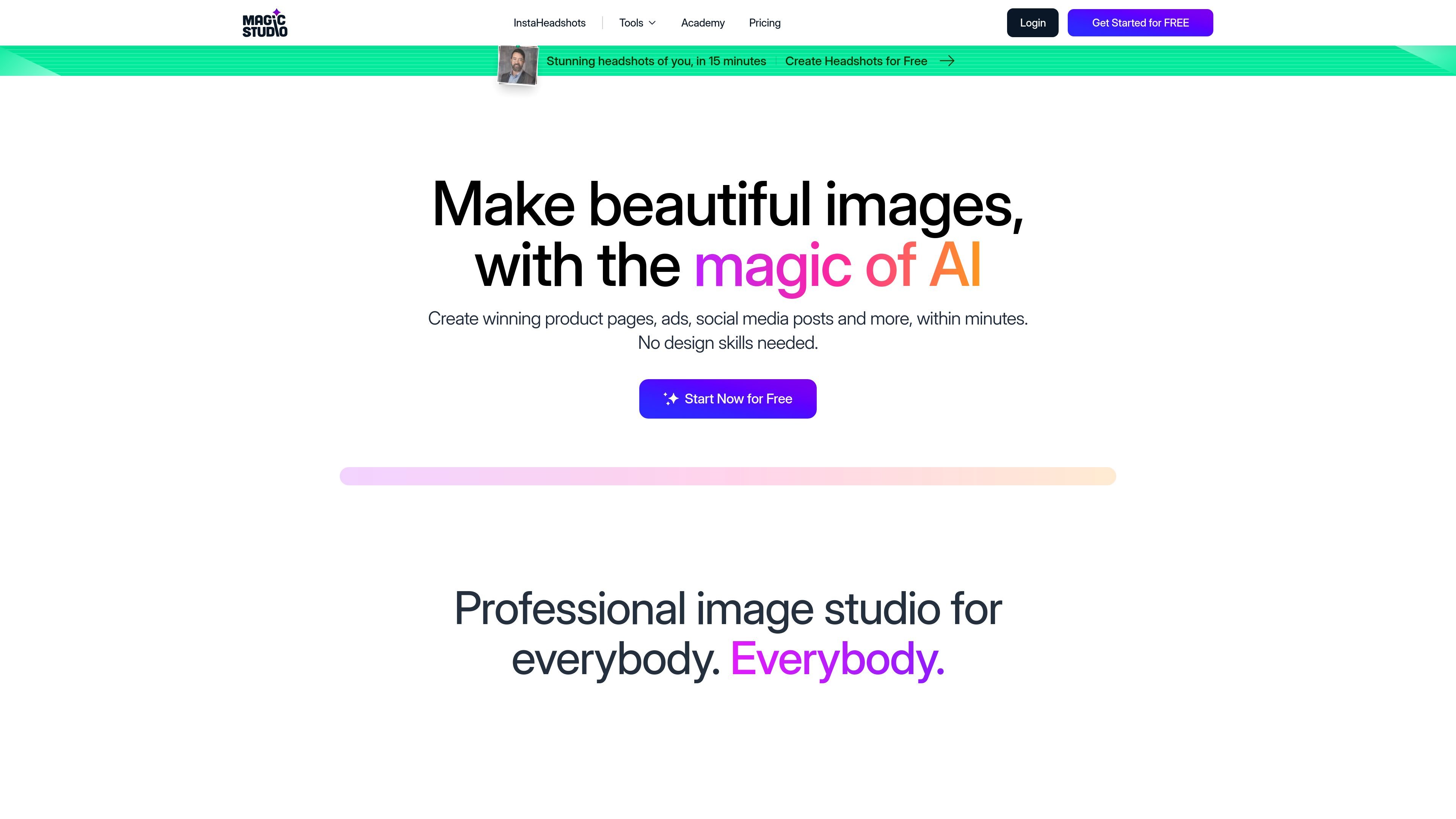
Magic Studio is an AI image editing and generation product for creating and improving visuals without traditional design software. The site positions it for product pages, ads, social media posts, and other quick image tasks, with tools for generating images from text, removing objects, and removing or changing backgrounds.
The product is presented as easy to use for non-designers, while also offering a desktop or laptop workflow for finer control. Pricing shows a Free plan and a PRO plan, and individual tool pages show no-signup, browser-based use for some capabilities such as Magic Eraser and Background Remover.
Create images from text prompts with the AI Image Generator page, which is positioned for making pictures from words.
Remove objects, people, text, blemishes, or patterns by brushing over the area and erasing with AI.
Automatically remove backgrounds from photos of products, portraits, fashion, cars, pets, and other objects, with options to add a white, black, or colored background.
Change or blur image backgrounds to transform a scene or produce a more polished photo presentation.
Use batch workflows on supported tools, including editing 50 pictures at once on the object-removal and background-removal pages.
Download results without a watermark on PRO and work across the website and mobile apps.
Create product-page or ad visuals from a text prompt when you need an image concept quickly and do not want to start from a blank canvas.
Clean up a photo by brushing out an unwanted object, person, text element, blemish, or pattern before publishing it.
Prepare catalog or portrait photos by removing the background and replacing it with white, black, or another solid color.
Process multiple similar images in one session using the bulk-edit flows offered on supported tools.
Magic Studio is presented as a browser-based AI image tool with dedicated pages for features like Magic Eraser, Background Remover, and AI Image Generator. The source also says the app is available on iOS and Android, and recommends desktop or laptop editing for finer control and more powerful editing.
The pricing page shows a Free plan and a PRO plan. Free includes basic access, 40 AI generations, limited-resolution downloads, watermark downloads, and one image at a time; PRO includes access across MagicStudio.com and on iOS and Android apps, unlimited AI generations, high-resolution downloads, no watermark, and bulk editing for select tools.
Yes. The pricing page and homepage both indicate the product is intended for creating images for product pages, ads, and social media, and the site explicitly asks whether Magic Studio can be used for commercial projects.
The site links to a Helpdesk for questions about file formats, data safety, commercial use, and the PRO plan. The rendered homepage also mentions supported formats on individual tools, such as JPG, PNG, AVIF, and WEBP for Magic Eraser, and JPEG and PNG for Background Remover.
I dati sul traffico sono solo a scopo di riferimento.

pixlr.com
Editor fotografico e generatore di immagini con IA basato su browser, per foto, video e rimozione dello sfondo.

app.reve.com
Reve è un prodotto per la generazione e l’editing di immagini che combina modifiche in linguaggio naturale con un editor drag-and-drop, offrendo più controllo su composizione, layout e output ad alta risoluzione rispetto agli strumenti basati solo su prompt.

photoeditor.ai
Editor di foto e generatore di immagini AI nel browser, con oltre 30 strumenti per modifica, ripristino, upscaling e testo-immagine.

z-image-ai.run
Generatore ed editor di immagini AI online per creare immagini da prompt testuali e ristilizzare foto, con più modelli, crediti gratuiti e uso commerciale senza filigrana.

bylo.ai
Generatore di immagini ed editor fotografico AI web con GPT-4o, GPT-Image-1 e Nano Banana

pixelhunter.io
Ridimensionatore di immagini AI per social media e annunci