
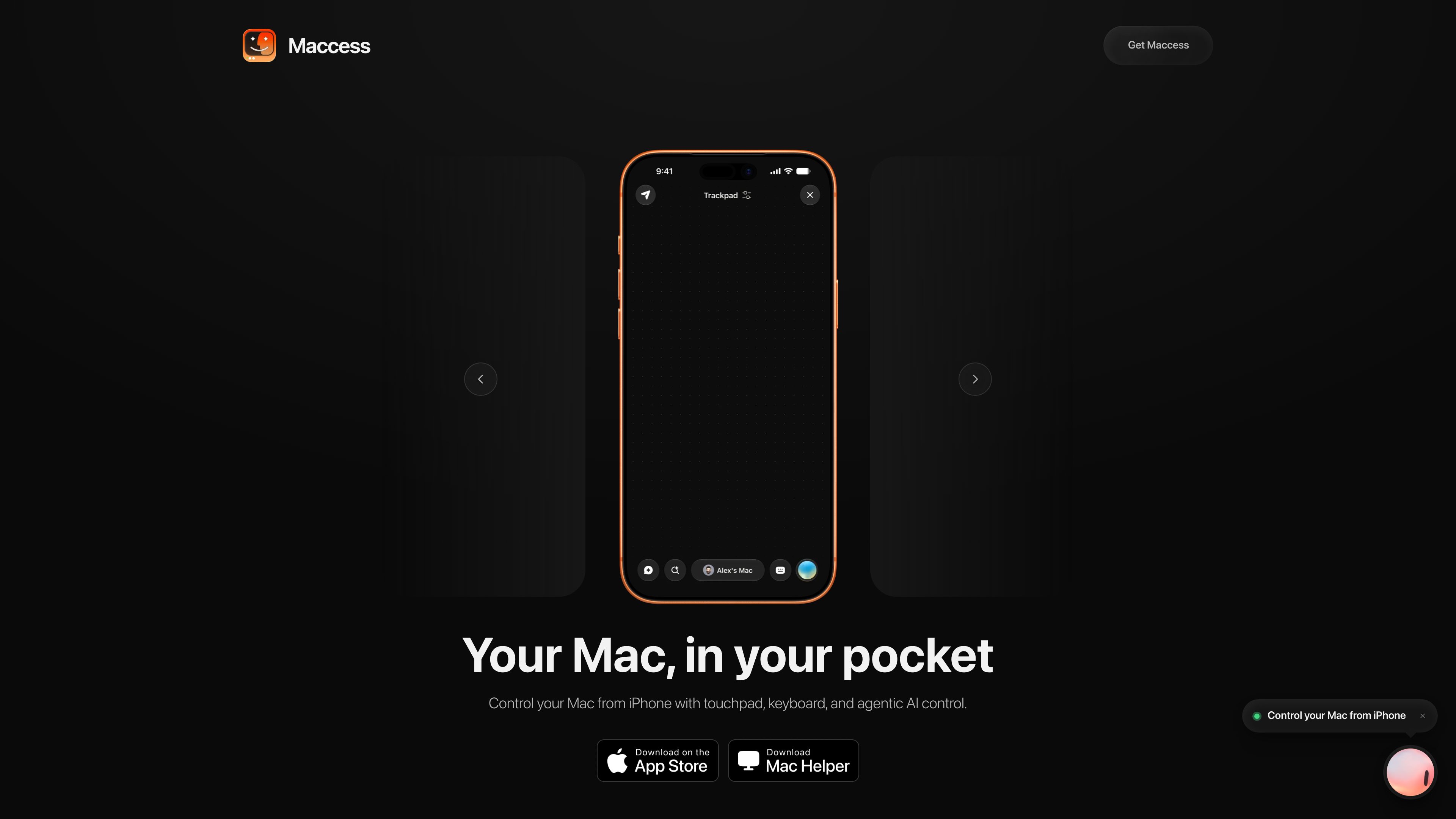
Precision touchpad control
Use iPhone gestures to move the cursor, click, scroll, and right-click on the Mac.

Maccess è un’app per iPhone che ti consente di controllare il Mac con touchpad, tastiera, duplicazione dello schermo e trasferimento di file, con assistenza AI facoltativa. Usala tramite Wi‑Fi locale o, con Pro, anche fuori dalla rete domestica.
Maccess is an iPhone app for controlling a Mac from your phone. It pairs with a free Maccess Helper app on the Mac, then lets you use touchpad gestures, keyboard input, screen mirroring, file access, system controls, and Mackie AI-assisted tasks.
The product is built around two connection modes: local control over the same Wi‑Fi network and Online Access for Pro users when they are away from home. Maccess is aimed at people who already use both iPhone and Mac and want a remote-control workflow that starts with a quick pairing step and then stays available in the background through the Mac menu bar helper.
Use iPhone gestures to move the cursor, click, scroll, and right-click on the Mac.
Type on the Mac from iPhone, search the system, launch apps, switch windows, and quit apps.
View the Mac screen on iPhone and interact with it in portrait or landscape mode.
Send photos and documents to the Mac, or browse Mac folders and pull files back to the phone.
Lock, sleep, restart, or shut down the Mac, and check battery, storage, and what is playing.
Use voice or text to ask Mackie to work on the Mac, send files or photos as context, and run terminal commands or automations on supported plans.
Use the iPhone as a remote touchpad and keyboard when the Mac is on the same Wi‑Fi network and you do not want to sit at the desk.
With Pro Online Access, connect to a trusted Mac over the internet instead of being limited to the local network.
Send photos or documents to the Mac, then browse folders on the Mac and bring files back to the phone when needed.
Lock, sleep, restart, or shut down the Mac and check basic status information without opening the computer.
Use Mackie to type requests, speak commands, or provide files and photos for AI-assisted Mac workflows on Pro plans.
You need the iPhone app plus the free Maccess Helper app on your Mac. The helper runs in the menu bar and is required for pairing and control.
Yes, for local control. On the same Wi‑Fi network, Maccess can connect device-to-device without routing session traffic through Maccess servers.
Yes, but only with Pro Online Access. That mode uses the internet so you can reach your Mac when you are away from home.
Maccess is built for iPhone and Mac. The source states iPhone needs iOS 17 or newer and the Mac needs macOS 15.6 or newer for Maccess Helper.
Subscriptions are purchased and managed through Apple. The source says you can change or cancel them in your iPhone's Apple Account subscription settings, and refunds are handled by Apple.
I dati sul traffico sono solo a scopo di riferimento.
homeway.io
Homeway è un servizio cloud per Home Assistant con accesso remoto, integrazione degli assistenti vocali, controllo tramite AI, streaming delle telecamere e accesso sicuro alla rete locale.
projectsky-ten.vercel.app
Project SKY è un assistente AI nativo per Windows 11, sempre sul desktop, che aiuta a interagire con app, contenuti sullo schermo, voce e contesto locale senza cambiare scheda.

review.heyeddie.ai
Eddie Review è uno strumento web per la revisione video che consente ai team di lasciare commenti precisi al fotogramma su video caricati o link Drive. Eddie aggiunge anche note AI con timestamp e i revisori possono partecipare senza accedere.

flux1ai.com
FLUX.1 AI trasforma prompt testuali in immagini tramite app web e modelli, per qualità, rapidità e sviluppo locale.

crewtower.app
Crew Tower è un’utilità per macOS che consente di approvare e monitorare gli agenti di coding AI dalla tacca della barra dei menu. Controlla autorizzazioni, risposte, progressi e contesto senza passare al terminale.

zyntax.app
Zyntax è un editor di codice per Android con terminale integrato, strumenti Git, assistenza AI e gestione dei pacchetti. Consente di programmare, testare e distribuire da telefono o tablet senza dipendere da un laptop.