
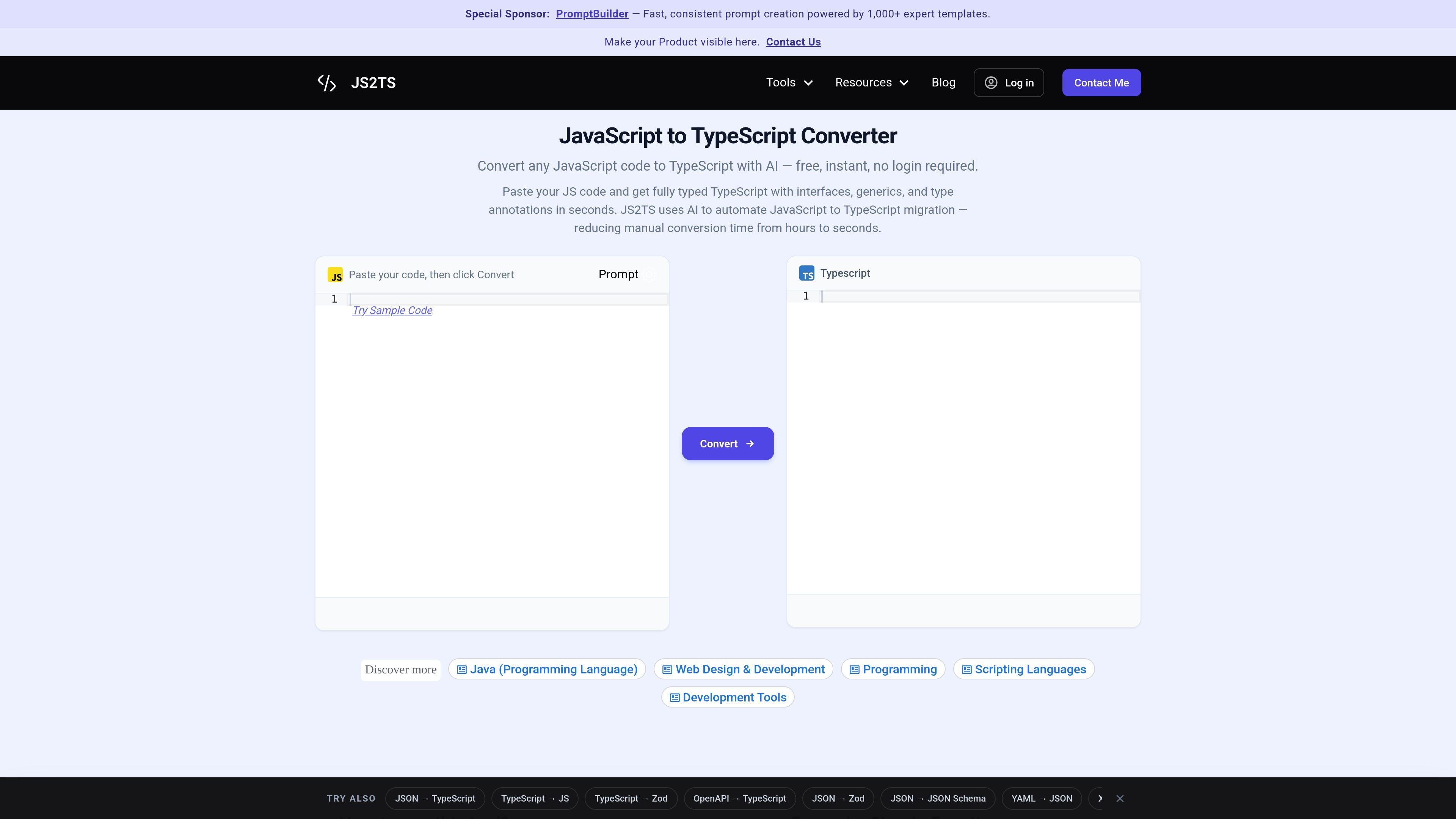
AI-assisted JS to TS conversion
Converts pasted JavaScript into TypeScript with type annotations, interfaces, generics, and inferred types.

JS2TS converte JavaScript in TypeScript con l’IA per migrare il codice più rapidamente e include strumenti per TypeScript, Zod e JSON.
JS2TS is an online converter for JavaScript-to-TypeScript migration. It uses AI to turn pasted JavaScript into typed TypeScript by adding annotations, interfaces, generics, and other type constructs that fit the input code.
The site positions the tool as a quick way to reduce manual migration work: instead of renaming files and adding types by hand, users paste code, convert it, and copy the TypeScript output. The same site also offers adjacent tools for TypeScript to JavaScript, TypeScript to Zod, and JSON to TypeScript conversions.
Converts pasted JavaScript into TypeScript with type annotations, interfaces, generics, and inferred types.
Supports common migration patterns including function parameters and return values, object shapes, arrays, unions, intersections, classes, async code, and module syntax.
Provides a simple paste-and-convert workflow with instant output in the browser.
Offers a separate TypeScript to JavaScript converter for stripping TypeScript-specific syntax back to plain JavaScript.
Includes adjacent converters such as TypeScript to Zod and JSON to TypeScript for related developer workflows.
States that conversions are processed in real time and not stored on the server.
Convert existing JavaScript files into typed TypeScript when you want faster migration than doing the annotations by hand.
Transform React components and Node.js modules into typed output that better fits larger application codebases.
Strip TypeScript syntax back to plain JavaScript when you need code that can run without a TypeScript compiler.
Generate Zod schemas from TypeScript interfaces when you need runtime validation in addition to compile-time types.
Turn JSON into TypeScript interfaces when starting from API responses or structured data payloads.
Paste JavaScript into the converter, click Convert, and copy the TypeScript output. The tool automatically adds type annotations, interfaces, and generics.
Yes. The site states that the JavaScript to TypeScript converter is completely free and does not require an account, login, or credit card.
The converter handles common patterns such as function parameter and return types, object interfaces, arrays, unions, intersections, generics, class property types, async return types, module imports and exports, React props, and type inference from usage.
The site says conversions are processed in real time and your code is never stored or logged on its servers.
Yes. The site says it works with React components, Node.js modules, ES6+ syntax, CommonJS, and ESModules.
I dati sul traffico sono solo a scopo di riferimento.

wpturbo.dev
Generatore di codice e gestore di snippet WordPress per creare più rapidamente codice riutilizzabile

aicodeconvert.com
AI Code Convert traduce il codice tra linguaggi, genera codice dai prompt e include assistenza al coding e uno strumento Base64.

caveman.so
Caveman è uno stack per l’efficienza dei token destinato agli agenti AI e ai flussi di lavoro in produzione. Aiuta i team a ridurre il contesto idoneo, instradare il traffico e misurare i risparmi verificati tramite strumenti locali, un SDK TypeScript e un livello cloud gestito.

agentgrid.sh
AgentGrid è un'app desktop per gestire più agenti AI su un'unica canvas infinita, con terminali, browser, note e strumenti di codice nello stesso spazio di lavoro. È pensata per gli sviluppatori che vogliono orchestrare visivamente attività parallele degli agenti su macOS, Windows e Linux.

paybond.ai
Paybond CLI configura flussi sicuri di spesa per agenti con accesso sandbox, guardrail, configurazione MCP, diagnostica e automazione JSON per TypeScript e Python.

getviktor.com
Viktor è un dipendente AI che opera in Slack e Microsoft Teams, si collega a oltre 3.200 strumenti e svolge attività su report, dashboard, codice e campagne. Inizia con crediti gratuiti, poi scegli Team o Enterprise.