
AI interior redesign from photos
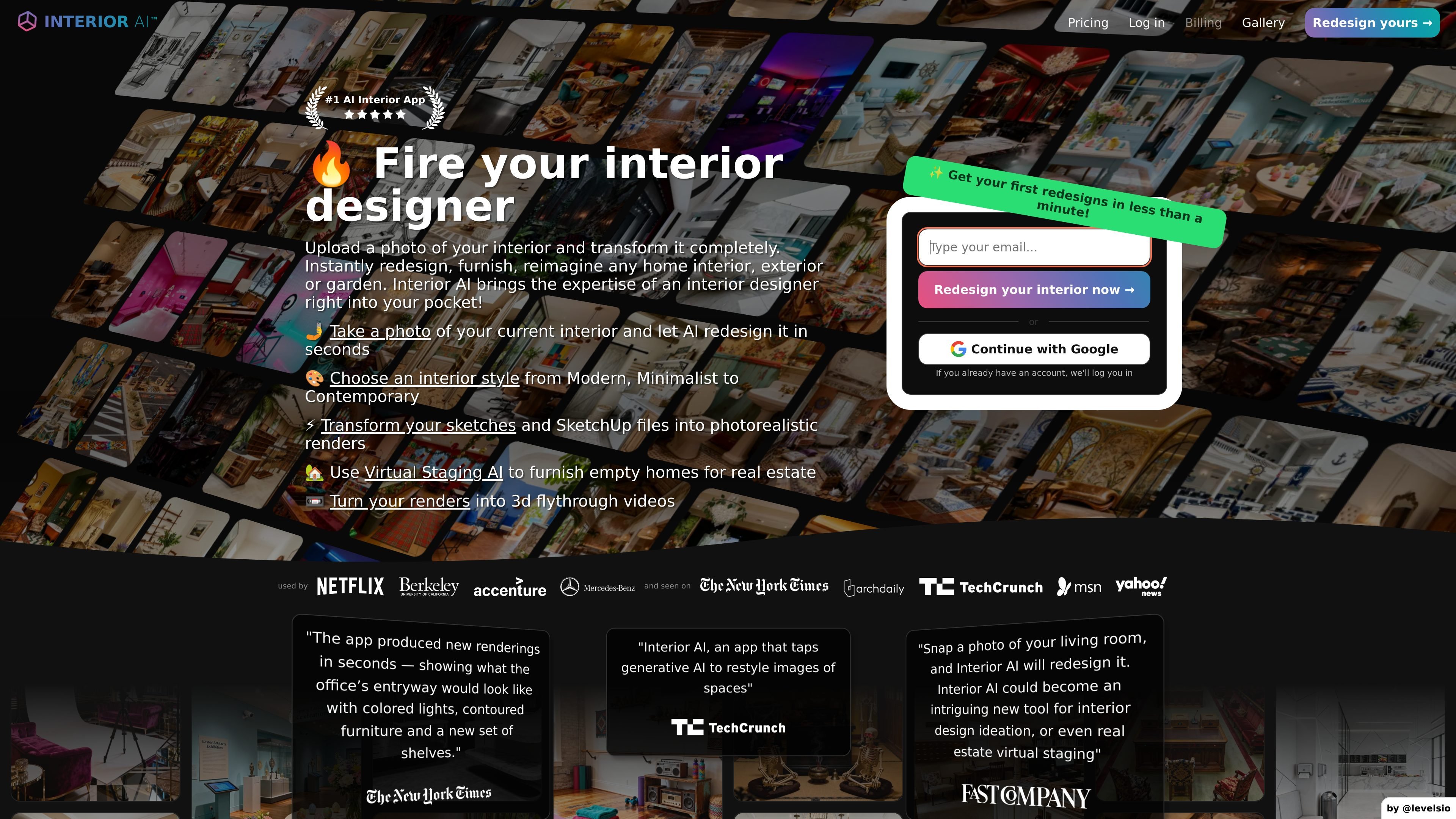
Upload a room photo, choose a room type and style, and generate a redesigned interior render. The FAQ says it typically takes about 25 seconds to create one design.

Interior AI è un’app di interior design e virtual staging basata sull’AI che trasforma foto di ambienti, schizzi e screenshot di SketchUp in render riprogettati per proprietari di casa, designer e professionisti immobiliari.
Interior AI is an AI interior design and virtual staging app that turns room photos, sketches, and SketchUp screenshots into redesigned interior images. The product is built for people who want fast design ideas, staged listing photos, or photorealistic renderings without starting from scratch.
Its core workflow is simple: upload an image, select a room type, choose a style or mode, and generate a new render in seconds. The site positions the tool for interior design, virtual staging, outdoor spaces, and render generation from sketch-based inputs.
Upload a room photo, choose a room type and style, and generate a redesigned interior render. The FAQ says it typically takes about 25 seconds to create one design.
Choose from styles such as Modern, Scandinavian, Contemporary, Minimalist, Rustic, Eclectic, and more. The product exposes a large style list for different looks and presentation needs.
Use dedicated modes for maintaining the current layout, filling empty rooms, converting sketches into renders, or transforming SketchUp screenshots into photorealistic images.
Stage empty homes with furniture while keeping the building structure intact. This is positioned for real estate listing workflows.
Design outdoor areas such as gardens and patios using the same AI workflow. The site also mentions home exterior and other outdoor spaces as supported inputs.
Turn interior renders into 3D flythrough-style experiences. The homepage describes this as a way to walk inside designs in 3D, and notes a World Labs partnership powering the feature.
Upload a current room photo, pick a style, and generate alternate looks for living rooms, bedrooms, kitchens, offices, and many other room types. This supports concept exploration before committing to changes.
Take an empty home photo and fill it with furniture and decor for a listing image while keeping the building structure intact. The site frames this as a real-estate use case.
Upload a rough sketch or SketchUp screenshot and turn it into a photorealistic render. This is useful when you need to communicate an idea visually before a project is built.
Redesign gardens, patios, and exterior areas using the outdoor design mode. The product also mentions home exterior and other outdoor spaces as supported workflows.
Generate a 3D walk-through version of a design to review space, proportion, and presentation from different angles. The site describes it as useful for client presentations and pre-construction review.
Interior AI lets you upload a photo of an interior, choose a design style or mode, and generate a redesigned render in about half a minute. The FAQ also says the service can be used for virtual staging, with an option that fills empty spaces while maintaining the building's construction.
The source describes several modes, including interior design with 3D Vision, virtual staging, Sketch2Image for sketches, SketchUp screenshot mode, and outdoor design. Each mode is intended for a different input type or workflow.
Yes. The FAQ says Virtual Staging AI can fill empty spaces with furniture while maintaining the building's construction. The homepage also describes it as a way to furnish empty homes for real estate.
Interior AI accepts JPG, PNG, WebP, and AVIF files. The FAQ says HEIC is not supported, and recommends converting HEIC photos before upload.
The FAQ says the billing portal lets logged-in users download invoices, switch plans, and cancel subscriptions. It also states that yearly pricing is over 50% cheaper than monthly pricing, but the pricing page itself was not available.
I dati sul traffico sono solo a scopo di riferimento.

ai-architect.net
Trasforma schizzi, modelli 3D, screenshot e foto in render architettonici fotorealistici.

interior-ai.ru
Interior-AI — un’IA in lingua russa che genera idee per design, mobili e decorazioni da una foto. Ideale per visualizzare ristrutturazioni e provare finiture.

vibe3d.ai
Vibe3D è una piattaforma di rendering AI per architetti e designer che trasforma i modelli 3D in render fotorealistici, migliora quelli esistenti e genera video flythrough, con workflow senza prompt e licenza commerciale inclusa in tutti i piani.

piccopilot.com
Piattaforma di contenuti AI per l’e-commerce che trasforma le foto dei prodotti in immagini con modelli, video, reel e post social

quickads.ai
Piattaforma creativa per performance basata sull’IA, per trovare ispirazione, creare annunci e gestire le campagne.

tattoosai.com
TattoosAI trasforma le idee scritte in design per tatuaggi in pochi secondi con l’IA.