
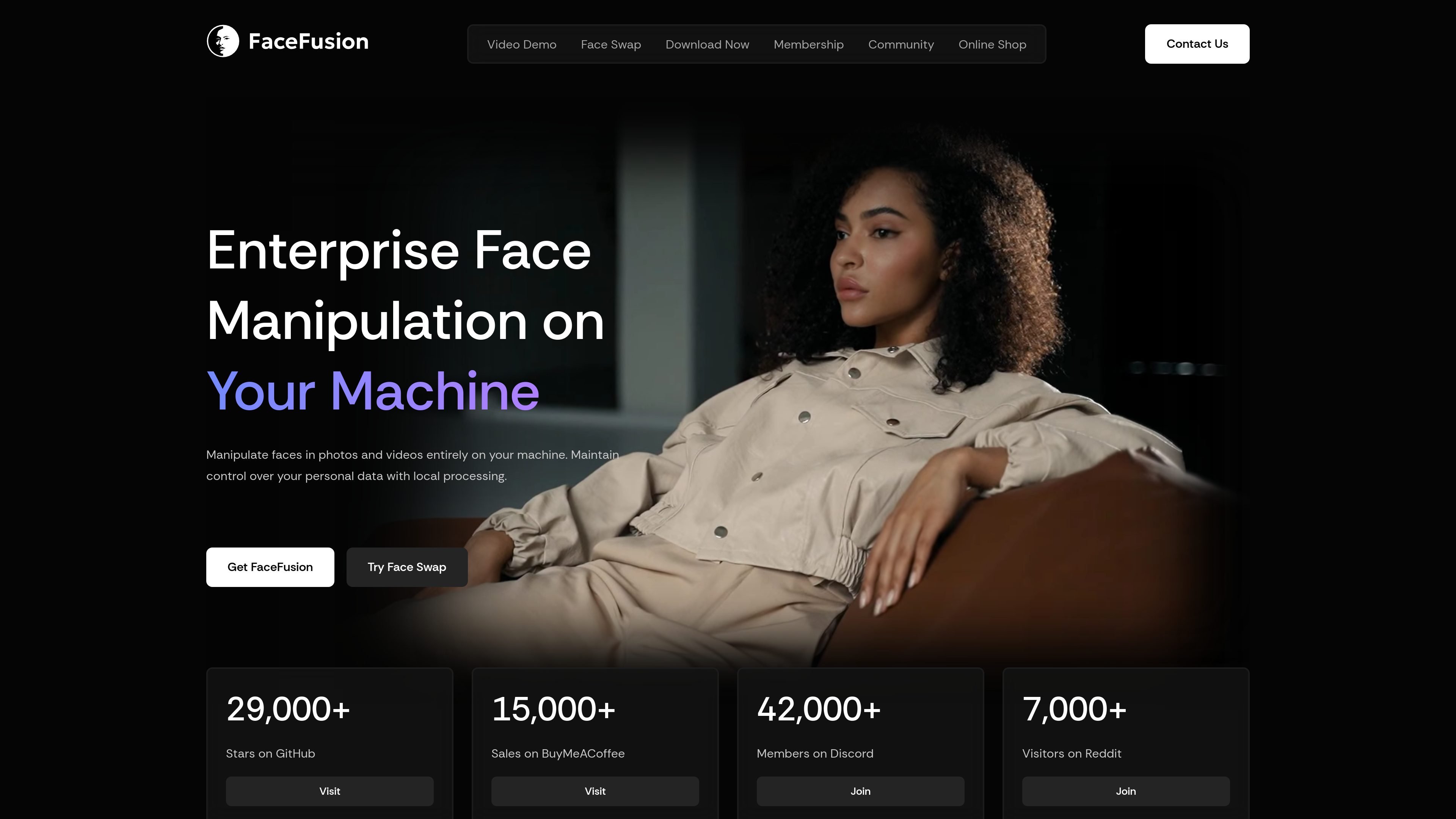
Local face manipulation
Manipulate faces in photos and videos on your own machine so the workflow stays local instead of routed through a cloud queue.

FaceFusion è una piattaforma locale per sostituire, modificare e migliorare i volti su Windows, macOS e Linux.
FaceFusion is an industry-leading face manipulation platform for photos and videos. It is designed to run entirely on your machine, which gives users local processing and keeps personal data under their control.
The site positions FaceFusion as an open platform with tools for face swapping, facial editing, lip synchronization, background removal, enhancement, and related workflows. It also offers installable desktop software, paid plugins for production use, and community and membership options around the product.
Manipulate faces in photos and videos on your own machine so the workflow stays local instead of routed through a cloud queue.
Swap faces with HyperSwap models and supported source-target workflows, with options presented for different model behaviors and accuracy tradeoffs.
Adjust facial details such as head rotation, eye gaze, expressions, mouth shape, and lip movement for more controlled edits.
Apply frame-level enhancement tools including super-resolution upscaling, colorization, and background removal for video and image workflows.
Use the installer to automate Git, Conda, and FFmpeg setup, choose an accelerator, and launch without manual environment activation.
Extend FaceFusion through plugins and studio-oriented workflows such as After Effects, Premiere Pro, Nuke, DaVinci Resolve, and OBS Studio support.
Replace one person’s face with another in a photo or video while keeping the process on a local machine.
Edit facial pose, gaze, expression, mouth shape, or age to refine a character performance or portrait sequence.
Improve video or frame quality with enhancement, upscaling, colorization, or background removal before publishing.
Use the desktop installer or plugin options when building face-manipulation workflows into production environments or studio tools.
Get direct help through the consultation offering when a workflow needs live assistance on supported operating systems.
FaceFusion runs on your own machine and is described as local-first, so the core face manipulation workflow does not rely on a cloud queue. The shop also offers a video consultation for live support on macOS, Windows, and Linux.
The site describes FaceFusion as a face manipulation platform for photos and videos. Its feature set includes face swapping, face editing, lip syncing, age modification, background removal, frame enhancement, and related tools.
The site offers a Windows installer and a macOS installer in the shop, and the home page says the installer automates Git, Conda, and FFmpeg setup. The product page also presents the software as usable without manual environment activation after installation.
Yes. The shop includes a video consultation item, and the home page also highlights a plugin offering for commercial workflows. The contact page lists a business email, phone number, and a Delaware business address.
I dati sul traffico sono solo a scopo di riferimento.

diffusionbee.com
App locale Stable Diffusion per creare e modificare immagini AI su macOS, offline e gratuita

picpicai.com
Editor fotografico AI basato sul web per migliorare immagini, rimuovere sfondi, modificare ritratti e creare immagini stilizzate

imglarger.com
Strumenti AI nel browser per ingrandire, migliorare, espandere, modificare e convertire immagini

aiease.ai
AI Ease è una piattaforma di IA basata sul browser per creare immagini e video, migliorare le foto e generare contenuti visivi da testo, immagini o effetti. Offre diverse funzioni gratuite e piani a pagamento con funzionalità aggiuntive.

vance.ai
VanceAI è una piattaforma di miglioramento e modifica delle foto basata sull’IA, per ingrandire, rendere più nitide, ridurre il rumore, rimuovere gli sfondi, restaurare le immagini e gestire altri flussi di lavoro. Funziona online e su PC, con elaborazione locale in batch tramite l’app desktop.

sharkfoto.com
Piattaforma multimediale AI nel browser per creare e modificare immagini, video e audio