
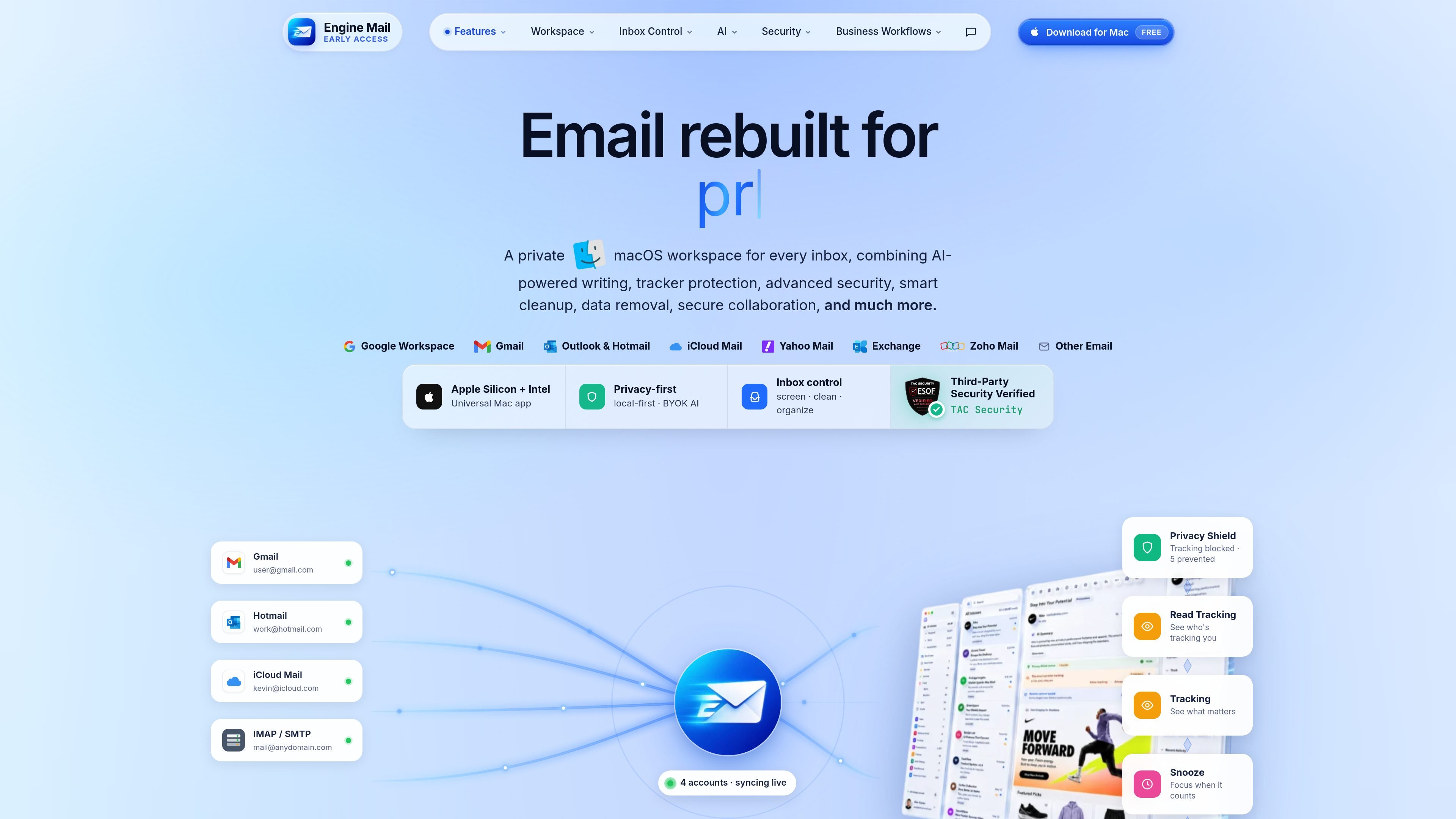
Unified Mac workspace
A native Mac workspace brings inbox, composer, files, contacts, tracking, search, and dashboard views into one place so email tasks do not have to live in separate apps.

Engine Mail è un’app email nativa per macOS che riunisce più caselle di posta e offre assistenza alla scrittura con IA, blocco dei tracker, controlli anti-phishing e automazione della posta in arrivo. Supporta Gmail, Outlook, iCloud Mail, Yahoo Mail, Zoho, Exchange e account IMAP/SMTP.
Engine Mail is a native macOS email app that combines a unified inbox, AI assistance, security checks, privacy controls, and inbox automation in one workspace. It connects to Gmail, Outlook, iCloud Mail, Yahoo Mail, Zoho, Exchange, and other IMAP/SMTP accounts.
The product positions itself as a private email command center for people who want to manage multiple accounts, reduce inbox noise, review risks before interacting with messages, and use AI directly inside the email workflow. Its AI features can run with your own key, and the site says nothing routes through Engine Mail's servers.
A native Mac workspace brings inbox, composer, files, contacts, tracking, search, and dashboard views into one place so email tasks do not have to live in separate apps.
AI can summarize threads, draft replies, rewrite text, detect action items, tag conversations, translate messages, and read emails aloud from inside the workflow.
The app inspects suspicious senders, links, attachments, and authentication signals such as SPF, DKIM, and DMARC before you click, open, reply, or download.
Privacy controls include tracker blocking, remote image protection, local-first cache, app lock, and BYOK AI with keys kept in macOS Keychain.
Inbox control tools include Screener, Unsubscriber, Cleaning Suggestions, Auto Clean, lists, labels, snooze, and follow-up handling.
A utilities workspace provides diagnostics and email tools such as MX, SPF, DKIM, SMTP, WHOIS, blacklist, validator, and encoding checks.
Use the Screener and sender review tools to decide whether new senders should be allowed, blocked, or deferred before they reach the inbox.
Use AI summaries, replies, grammar fixes, translation, and read aloud to move through long or high-volume threads faster.
Use the security center to inspect suspicious links, files, and authentication results before opening attachments or clicking through messages.
Use Unsubscriber, Cleaning Suggestions, Auto Clean, labels, snooze, and follow-up tools to reduce clutter and keep work moving.
Use the utilities workspace for DNS, MX, SPF, DKIM, SMTP, WHOIS, blacklist, validator, and encoding checks when you need diagnostic tools alongside email.
Engine Mail is a native macOS email app for Gmail, Outlook, iCloud Mail, Yahoo Mail, Zoho, Exchange, and other IMAP/SMTP accounts. It combines a unified inbox with AI writing help, security checks, privacy controls, and inbox automation in one workspace.
The source describes Engine Mail as a native Mac app built for macOS, with support for Apple Silicon and Intel Macs.
Yes. The page states that Engine Mail is free to download for Mac.
Engine Mail can run AI features with your own key, and the AI page says it supports OpenAI, Anthropic, Gemini, and local Ollama. The page also says keys are stored in macOS Keychain and nothing routes through Engine Mail's servers.
The website shows separate workflow areas for screener, unsubscriber, cleaning, auto clean, lists and labels, snooze, follow-up, tracking, and utilities. The source does not provide a complete setup guide or every rule option.
I dati sul traffico sono solo a scopo di riferimento.
| apr | 0 |
|---|---|
| mag | 0 |
| giu | 0 |
Le analisi del traffico non sono ancora disponibili.

fyxer.ai
Fyxer è un assistente email che organizza la posta in arrivo, prepara risposte con il tuo stile e acquisisce gli appunti delle riunioni. Supporta Gmail e Outlook e offre una prova gratuita di 7 giorni.

spikenow.com
Spike è una piattaforma email e workspace basata sull’IA che riunisce email, chat, chiamate, note, attività e calendario in un unico flusso centrato sulla posta in arrivo.

0.email
Zero è un client email open source basato sull’IA che aiuta i professionisti più impegnati a gestire la posta in arrivo con chat, riepiloghi, etichette e risposte assistite dall’IA. Offre i piani Free, Pro ed Enterprise, con codice consultabile, a cui contribuire e da ospitare autonomamente.

serif.ai
Serif è un assistente email con IA per Gmail e Outlook che redige risposte, organizza i messaggi in arrivo e gestisce le attività di routine per team e professionisti indipendenti.

www.hellodeck.ai
Deck è un assistente e-mail con AI che opera dal proprio indirizzo. Puoi metterlo in CC o inoltrargli messaggi, impostare routine ricorrenti e ricevere bozze private, riepiloghi e aiuto per i follow-up, senza installare plugin né concedere l’accesso alla posta in arrivo.

pipl.ai
Automazione delle email a freddo con riscaldamento della posta, arricchimento dei lead e controllo della deliverability