
Text-to-image and text-to-video generation
Generate images and videos from text prompts, with multiple model families available for different output styles and tasks.
Generatore di immagini e video AI con strumenti di modifica
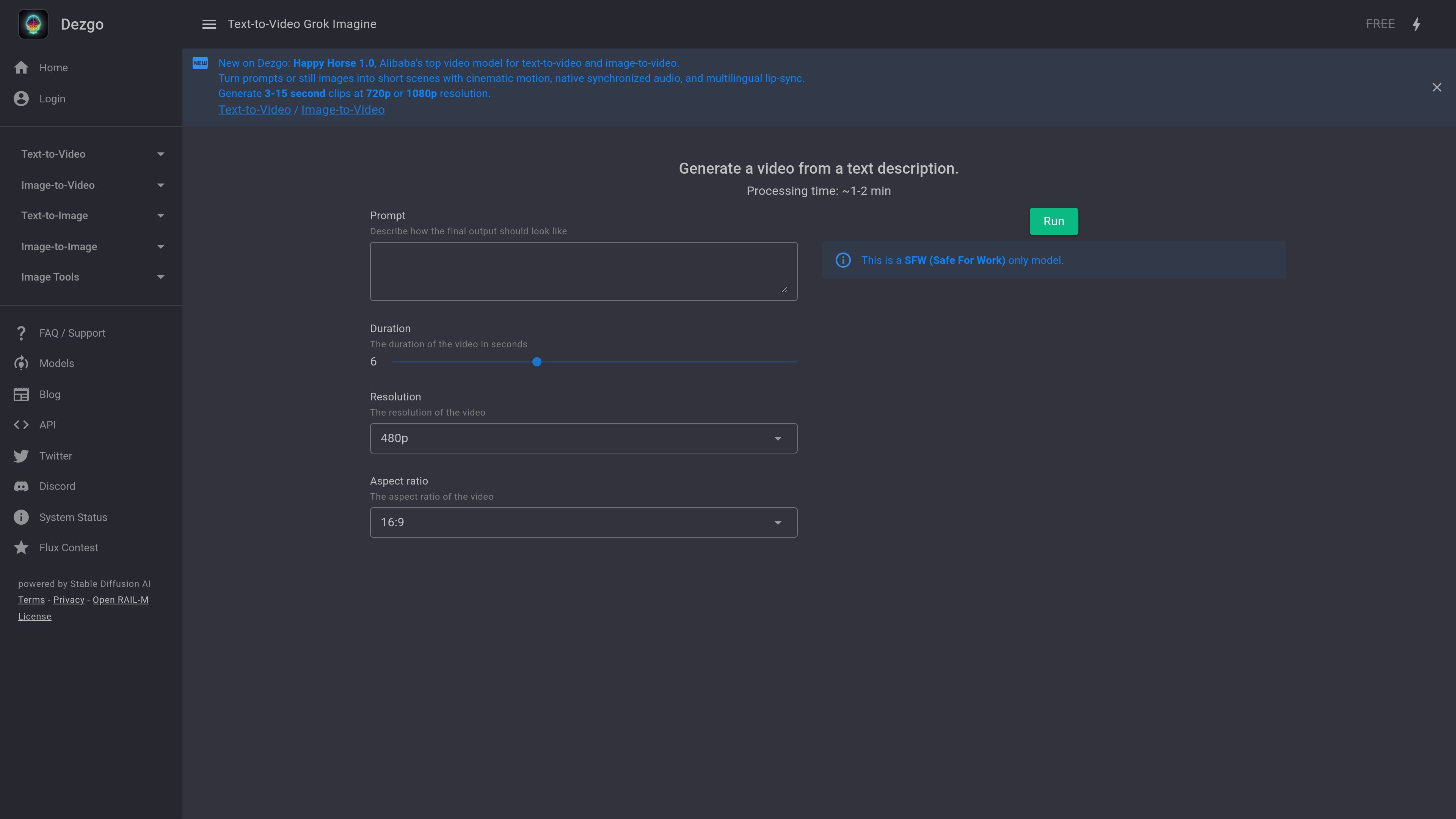
Dezgo is an online AI image and video generator that runs in the browser and is centered on turning text prompts into visual output. The homepage presents it as a free online generator with apps and tools for text-to-image, image-to-image, text-to-video, and image-to-video workflows.
The site also includes image utilities such as background removal, upscaling, inpainting from text, and editing an image from text. Its model list shows a wide set of styles and generators, including realistic, anime, drawing, artistic, and specialized options, so users can choose a mode that better matches the kind of result they want.
The FAQ describes Dezgo as suitable for making media for websites, social posts, business materials, illustrations, and personal projects. It also notes that the free version is available without registration, while optional Power Mode removes restrictions and ads.
For video, the homepage highlights newer models such as Happy Horse 1.0 and states that Dezgo offers short scene generation from prompts or still images. The site says these video tools can produce clips with cinematic motion, synchronized audio, multilingual lip-sync, and resolutions up to 1080p depending on the model.
Generate images and videos from text prompts, with multiple model families available for different output styles and tasks.
Turn images into videos, or use image-to-image workflows to reshape an existing image with a different model or style.
Use tools such as controlled text-to-image, remove background, upscale, inpainting from text, and edit image from text for more directed editing workflows.
Choose among many named models on the Models page, including general, realistic, anime, drawing, artistic, and 3D-render-oriented options.
Adjust prompt emphasis with simple weighting syntax using plus and minus signs, parentheses, or numeric weights.
Use the optional Power Mode for an unrestricted paid experience with ads disabled and a 30-day History feature.
Generate concept art, illustrations, or marketing visuals from a written prompt when you need a browser-based image generator with multiple style-specific models.
Create short clips from text or transform still images into video when you want an AI-assisted starting point for social content or scene previews.
Clean up or refine existing images with background removal, upscaling, inpainting, or text-guided edits when the task is closer to post-production than generation.
Compare different model families, such as realistic, anime, drawing, or 3D-oriented options, when the first output does not match the intended look.
Use prompt weighting and negative prompts to steer outputs more precisely when a subject, detail, or style needs more emphasis.
Dezgo is an online AI image and video generator. It lets you create media from text descriptions and also includes image tools such as background removal, upscaling, inpainting from text, and editing an image from text.
Yes. The FAQ states that Dezgo has a free version that can be used without registering, but it includes limits such as rate limits, resolution caps, and capped sampling steps. Some compute-intensive features, including powerful video models, are not available in the free version.
Dezgo says you choose an AI mode from the menu, enter a prompt, optionally adjust settings in More Options, and then click Run. The FAQ also explains that prompt weighting can be adjusted with plus and minus syntax or parentheses.
Dezgo says outputs are unique and you own the rights to use them, including for commercial purposes, as long as you follow the license terms of each AI model. The FAQ references the CreativeML Open RAIL-M license for Stable Diffusion.
The FAQ suggests refining the prompt, adding more specific details, adjusting style terms, changing guidance or negative prompt settings, or trying a different model when results are not as expected.
I dati sul traffico sono solo a scopo di riferimento.

vivago.ai
vivago.ai è una piattaforma web di IA per creare immagini e video, con strumenti di generazione, miglioramento e modifica. I nuovi account ricevono 30 crediti gratuiti e supportano flussi testo-immagine, immagine-immagine, immagine-video e upscaling 4K.

photoeditor.ai
Editor di foto e generatore di immagini AI nel browser, con oltre 30 strumenti per modifica, ripristino, upscaling e testo-immagine.

pixlr.com
Editor fotografico e generatore di immagini con IA basato su browser, per foto, video e rimozione dello sfondo.

spellai.art
Spellai è un generatore di arte AI basato sul web per creare e modificare immagini e generare video da testo o immagini caricate.

www.dreampixelai.com
DreamPixel AI è un generatore di immagini AI basato sul web per creare immagini da testo o da altre immagini. Include strumenti di editing e miglioramento delle foto, un piano gratuito e piani a pagamento con output a risoluzione più elevata.

meitu.com
Strumenti basati sull’IA per creare immagini, video e design