
Flexible data import
Bring in local files, existing annotations, and cloud-stored datasets from Amazon S3, Azure Blob Storage, Google Cloud Storage, S3-compatible buckets, or self-hosted storage.

CVAT è una piattaforma di annotazione dei dati per team di computer vision, con etichettatura manuale e assistita dall’IA, controllo qualità, collaborazione ed esportazione dei dataset.
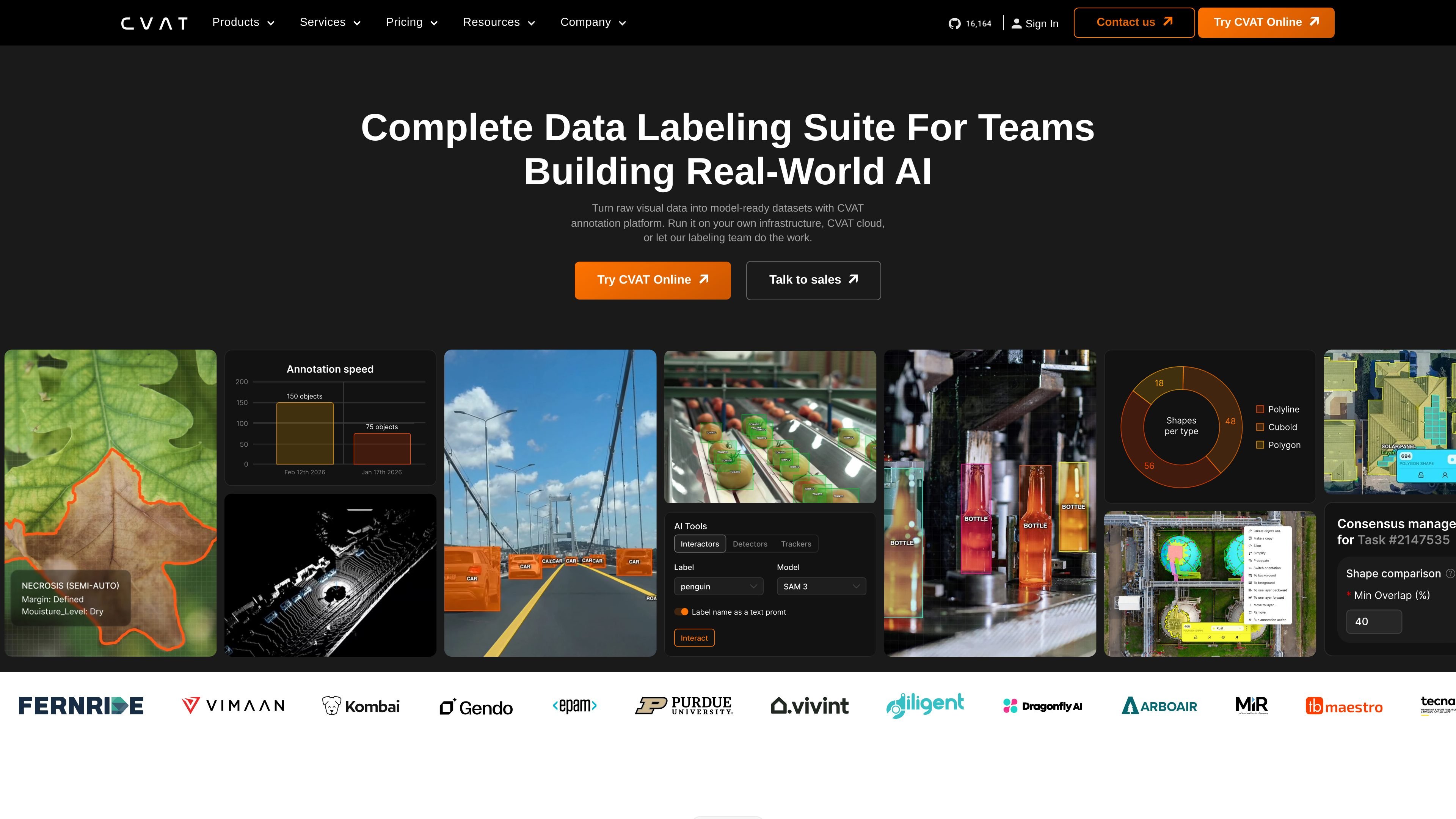
CVAT is a data annotation platform for computer vision teams working with images, video, and 3D data. It is designed to turn raw visual data into model-ready training datasets using a mix of manual labeling, AI-assisted annotation, review workflows, and dataset export tools.
The platform supports the full annotation lifecycle: importing data from local files or cloud storage, organizing work into projects and tasks, assigning contributors, validating results, and exporting finished datasets in formats used for model training. The product is available as CVAT Online, has an enterprise self-hosted offering, and is supported by a community version and open-source ecosystem.
Bring in local files, existing annotations, and cloud-stored datasets from Amazon S3, Azure Blob Storage, Google Cloud Storage, S3-compatible buckets, or self-hosted storage.
Create and manage projects, tasks, jobs, roles, permissions, stages, statuses, and ownership to keep annotation work organized at scale.
Label with boxes, polygons, masks, skeletons, tags, and tracks, then use AI-assisted tools such as SAM 2, SAM 3, Ultralytics, Hugging Face models, or custom models to speed up work.
Review jobs through validation and acceptance stages and use ground truth, honeypots, and consensus workflows to trace quality decisions.
Track progress, workload, and completion status across projects, tasks, and jobs to identify bottlenecks and measure throughput.
Export datasets in 20+ formats and connect workflows through API, SDK, and CLI access for automation and integration.
Prepare training datasets for detection, segmentation, tracking, and pose estimation by combining manual labeling with AI-assisted tools and export-ready formats.
Coordinate annotation work across multiple contributors by assigning tasks, defining permissions, and reviewing jobs through validation and acceptance stages.
Import data from cloud storage, work through labeling and QA, and export finished datasets into formats such as COCO, YOLO, KITTI, Cityscapes, or Pascal VOC.
Use self-hosted deployment when the organization wants CVAT inside its own infrastructure rather than a hosted online workspace.
Automate recurring annotation workflows with API, SDK, CLI, and AI-tool integrations for internal machine-learning pipelines.
CVAT provides a browser-based workspace for importing data, organizing projects and tasks, labeling with manual and automated tools, validating annotations, and exporting datasets for model training. The source pages do not describe a separate installation wizard or onboarding flow for the online product.
CVAT supports images, video, and 3D data, along with common computer-vision tasks such as detection, segmentation, tracking, and pose estimation. It also supports exporting datasets in 20+ formats, including COCO, YOLO, KITTI, Cityscapes, and Pascal VOC.
The platform is built for teams as well as solo users. The pricing page distinguishes Solo and Team plans, and the company site describes project, task, role, and permission management for collaborative work.
CVAT Online is available through tiered plans, including a free plan and paid Solo and Team plans. The enterprise offering is self-hosted and positioned for organizations that want to run CVAT within their own infrastructure.
The sources show CVAT supports cloud storage connections, APIs, SDKs, CLI access, AI-assisted annotation, and integrations with Hugging Face and Roboflow. The support page directs product questions to Docs, GitHub, Discord, or the help desk depending on the product version.
I dati sul traffico sono solo a scopo di riferimento.

wirestock.io
Piattaforma per creator e marketplace di dati per l’addestramento dell’IA che collega contributor, progetti retribuiti e dataset selezionati

guideflow.com
Guideflow è una piattaforma per demo interattive che consente ai team di marketing, vendite, assistenza, onboarding e formazione di creare, personalizzare, condividere e monitorare demo di prodotto e guide passo passo.

zentrik.ai
Zentrik Loops è una piattaforma per i flussi di lavoro di prodotto che aiuta i team a portare le evidenze dei clienti da chiamate e ticket fino alle decisioni di prodotto, alla consegna e all’apprendimento. Offre piani basati sugli spazi di lavoro e una prova di 14 giorni per valutarla.

luel.ai
Luel è un marketplace bilaterale per dati di addestramento AI, con dataset video, audio e multimodali.

www.shodh.xyz
SHODH è una piattaforma di ricerca e strategia basata sull’AI che analizza questioni aziendali, verifica le prove e produce raccomandazioni verificabili per fondatori, responsabili operativi, team strategici, consulenti e investitori.