
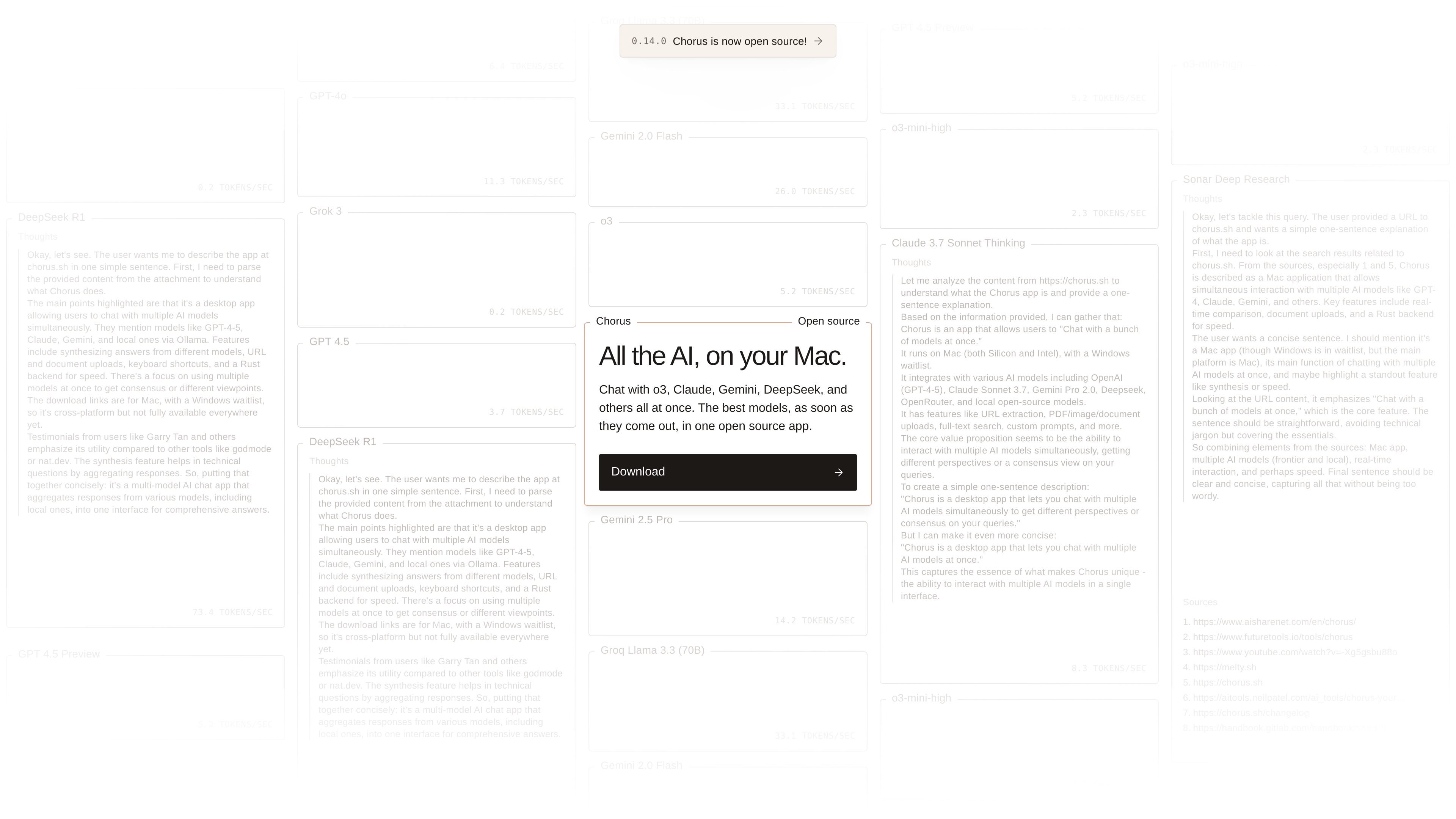
Multi-model chat
Chat with multiple AI models in one interface rather than switching between separate apps or tabs. The homepage highlights support for models such as o3, Claude, Gemini, DeepSeek, and local open-source models.

Chorus è un’app desktop per Mac che consente di chattare con più modelli di IA in un unico posto, compresi i modelli open source in locale. Supporta l’uso di una chiave personale, l’analisi di URL e PDF, la ricerca full-text e prompt personalizzati.
Chorus is a Mac desktop app for using multiple AI models in one place. Its homepage describes it as a fast, lightweight interface for chatting with models such as o3, Claude, Gemini, DeepSeek, and local open-source options.
The product is organized around a unified chat workflow rather than a single-model assistant. Public pages highlight URL and PDF parsing, full-text search, custom prompts, and support for bringing your own key, with pricing that includes a free Hobby plan and paid Plus and Frontier plans.
Chat with multiple AI models in one interface rather than switching between separate apps or tabs. The homepage highlights support for models such as o3, Claude, Gemini, DeepSeek, and local open-source models.
Use the app to compare answers from different models in the same conversation flow. The product positioning emphasizes having several models available at once.
Work with links and documents through URL parsing and PDF parsing. These capabilities help bring source material into the conversation instead of only prompting from memory.
Search across prior conversation content with full-text search. That makes it easier to revisit earlier prompts and responses.
Create reusable prompts with custom prompts support. This is useful for recurring workflows and more consistent prompting.
Bring your own key on the free Hobby plan and use Chorus with supported model access from your own accounts. The pricing page also notes open-source status.
Compare outputs from several models in one session when you want different perspectives on the same prompt. Chorus is built to keep those responses in a unified chat flow.
Bring URLs or PDFs into the conversation when you want to discuss source material rather than paste excerpts manually. The site specifically calls out URL and PDF parsing.
Reuse prompt patterns for recurring tasks by saving or applying custom prompts. This is useful when you want a consistent structure across repeated chats.
Search through prior chats or responses to find earlier context quickly. Full-text search makes the app more practical for ongoing work across multiple sessions.
Use a free or bring-your-own-key setup if you want to try the app without immediately committing to a paid subscription. The Hobby plan is described this way on the pricing page.
Chorus is a Mac desktop app for chatting with multiple AI models in one place. The pricing page also shows a free Hobby plan with bring-your-own-key access, plus paid Plus and Frontier plans.
The product pages describe Chorus as an app for Mac. The download page and homepage both position it as a Mac-first desktop app.
The pricing page lists a Hobby plan with bring-your-own-key access, unlimited access to Fast models, and 50 free requests to Plus models. It also lists Plus and Frontier paid plans.
The homepage says Chorus supports multiple cutting-edge AI models, including local open-source ones, in a unified interface. It also mentions URL and PDF parsing, full-text search, and custom prompts.
The public pages do not provide a full integrations list or detailed setup guide. They do show support for bringing your own key and using local open-source models, but not every provider or connection mode is spelled out on the product pages.
I dati sul traffico sono solo a scopo di riferimento.

cherry-ai.com
Cherry Studio è un assistente IA desktop gratuito e open source per Windows, macOS e Linux, con oltre 300 modelli per chat, basi di conoscenza, generazione di immagini e traduzione.

arena.ai
Arena è una piattaforma pubblica per confrontare e classificare i modelli di IA: consente di chattare con i modelli, votare i risultati ed esplorare classifiche per attività su testo, visione, codice, ricerca, video e agenti.

chatwise.app
ChatWise è un chatbot AI desktop per usare ChatGPT, Claude, Gemini, DeepSeek e Llama in un’unica app, con archiviazione locale, ricerca web, input multimodale e piano Pro con pagamento una tantum.

cabina.ai
Workspace AI web per chattare con modelli, analizzare file, generare contenuti e gestire i prompt

nenspace.com
nenspace è un servizio di conversazione con IA e organizzazione personale basato su nen, il suo modello quotidiano proprietario. Riunisce dialoghi, note, attività, abitudini, un diario, ricerca sul Web e strumenti opzionali per la ricerca e i file, per pensare, scrivere e organizzarsi in un unico spazio.