
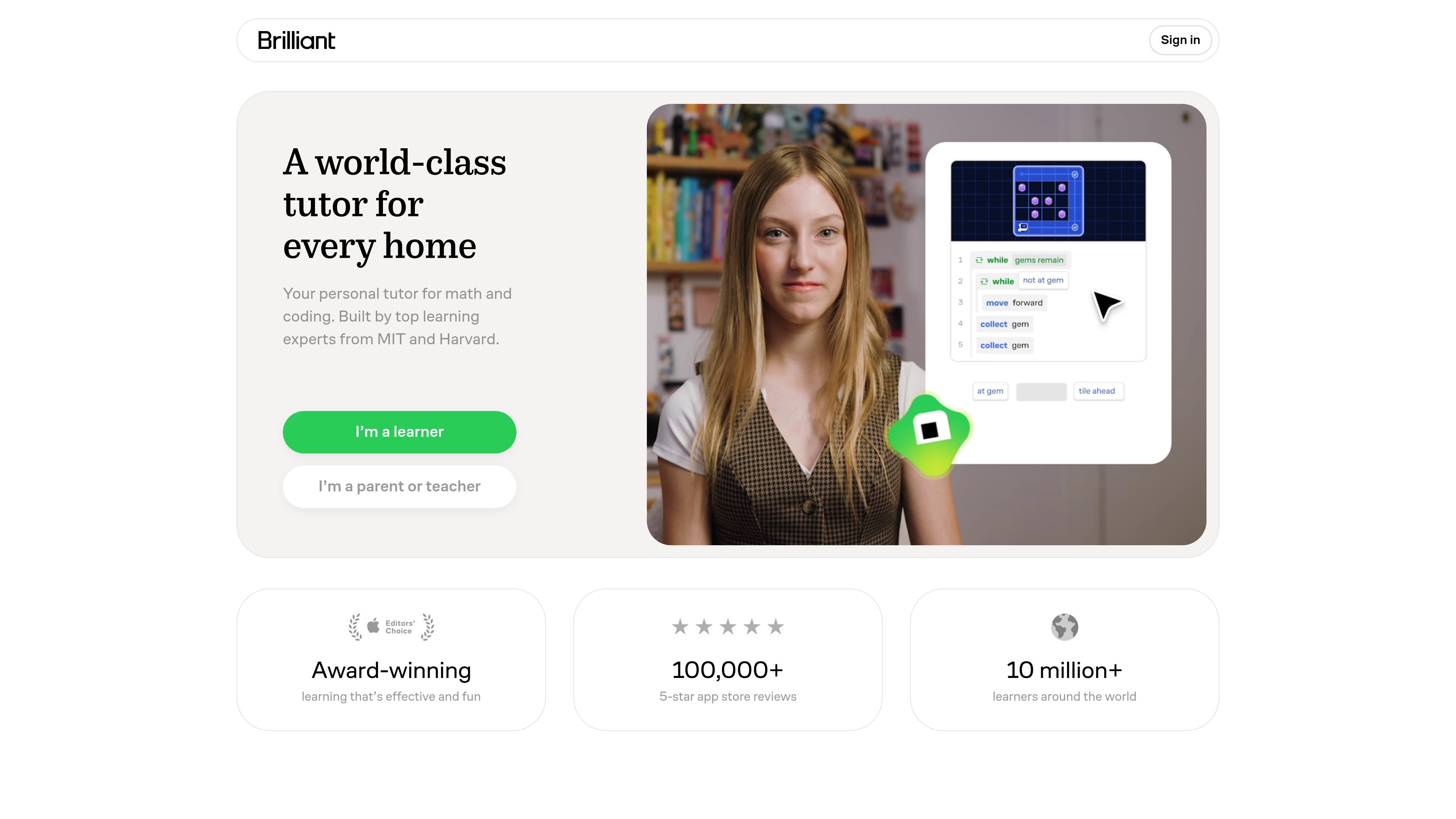
Interactive lessons
Lessons are built around interactive problem solving instead of static reading, so learners manipulate concepts and work through problems step by step.

Apprendimento interattivo di matematica, informatica, analisi dei dati, scienze e logica
Brilliant is an interactive learning platform for math, computer science, data analysis, science, logic, and related subjects. Its main workflow is guided problem solving: learners work through visual exercises, get feedback as they go, and build understanding by solving rather than just reading.
The product centers on Koji, a personal tutor that adapts to what a learner has already mastered and where they are stuck. The site positions Brilliant for individual learners as well as parents, teachers, and classrooms, with separate educator support, curriculum groupings by grade band, and app access for learning on the move.
Lessons are built around interactive problem solving instead of static reading, so learners manipulate concepts and work through problems step by step.
Koji acts as a personal tutor by asking questions, offering visual guidance, and focusing on where a learner is stuck.
The course catalog spans math, computer science, programming, data analysis, science, logic, and related topics, with structured learning paths.
The site groups content into learning paths by grade band and topic, making it easier to follow a sequence from foundations to more advanced ideas.
Brilliant includes streaks, levels, and daily goals to encourage regular practice and keep learning moving forward.
Educators get a dashboard for classroom use, including visibility into who is active and where students are progressing.
Use the guided lessons when a learner needs to understand a concept instead of memorizing a procedure, especially in math and science topics that benefit from visual problem solving.
Use the educator experience to assign or recommend lessons for class warm-ups, homework, enrichment, lesson starters, or short practice blocks.
Use Brilliant’s grade-banded paths to move from foundational topics into more advanced material without having to assemble a separate sequence yourself.
Use the adaptive tutor when a student is stuck on a specific step and needs feedback that narrows in on the point of confusion.
Use the mobile apps and always-available lessons for short study sessions before tests, during downtime, or on a schedule that does not match a live tutoring session.
Brilliant is available on the web and has mobile apps listed for the App Store and Google Play. The site also presents sign-in and sign-up flows for individual use and a separate educators page for classroom use.
The public pages show free access for qualified teachers through Brilliant for Educators and a paid Brilliant Premium subscription for individuals. The subscription page says Premium is billed as one payment and renews annually, but it does not show a price on the captured page.
Brilliant for Educators is designed for classroom use, homework, warm-ups, enrichment, and lesson starters. Teachers get a dashboard that shows who is active and how students are progressing.
The course catalog covers math, programming, data analysis, science, logic, and related topics. The site highlights step-by-step learning paths, interactive lessons, and personalization around what a learner has already mastered or missed.
The site emphasizes guided problem solving and conceptual understanding rather than passive reading. Lessons are visual and interactive, with Koji asking questions, giving visual guidance, and adapting practice to gaps in understanding.
I dati sul traffico sono solo a scopo di riferimento.

tableau.com
Piattaforma di business intelligence e analisi visiva per esplorare, visualizzare e condividere i dati

powerbi.com
Piattaforma di business intelligence e visualizzazione dei dati per report, dashboard e analisi interattivi.

screenful.com
Analisi della produttività con dati delle attività, grafici, report e metriche di delivery

statable.com
Statable è una piattaforma di analisi web incentrata sulla privacy che misura visitatori, sorgenti di traffico, comportamento sul sito, obiettivi e funnel senza cookie. Supporta l’installazione con una riga, l’importazione dello storico GA4, Google Search Console e l’elaborazione dei dati ospitata nell’UE.