
Vocal conversion
Convert raw vocal recordings into another voice using the site’s royalty-free voice library, with a workflow focused on vocal transformation rather than general audio editing.

Conversione vocale online con voci royalty-free e personalizzate, modifica dell’intonazione, isolamento e armonie.
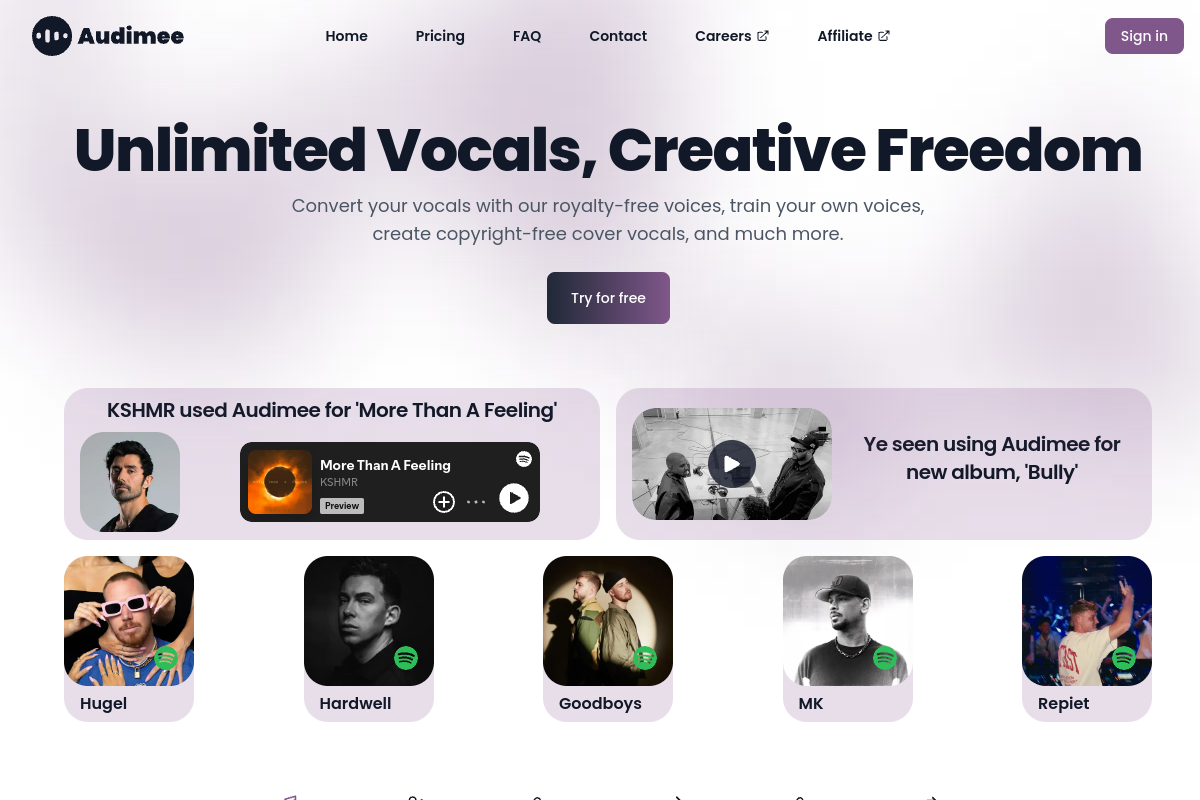
Audimee is a web-based vocal conversion tool for transforming recorded vocals with royalty-free voices, training custom voices, and preparing audio for reuse in music production. The product centers on a workflow where users upload a dry vocal recording, choose a target voice, adjust pitch or conversion settings, and generate an output.
The site positions the product for creators who want to make cover vocals, build original vocal treatments, or experiment with harmonies and mixed voices. Pricing tiers range from a free plan with limited conversion time and personal-use output to paid plans that add more conversion time, custom voice slots, commercial use, and higher-quality WAV downloads.
Convert raw vocal recordings into another voice using the site’s royalty-free voice library, with a workflow focused on vocal transformation rather than general audio editing.
Create and manage custom voice models, with paid plans including defined voice model slots and Enterprise support for training custom voices.
Adjust pitch before conversion with quick tuning and a pitch editor, including semitone pitch shifts and manual tuning for melody or harmony work.
Separate vocals from instrumental or noisy source material with tools for removing instrumental audio, background vocals, reverb and echo, and noise.
Generate mixed voices and harmonies, with a harmony maker available on paid plans and mixed-voice options listed in the product and pricing pages.
Export and retain output files according to plan level, with WAV downloads and saved conversions available on paid tiers.
Upload a dry vocal take, select a royalty-free voice, and render an alternate vocal performance for a song demo or production mockup.
Use the pitch editor, quick tuning, and harmony maker to shape melodies or build stacked vocal parts for a track.
Train a custom voice model when you need a voice that is not in the default library, with more support available on Enterprise.
Start from a vocal stem and use isolation and cleanup tools to remove instrumental bleed, background vocals, reverb, echo, or noise before conversion.
Choose a plan with commercial use and downloadable WAV output when you need assets for released music rather than just personal experimentation.
Audimee is a web-based vocal conversion tool. The source shows a create page for adding audio files, choosing a voice, adjusting pitch and conversion settings, and generating an output that can be downloaded.
The create page says you can add or drop audio files in WAV, MP3, OGG, M4A, AIFF, or FLAC format, with a 7 minute maximum per file. It also notes that the tool requires a dry monophonic vocal recording and offers options to remove instrumental audio, background vocals, reverb and echo, and noise.
The source shows custom voice model slots on paid plans and an Enterprise option that includes assistance with voice training. The home page also says users can train their own voices.
The pricing page lists commercial use on the Starter, Pro, and Ultimate plans. The Free plan is marked personal use only.
The pricing page says outputs can be saved on paid plans, while the Free plan cannot save conversions or isolations. The create page also says the last conversions are saved and should be downloaded if you want to keep them.
I dati sul traffico sono solo a scopo di riferimento.

voice.ai
Piattaforma vocale AI per agenti, sintesi, clonazione e modifica della voce

respeecher.com
Piattaforma AI per la generazione vocale, conversione della voce, workflow Pro Tools e sintesi vocale in tempo reale

applio.org
Applio è uno strumento semplice per la conversione vocale su Windows, Mac e Linux, con playground e ricerca di modelli.

dubbing.tech
Cambia voce AI in tempo reale per Windows e Mac, con oltre 500 voci per gaming, streaming e chat vocale.