
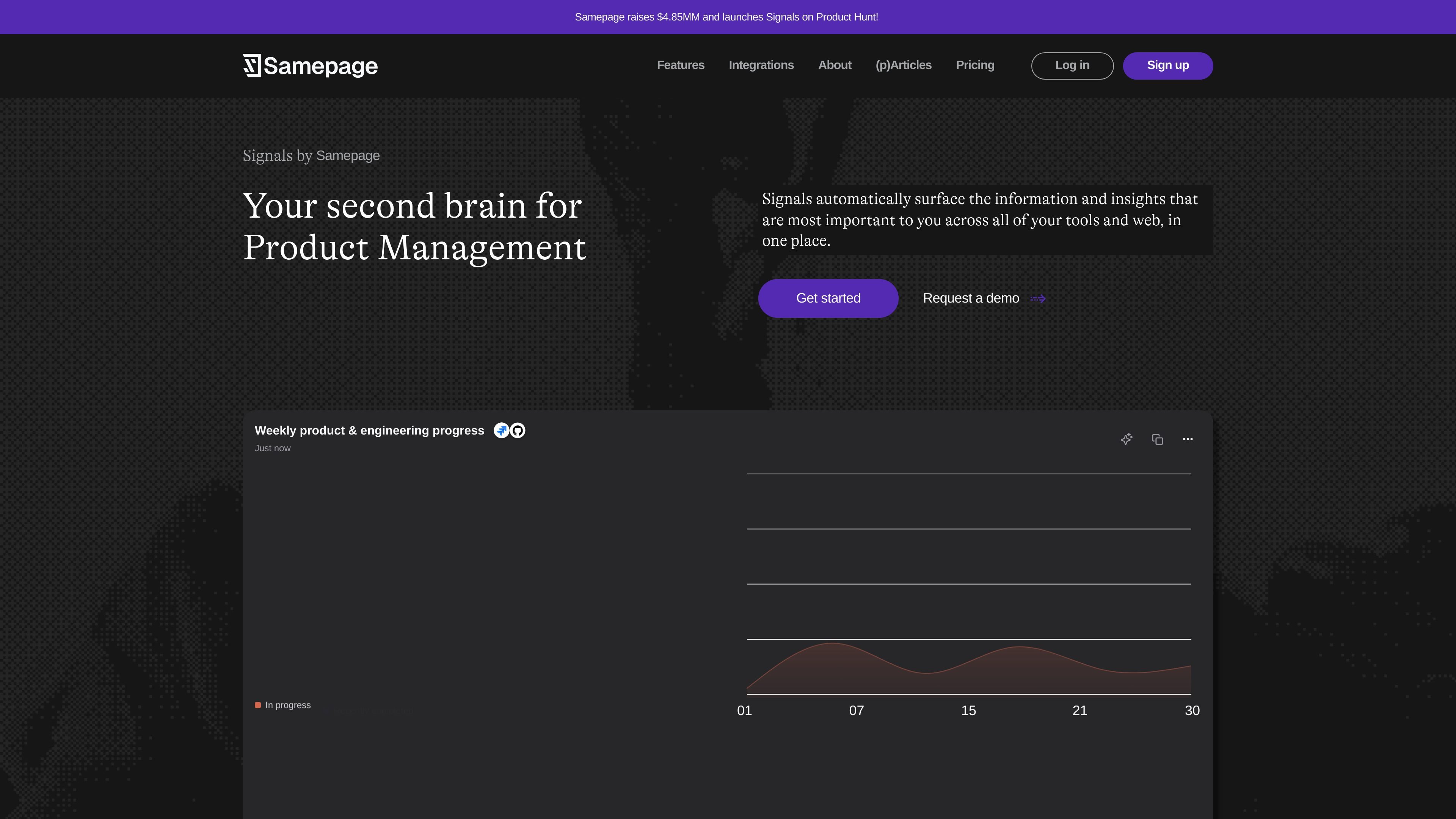
Surfaces relevant product signals
Signals automatically surfaces information and insights that matter to you across your tools and the web, so product context is collected in one place instead of scattered across systems.

Signals by Samepage è uno spazio di lavoro AI per la gestione dei prodotti che riunisce gli aggiornamenti degli strumenti collegati e del web. Aiuta i responsabili di prodotto a seguire il contesto, fare domande e creare materiali.
Signals by Samepage is an AI workspace for product management that automatically surfaces important information and insights from connected tools and the web. The homepage positions it as a "second brain for Product Management," with a focus on reducing the need to chase updates across Slack, Jira, GitHub, email, and other systems.
The product combines automated signal generation, an AI Copilot, and a large integration catalog so product teams can monitor context, ask questions, and create artifacts from the same workspace. Signals is offered on Free, Pro, and Teams plans, with the paid plans adding more sources, higher usage limits, and team features such as shared streams and role permissions.
Signals automatically surfaces information and insights that matter to you across your tools and the web, so product context is collected in one place instead of scattered across systems.
The homepage shows an AI Copilot that can answer questions, draft documents, summarize user interviews, and help you find information quickly.
The product page describes automated signals that scan data daily, learn who you are, and publish updates such as bug tickets in QA, overdue responses, pending comments, and new feature ideas.
Pricing includes artifact generation for outputs such as feature tickets, Slack posts, PRDs, and release notes, indicating the product can turn context into working product artifacts.
The integrations page lists connectors across Slack, Notion, Jira, GitHub, Zendesk, Mixpanel, HubSpot, and more, covering communication, analytics, support, and engineering workflows.
The Teams plan adds shared streams, role permissions, and team collaboration, which supports shared context rather than individual use only.
Use Signals to keep tabs on product and engineering progress without manually checking Slack threads, Jira tickets, GitHub activity, and related updates throughout the day.
Use the Copilot to ask questions, summarize interviews, and draft documents when you need quick product context or a starting point for a PRD, release note, or internal update.
Use automated signals to surface items like bug tickets, overdue responses, pending comments, and new feature ideas so teams can prioritize follow-up more quickly.
Use the integration catalog to connect communication, analytics, support, knowledge base, and engineering systems so product context flows into one workspace.
Use the Teams plan when multiple product stakeholders need shared streams, role permissions, and collaboration around the same set of signals.
Signals is designed for product management workflows. The homepage describes it as a "second brain for Product Management" and shows it surfacing updates from tools like Slack, Jira, GitHub, and Drive into one place.
The site shows a Free plan with no credit card required, plus Pro and Teams plans. Pro is billed annually, and Teams is billed annually with a minimum of 2 users.
Yes. The pricing page says Pro includes a self-serve upgrade from Free, and the Teams plan is available for shared collaboration features.
The pricing page lists artifact generations such as feature tickets, Slack posts, PRDs, and release notes, and the homepage shows Copilot helping answer questions and summarize product context.
The integrations page lists a broad set of connectors across communication, analytics, knowledge bases, meetings, support, product management, engineering, project management, and CRM tools, including Slack, Notion, Jira, GitHub, Zendesk, Mixpanel, and HubSpot.
I dati sul traffico sono solo a scopo di riferimento.
| giu | 2580 |
|---|---|
| lug | 4447 |
| ago | 3569 |
Le analisi del traffico non sono ancora disponibili.

hatchcanvas.com
Hatch è uno spazio di lavoro con IA basato su un’unica canvas per pianificare, creare e collaborare ai progetti. Riunisce documenti, immagini, codice e dati in un unico luogo per usare l’IA nel contesto condiviso.

buzz.xyz
Buzz è uno spazio di lavoro desktop open source in cui persone e agenti AI collaborano in community e canali. Riunisce chat di team, partecipazione degli agenti e lavoro sui progetti su macOS, Windows e Linux.

promptql.io
PromptQL è uno spazio di lavoro AI collaborativo per i team che hanno bisogno di un contesto condiviso, risposte con citazioni e aggiornamenti wiki generati dal lavoro in corso. Trasforma le informazioni sparse tra Slack, documenti, ticket, CRM e tabelle di data warehouse in conoscenze riutilizzabili.

joindex.com
Dex è uno spazio di lavoro IA basato su Chrome che riunisce attività, contesto e flussi di lavoro del browser in un unico luogo, collegando un assistente IA all’attività del browser e alle conoscenze operative.

dartai.com
Dart è una piattaforma di gestione dei progetti con AI pensata per i team che hanno bisogno di monitorare le attività, pianificare, gestire la documentazione e automatizzare i flussi di lavoro in un unico spazio. Unisce le viste di progetto tradizionali a funzioni AI come generazione di attività, rilevamento dei duplicati, compilazione delle proprietà e reportistica.

lastmileai.dev
LastMile AI aiuta i team con contesto persistente e accesso autorizzato agli strumenti.