

Instant schema import
Retrieve an entire database schema with a single query, then turn it into a diagram in seconds. The product positions this as a fast import path for existing databases.

ChartDB is a database schema diagramming tool for visualizing, editing, and sharing ER diagrams. Cloud or self-hosted, with schema import, collaboration, and DDL or image export.
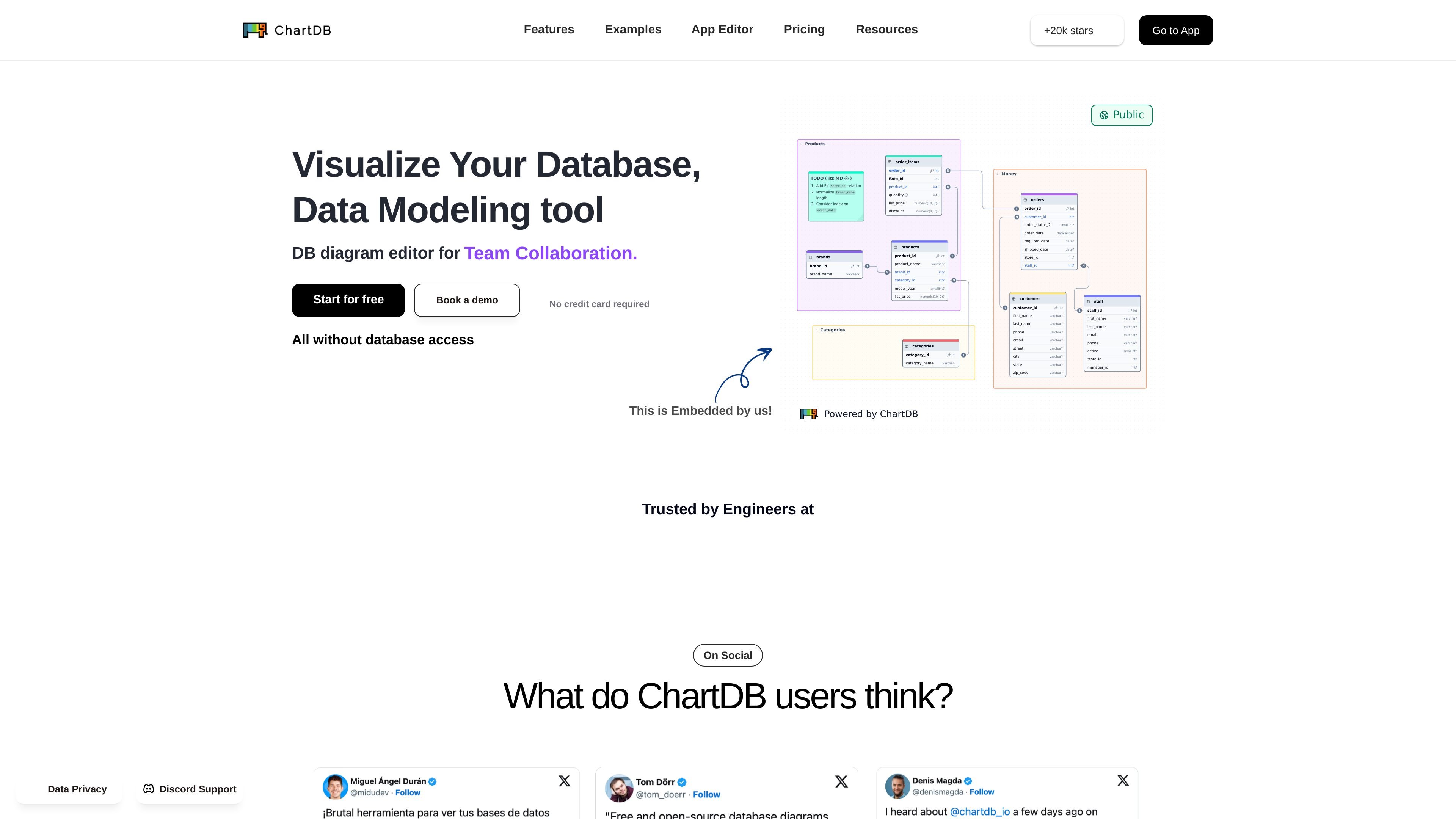
ChartDB is a database schema diagramming tool for visualizing, editing, and sharing ER diagrams. The site positions it around a simple workflow: import a schema with a single query, work on the diagram in a visual editor, and export SQL DDL scripts or images when needed.
It is offered as both a cloud product and a self-hosted option, which gives teams a choice between convenience and control. The product pages also emphasize real-time collaboration, database sync, and embeddable diagrams, making it suitable for individual schema work as well as shared engineering workflows.
Retrieve an entire database schema with a single query, then turn it into a diagram in seconds. The product positions this as a fast import path for existing databases.
Edit tables, relationships, notes, and areas with a diagram editor that supports undo, redo, copy, paste, and duplication. This keeps schema work inside one visual workspace.
Generate clean DDL scripts in a chosen SQL dialect, or download diagrams as images for documentation. This supports both schema changes and sharing outside the editor.
Keep diagrams aligned with a live database through automatic sync. The sync feature is presented as a way to reduce drift between the diagram and the source database.
Invite teammates to view and edit diagrams in real time with live cursors, synced changes, and collaborator avatars. This feature is included in the Team plan and above.
Create customizable, embeddable diagrams for documentation and sharing. The site also highlights live embeds for use in tools such as Notion, Miro, and Confluence.
Turn an existing schema into an ER diagram quickly when you need a visual reference for a live database. This suits engineers who are trying to understand a system they did not design from scratch.
Co-edit diagrams during architecture discussions, schema reviews, or onboarding sessions. Live cursors and synced edits make it easier for multiple people to stay aligned while the model changes.
Keep documentation aligned with the database by syncing diagrams to live changes and exporting them as images or DDL scripts. This is useful when diagrams need to stay current across engineering and documentation workflows.
Embed diagrams in internal knowledge bases or collaborative tools so others can inspect the structure without leaving the document. The product highlights embeddable diagrams for this kind of sharing.
Use cloud deployment for fast browser-based access or self-hosted deployment when control over setup matters more. The product pages frame this as a choice between convenience and control.
ChartDB is presented as a database diagramming tool that supports live diagramming, collaboration, and schema synchronization. The source pages do not explicitly state the full setup flow, but they do show cloud and self-hosted deployment options and a workflow centered on importing a schema, editing the diagram, and exporting results.
The pricing page shows a Free plan, a Pro plan for one person, a Teams plan, and a Custom plan with sales contact. The pages do not provide enough detail to confirm trial terms beyond the general free entry point and plan-specific access model.
The collaboration page says real-time collaboration is included in the Team plan and above. It also describes shared editing with avatars, live cursors, and synced changes, with teammates invited by email or a team-wide link.
ChartDB supports export to SQL DDL scripts and image output, and the home page describes exporting DDL scripts after generating or editing diagrams. The source pages do not list every supported export or import format beyond those references.
The source pages indicate ChartDB can work with cloud or self-hosted deployment, but they do not provide enough detail to confirm every platform limitation, supported database connector, or supported embedding destination beyond the examples shown on the site.

Orca is an Agent Development Environment for shipping with coding agents, running multiple CLI agents in parallel across isolated worktrees, with desktop and mobile workflows.

Firebase Studio is a web-based workspace for full-stack app development with Gemini-assisted coding, app previews, cloud emulators, collaboration, and browser deployment.

EZsite AI is an AI website builder that turns a URL into a fullstack React or Vue.js app with hosting, custom domains, code export, and backend features.

AI Magicx is a unified AI workspace for chat, image, video, voice, music, email and developer tasks, helping teams and creators manage multiple models in one place.

Paper is a design tool that connects canvas, code, and AI agents so teams can create, share, and ship work in one workflow. Includes desktop app and MCP access.

blop is a QA agent that writes browser tests as code in your repo, runs them in CI, clusters repeated failures, and can open PRs to fix broken tests.