
Project views and scheduling
Organize tasks in list, board, and calendar views. Starter adds timeline and Gantt views to map schedules and dependencies.

Work management for teams coordinating projects, goals, and AI agents.
Asana is a work management platform for coordinating tasks, projects, and organizational goals. Its Work Graph connects people, work, and dependencies, giving teams shared context for planning and delivery.
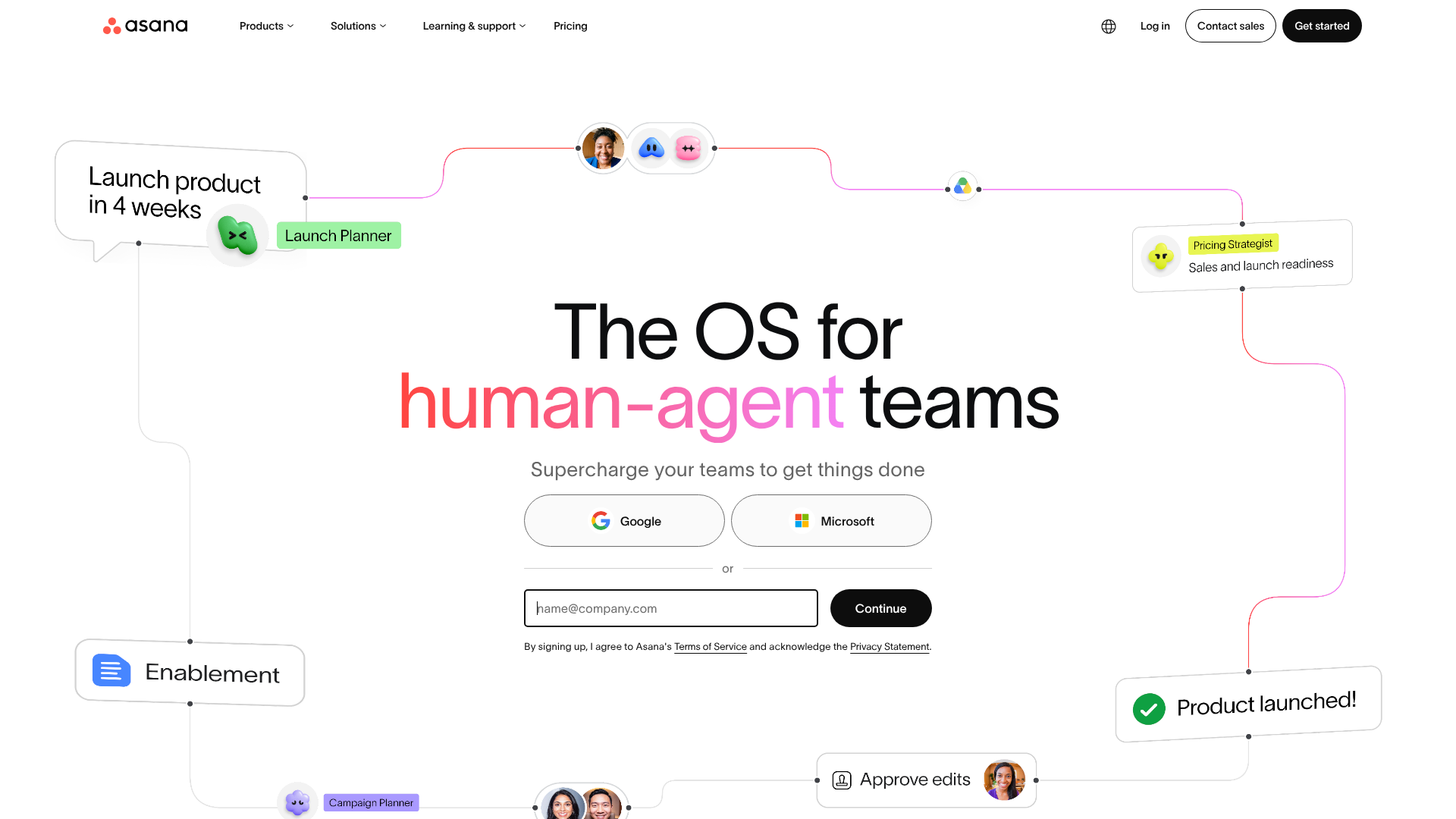
The platform combines project tracking with AI agents and workflow automation. Teams can organize everyday work, oversee related initiatives, and coordinate human and agent contributions in a shared workspace. Asana also offers dedicated products for service teams and agencies managing client work.
Organize tasks in list, board, and calendar views. Starter adds timeline and Gantt views to map schedules and dependencies.
Starter includes forms that turn requests into tasks, custom fields, reusable project templates, and unlimited automations for routine handoffs. AI Studio supports building AI automations without code.
Prebuilt agents assist with project planning, launch coordination, portfolio monitoring, writing, and other workflows. Shared memory carries feedback and preferences forward; governance controls agent permissions, actions, and spending.
Advanced adds unlimited portfolios, goals, portfolio workload management, and estimated-versus-actual time tracking. Enterprise extends resource management across the organization and adds capacity planning.
Starter provides reporting dashboards. Advanced adds approvals, proofing, and Salesforce, Tableau, and Power BI integrations to support review processes and reporting.
Enterprise includes SAML single sign-on, SCIM provisioning, service accounts, guest invitation permissions, and project admin controls. Enterprise+ adds capabilities including audit logs, data residency, and SIEM integrations.
Bring cross-functional milestones and vendor deliverables into a launch plan. Use the Launch Coordinator agent to run readiness checks and flag potential blockers.
Asana Client Management Starter includes a directory of client contacts, account health, and linked projects. Advanced adds client portals, meeting-to-task capture, and capacity views for staffing engagements.
Use the Compliance Manager agent to identify controls missing evidence, gather materials for control tests, and assist with policy updates.
Personal is free for up to two users. It includes unlimited tasks and projects, list, board, and calendar views, and unlimited storage with a 100 MB limit per file.
Starter costs $10.99 per user per month billed annually, or $13.49 billed monthly. Advanced costs $24.99 per user per month billed annually, or $30.49 billed monthly. Enterprise pricing is available through sales.
The pricing page lists AI Teammates, Asana Dash, and AI Studio as included in Starter, Advanced, and Enterprise.
Starter includes unlimited free guests for collaborating with clients and partners. The separate Asana Client Management Advanced offering adds a client portal for tracking projects, reviewing deliverables, and submitting feedback.
I dati sul traffico sono solo a scopo di riferimento.
