
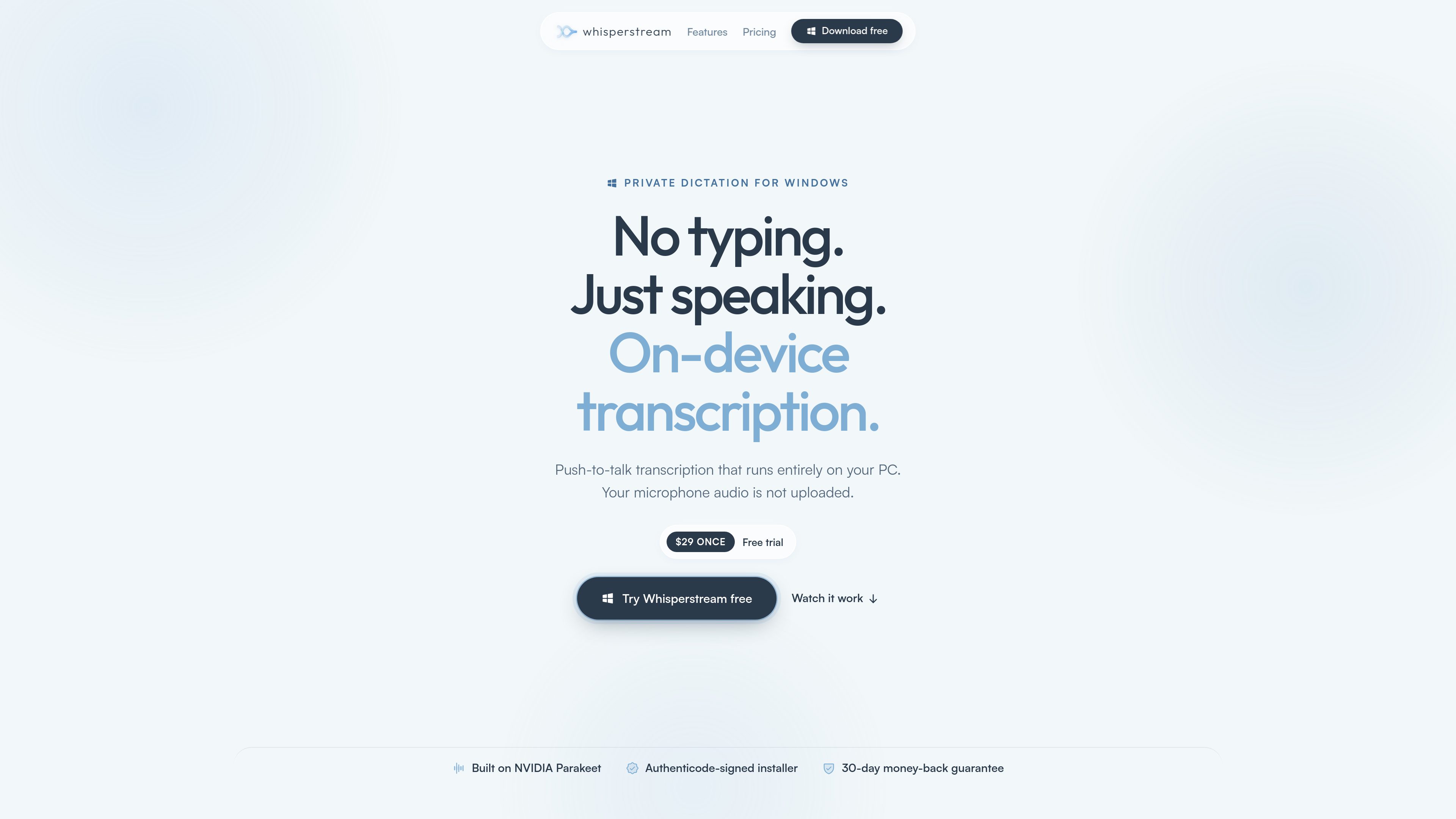
Local speech transcription
Converts speech to text on the Windows PC using NVIDIA's open-weight Parakeet model on the CPU. After the model download, core dictation can work without an internet connection.

Whisperstream is a Windows dictation app that transcribes speech locally and inserts the resulting text into compatible apps. It is designed for people who want push-to-talk voice input without sending microphone audio to a cloud transcription service.
Whisperstream is a Windows dictation toolkit for x64 Windows 10 and Windows 11 computers. It captures speech through a configurable push-to-talk shortcut, transcribes it on the computer with NVIDIA's Parakeet model running on the CPU, and delivers the text to the focused field through clipboard paste or optional simulated keystrokes. The core transcription path does not upload, stream, or store microphone audio on a server, and it can operate offline after the required speech model has been downloaded.
The app is intended for entering text in many existing workflows rather than requiring a dedicated editor or add-in. The site lists Outlook, Word, Slack, VS Code, browsers, terminals, Gmail, and Claude Code among compatible or demonstrated destinations, while noting that application, privilege, security, administrator, and remote-session policies can affect text insertion.
Beyond basic dictation, Whisperstream provides transcript history, audio-file transcription, a custom dictionary, optional AI cleanup, and application- or website-based profiles. Cleanup can use a local model on supported hardware, Ollama, or a configured cloud or custom provider; it is off by default. The app supports 39 languages, can lower system volume while recording, and includes Lockdown Mode to restrict cleanup to an on-device model and turn off Whisperstream cloud enhancement.
Whisperstream is available as a free trial without an account or credit card. The listed purchase options include a $29 one-device license and a $49 license for up to two of the buyer's own devices, with a 30-day refund policy stated on the site.
Converts speech to text on the Windows PC using NVIDIA's open-weight Parakeet model on the CPU. After the model download, core dictation can work without an internet connection.
Hold the default Right Shift shortcut to dictate, remap the shortcut, or switch to toggle mode for hands-free recording. The app does not require administrator rights to register the shortcut.
Inserts dictated text into a focused field by clipboard paste or optional simulated keystrokes, without requiring an add-in. Supported behavior can vary by application and security or remote-session policy.
Supports 39 languages, with the app selecting and downloading the matching on-device speech model when needed.
Search saved transcripts, replay associated audio when available, copy results again, transcribe selected audio files locally, and add spelling overrides for names, technical terms, and acronyms.
Remove filler words, correct punctuation, and apply spoken corrections using a local or configured provider. Lockdown Mode disables Whisperstream cloud enhancement and limits cleanup to an on-device model.
Dictate into Outlook, Word, Gmail, or another focused text field, then use optional cleanup for punctuation, grammar, and spoken corrections before sending or saving.
Enter text in VS Code or terminals, with a custom profile able to apply a terse or otherwise task-specific cleanup prompt for the focused application.
Use push-to-talk dictation in Slack and browser-based tools without installing an application add-in, subject to the destination's text-input policies.
Dictate while traveling or when connectivity is unavailable after setup, or use Lockdown Mode when cloud enhancement should remain disabled and local history requires additional protection.
Import an audio file stored on the computer and generate a transcript locally, with optional saving to searchable history.
It supports Windows 10 and Windows 11 on x64 computers. The stated minimum is 8 GB of RAM, with 16 GB recommended; core transcription runs on the CPU and does not require a GPU. Intel 8th-generation or newer and AMD Ryzen 3000-series or newer processors are described as providing near-instant transcription.
The core transcription path keeps microphone audio on the PC and does not upload it to Whisperstream servers. Optional online features, configured cloud enhancement, license checks, updates, model downloads, and separate integrations have their own network activity; configured cloud enhancement receives transcript text rather than the original voice recording.
Whisperstream sends the result to the focused field using clipboard paste or optional simulated keystrokes. It can work in applications such as Outlook, Word, Slack, VS Code, browsers, and terminals, although application permissions, security settings, administrator restrictions, and remote-session policies may limit insertion.
The app can be tried without an account or credit card and provides at least seven days from the first dictation that produces text. The site lists $29 for one device and $49 for up to two devices owned by the purchaser, plus a 30-day refund policy.
Core recording and transcription can run offline after setup and the required model download. Internet access may still be needed for activation or periodic license validation, updates, model downloads, configured cloud enhancement, and certain separate workflows.
Les données de trafic sont fournies à titre indicatif uniquement.
memo.ac
Memo AI est une application de transcription par IA pour ordinateur, compatible avec Windows et macOS. Elle convertit l’audio et la vidéo en texte, avec transcription par lien, traduction multilingue et export aux formats SRT, VTT, Markdown et Notion.
spokenly.app
Spokenly est une application de dictée IA pour Mac, iPhone et Windows qui convertit la voix en texte dans toute application. Elle prend en charge des modèles locaux hors ligne gratuits, la transcription cloud avec Pro ou vos propres clés API, et plus de 100 langues.

accuratescribe.ai
Transcription cloud audio et vidéo avec sous-titres, intervenants et exports modifiables

voiser.net
AI tools for converting text to speech, transcribing audio and video, and dubbing YouTube content.

transcripcionplus.com
Transcripción+ propose la transcription audio-texte par IA et un service révisé par des professionnels, avec API REST, identification des intervenants, résumés et traduction dans plus de 20 langues.

speakly.ai
Speakly est un outil gratuit de transcription vocale par IA qui transforme la parole en texte soigné dans plus de 100 apps, avec édition IA, raccourcis et mode agent sur Mac, Windows, iPhone et Android.