
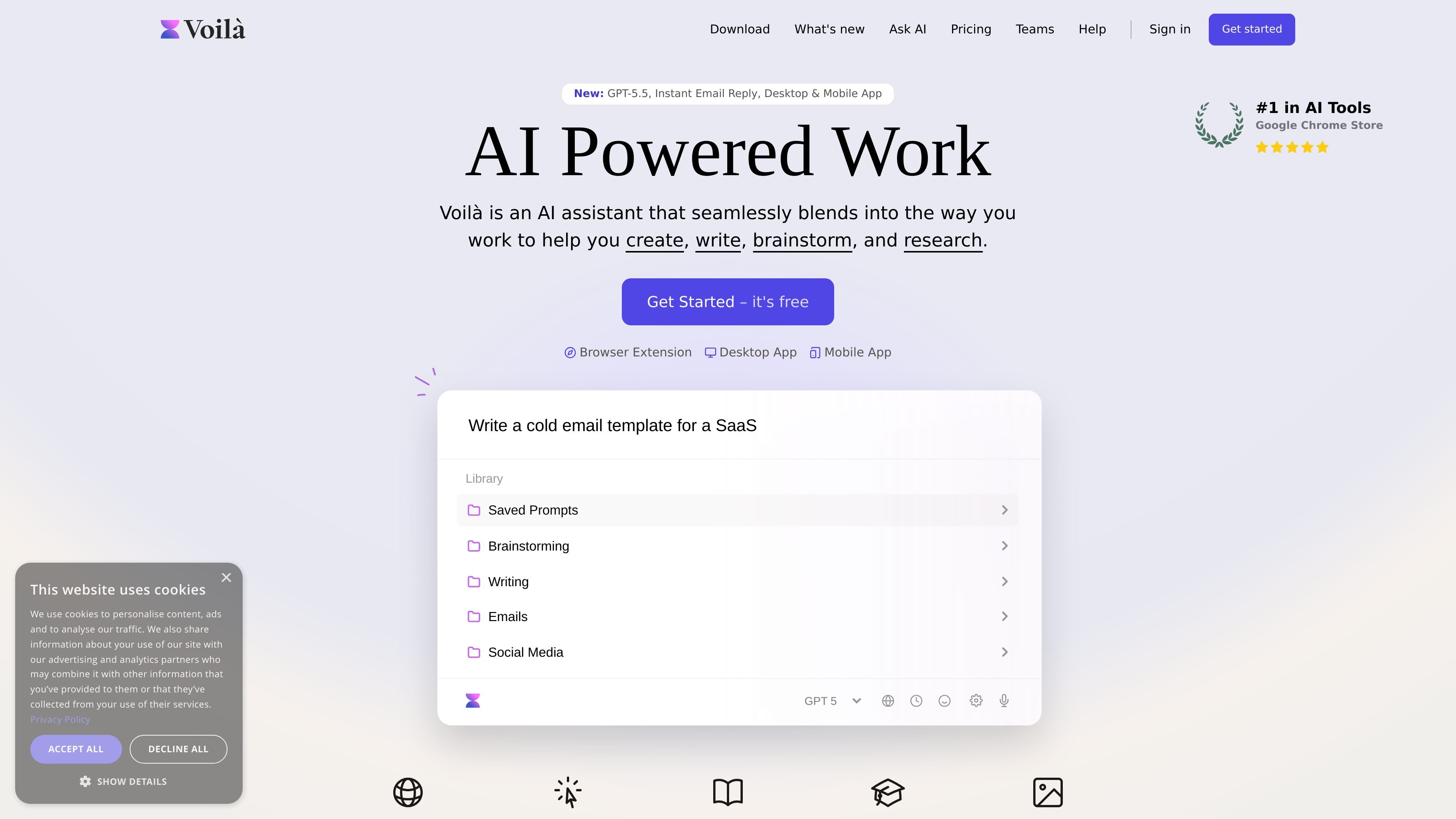
Works where you already work
Use Voilà in the browser or desktop app to get AI help without switching away from the page or task you're working on.

Voilà AI Assistant est un assistant IA pour rédiger, effectuer des recherches, répondre aux e-mails et résumer du contenu sur les sites web, les applications de bureau et les appareils mobiles. Il propose une formule gratuite ainsi que des formules payantes pour les particuliers et les équipes.
Voilà AI Assistant is a browser-based and desktop AI assistant designed to help people write, research, summarize, and reply without leaving the page or app they are using. The homepage positions it as a tool that blends into everyday work and works on websites by understanding the current context.
The product combines chat, writing, research, and content-generation features in one place. It supports tasks such as drafting emails, improving writing, summarizing webpages and documents, analyzing images, generating images, and using saved or expert prompts for repeatable workflows.
Use Voilà in the browser or desktop app to get AI help without switching away from the page or task you're working on.
Read websites, articles, URLs, and email conversations to help summarize, rewrite, translate, reply, or generate new content from the current context.
Draft, improve, and answer emails with templates and an AI-powered Instant Reply option for quicker responses.
Improve writing with spelling and grammar fixes, rewriting, translation, paraphrasing, summarization, and key information extraction.
Chat with documents, spreadsheets, images, PDFs, and YouTube videos to summarize or analyze the content and extract useful details.
Use expert prompts, saved prompts, personas, and custom actions to adapt Voilà to recurring workflows and different communication styles.
Draft or improve outbound and reply emails directly from email conversations, using templates or Instant Reply to speed up routine responses.
Summarize webpages, articles, YouTube videos, and research results when you need a quick read on a topic or source before digging deeper.
Rewrite, translate, paraphrase, or check grammar in blog posts, landing page copy, resumes, letters, and other written material.
Analyze documents, spreadsheets, PDFs, and images to extract key information or turn source material into a concise summary or new content.
Use saved prompts, personas, shared workflows, and team templates to standardize recurring tasks for individual or team productivity.
Yes. The pricing page lists a Free plan with 250 free requests and no credit card required.
Yes. The pricing page offers Premium and Ultimate paid plans, and also a Teams & Businesses option starting at $16 per seat per month.
Yes. The desktop page says Voilà for Desktop is available for Windows and MacOS, and the homepage also mentions iOS and Android mobile apps.
Yes. The pricing page says you can bring your own OpenAI API key, and the changelog notes support for OpenRouter as well.
The source says Voilà can work on websites, documents, pictures, PDFs, YouTube videos, and email conversations, but the coverage here does not confirm every limit or workflow detail.
Les données de trafic sont fournies à titre indicatif uniquement.

maestrolabs.com
Outils d’IA pour Microsoft 365 afin de rédiger des e-mails, résumer des fils, noter les réunions et gérer les workflows dans Outlook, Gmail et Teams.

chatgptoutlookaddin.com
Module complémentaire IA pour résumer et rédiger des e-mails Outlook avec des prompts personnalisés

gistai.tech
Extension Chrome gratuite pour résumer sites web, vidéos YouTube et PDF

ai.wps.cn
Assistant IA pour rédiger, lire, créer des présentations et gérer des feuilles de calcul dans WPS

maxai.me
MaxAI est un assistant IA intégré au navigateur qui accélère la lecture, la rédaction, la recherche, la traduction et les réponses sur les pages web. Compatible avec les navigateurs basés sur Chromium, il réunit plusieurs modèles d’IA pour les pages, PDF, vidéos, e-mails et captures d’écran.

memories.ai
Memories.ai est une plateforme d’IA de compréhension vidéo dotée d’une mémoire visuelle à long terme pour rechercher, résumer, analyser et modifier des vidéos, au service des équipes d’entreprise en sécurité, médias, marketing et robotique.