
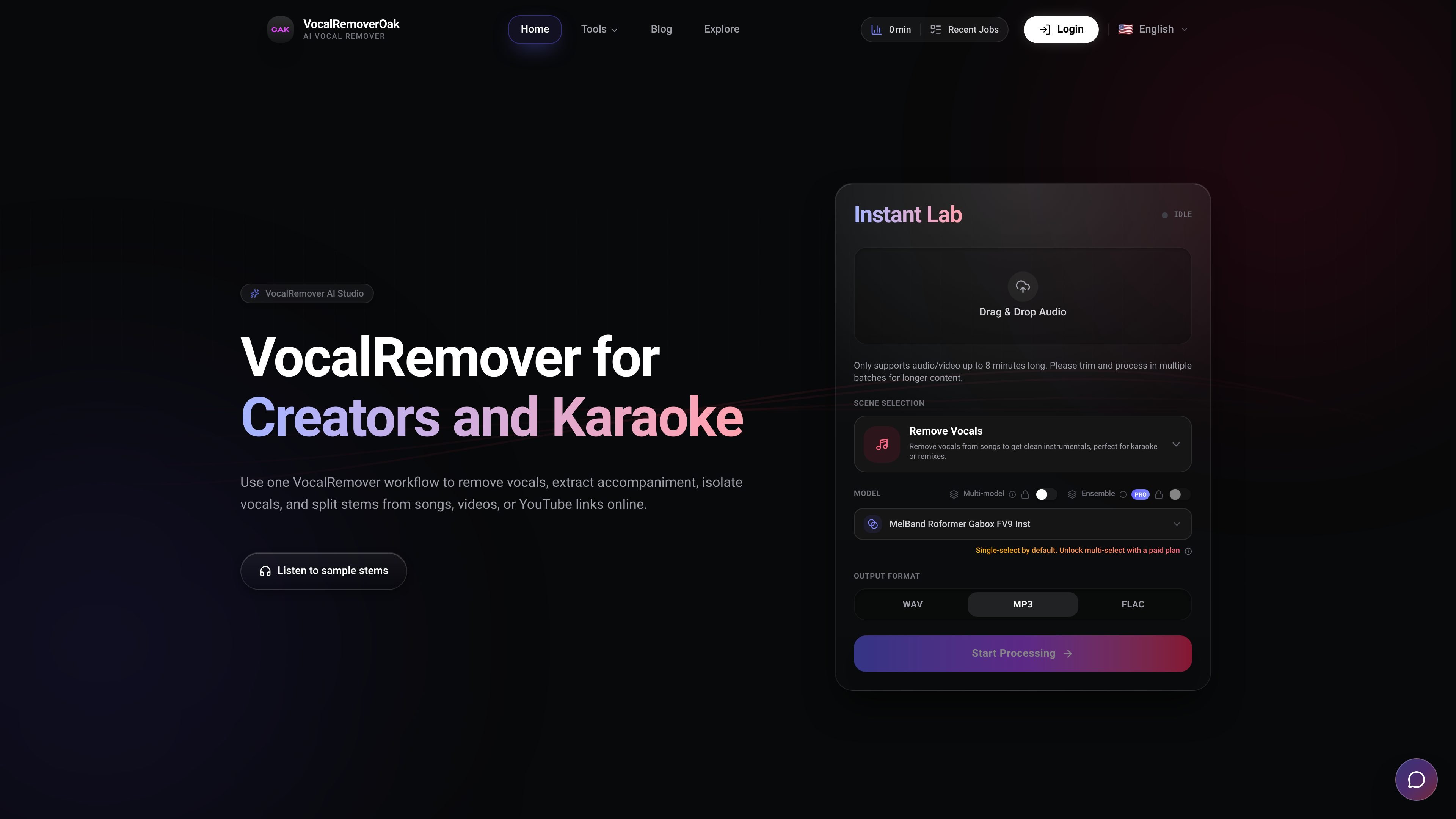
Browser-based input flow
Upload audio files, video files, or supported share links and start processing without installing desktop software.

VocalRemover est un outil de séparation audio par IA accessible depuis un navigateur, qui permet de supprimer ou d’isoler les voix, d’extraire l’accompagnement et de séparer les stems de chansons ou de vidéos. Il prend en charge les fichiers audio/vidéo courants et certains liens de partage, avec une tarification à la minute affichée sur la page d’accueil.
VocalRemover is an online vocal separation tool for creators, musicians, teachers, and karaoke workflows. It runs in the browser and is designed to remove vocals, isolate vocals, extract accompaniment, and split stems from songs, videos, or supported share links without local installation.
The home page positions the product as a simple upload-and-download workflow: add an audio or video file, choose the desired output, and retrieve vocal and instrumental stems. It supports common file types such as MP3, WAV, FLAC, MP4, and MKV, and also mentions YouTube and TikTok links as inputs.
Upload audio files, video files, or supported share links and start processing without installing desktop software.
Choose between removing vocals, isolating vocals, extracting accompaniment, or splitting music into multiple stems.
The page names several models in its model matrix, including BS-Roformer, MDX23C, HTDemucs4, and MelBand.
The site says it uses scalable GPU processing and low-latency cloud compute to keep turnaround quick.
The product notes 32-bit float processing and positions it as high-fidelity output for detailed stems.
The site states that processing minutes are tracked by audio minutes multiplied by model count, with free minutes used first.
Create instrumental versions for rehearsals, performances, or karaoke by removing the lead vocal while keeping the backing track.
Separate vocal and instrumental stems for remixes or edits when you need isolated parts instead of a full mix.
Clean up music or dialogue inside uploaded video files when the source is an MP4 or MKV and you want audio separation from the video itself.
Help students practice parts by isolating vocals or other stems for listening, harmony practice, or classroom analysis.
Generate quick stem outputs from a browser session without installing local audio tools, which fits short turnaround edits and ad hoc review.
Yes. The site describes VocalRemover as an online workflow for removing vocals, isolating vocals, extracting accompaniment, and splitting stems from songs, videos, or YouTube links in the browser. The FAQ also explicitly asks whether users can remove vocals for karaoke tracks.
Yes. The supported input examples shown on the home page include MP3, WAV, FLAC, MP4, and MKV files, plus YouTube or TikTok links. The page also mentions video music extraction from songs and videos.
The product page says processing is done in the browser with cloud compute, and it highlights privacy-safe processing. The site does not publish a detailed retention policy or storage duration on the provided pages, only that the FAQ includes a question about output storage.
The home page says VocalRemover can remove vocals, isolate vocals, extract accompaniment, or split music into multiple stems. It also lists export of vocal and instrumental files after processing.
The page says the workflow is simple: upload audio, video, or a share link, choose an output, then download the stems. It also notes that processing is online and does not require installation.
Les données de trafic sont fournies à titre indicatif uniquement.

emastered.com
eMastered transforme les pistes importées en fichiers WAV ou MP3 masterisés et propose des outils de mastering de référence, séparation des stems, suppression de voix, distribution et pages de liens pour artistes.

vocalremover.com
Séparez les voix des chansons dans votre navigateur et obtenez des pistes instrumentales et vocales pour le karaoké, les acapellas et le montage audio.

diktatorial.com
Mastering audio par IA pour musiciens, avec contrôle par prompts, correspondance de références, séparation des stems et vérifications avant sortie sur web et mobile.

lalal.ai
Séparation audio par IA pour voix, instruments et enregistrements

audo.ai
Nettoyage audio dans le navigateur avec réduction du bruit et API

aimusic.so
Plateforme musicale IA en ligne pour créer des chansons, paroles, effets sonores, lyric videos et supprimer les voix.