
Text, image, and prompt inputs
Create videos from written prompts, images, or other uploaded materials. The text-to-video page offers prompt-based generation, while the home page also highlights image-to-video and AI generator workflows.

Générateur vidéo IA en ligne pour créateurs et marketeurs
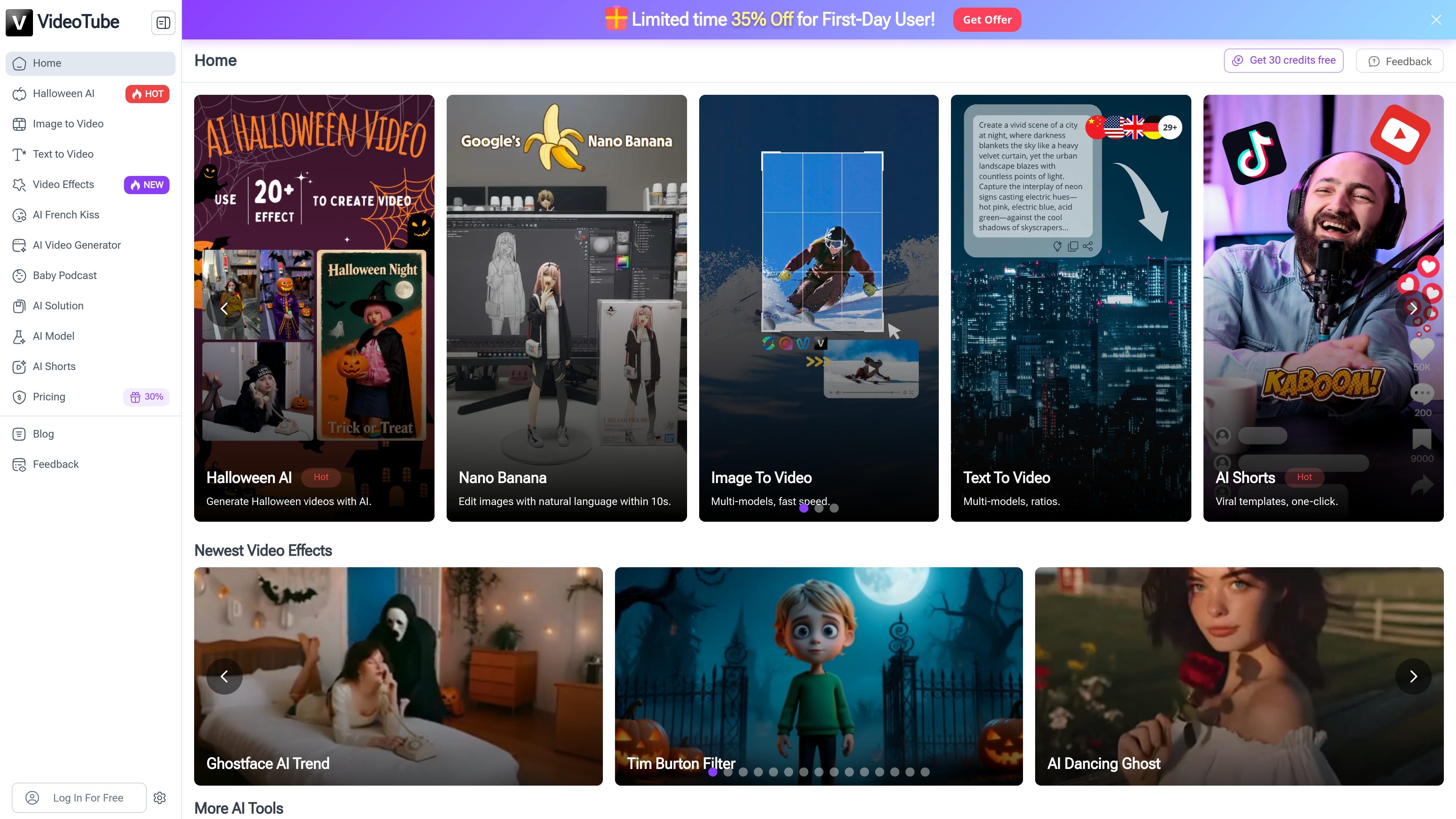
VideoTube is an AI video creation platform that turns text prompts, images, and other source material into videos. The site presents it as an all-in-one tool for AI video generation, short-form video creation, talking-photo content, and related visual effects.
The product appears designed for creators, marketers, teachers, e-commerce sellers, and animation teams that need to produce videos without traditional editing workflows. Its pages emphasize one-click generation, template-led shorts, multiple models, and tools for adding music, subtitles, and voice-driven elements.
Create videos from written prompts, images, or other uploaded materials. The text-to-video page offers prompt-based generation, while the home page also highlights image-to-video and AI generator workflows.
Choose from multiple video workflows including AI Shorts, AI Faceless Video, AI Talking Photo, and general AI video generation. These dedicated paths are designed for different content formats rather than one generic editor.
Use built-in controls for subtitles, music, sound effects, and images during generation. The site says you can adjust these elements after entering your source material.
Select from video duration and aspect ratio options on the text-to-video page, including 6s and 10s durations and 768P or 1080P resolution choices.
Generate short-form content with templates and story workflows. The AI Shorts page mentions one-click creation, viral templates, and a process that can include story creation, character sheets, and storyboards.
Download completed videos and keep them in My Creatives for later access. The FAQ says users can export videos after generation and share them to social platforms.
Turn a script, prompt, or idea into a short video for social platforms. The text-to-video page highlights fast generation with model selection, duration choices, and basic format controls for quick publishing.
Generate product showcase videos from a single image or simple source input. The pricing page and homepage both point to e-commerce use cases where sellers can create promotional videos without filming.
Build short-form storytelling content with templates, story creation, and storyboard editing. The AI Shorts flow is aimed at users who want structured, repeatable short video production.
Create talking-photo or faceless content where a visual is paired with lip-sync, subtitles, music, or voice-driven presentation. The site calls out AI Talking Photo and AI Faceless Video as dedicated tools.
Convert lesson notes or explanatory material into visual learning content. The site explicitly mentions teachers and educational videos as a fit for the platform.
VideoTube generates videos from text, images, or other uploaded materials. The site says you can also adjust subtitles, music, and images, and use tools such as AI Shorts, AI Faceless, and AI Talking Photo depending on the workflow you need.
The pricing page says new users receive 100 credits upon registration, and the home page also advertises free credits for new users. The text-to-video page shows a free-to-start workflow, but the exact free usage limits vary by model and page.
The site says generated videos can be downloaded after creation, including watermark and watermark-free versions. The text-to-video page also lists MP4 as the primary supported format.
VideoTube’s FAQ states that videos are saved to My Creatives, and users can download them or share them to platforms such as YouTube and Instagram. The product also supports multiple languages and multi-language subtitles in some workflows.
Yes. The pricing FAQ says subscription plans can be canceled at any time through the website’s subscription management page, and the product supports account-based credit use for generation.
Les données de trafic sont fournies à titre indicatif uniquement.

imagemover.ai
Générateur en ligne d’images en vidéo par IA pour créateurs et entreprises

wizstar.com
Wizstar est une plateforme de création vidéo par IA qui transforme textes, images, scripts, fichiers audio, liens de produits et vidéos de référence en vidéos, publicités pour des produits, contenus traduits, images et clips animés par un avatar. Conçue pour les créateurs, vendeurs en ligne, spécialistes du marketing, enseignants et équipes d’entreprise, elle permet de produire et d’adapter des vidéos sans tournage ni montage avancé.

dreammachineai.online
Générateur d’IA en ligne pour créer des vidéos, images et musiques

usenotch.ai
Notch est une plateforme de publicité vidéo propulsée par l’IA qui aide les marketeurs à créer des publicités finalisées à partir de ressources produit, de briefs ou de créations existantes, avec édition intégrée, avatars personnalisés et clonage d’annonces pour les créateurs, équipes de performance et agences.

faceless-video.com
Faceless Video est un générateur IA de séries de vidéos courtes sans apparition à l’écran pour TikTok, YouTube Shorts et Instagram Reels. Choisissez un univers narratif, définissez la fréquence de publication et vérifiez les brouillons générés par l’IA avant leur mise en ligne.

aiimagetovideo.pro
AI Image to Video Pro est un générateur vidéo IA en ligne qui transforme des images ou des descriptions textuelles en courtes vidéos. Il propose une offre gratuite, des formules payantes avec crédits et des outils complémentaires pour les flux de travail liés aux prompts et aux vidéos.