
AI website generator
Describe a website and generate a complete design that can be refined or exported without rebuilding layouts by hand.

UXMagic est un générateur d’interfaces par IA qui transforme textes, croquis, captures et URL en designs prêts pour Figma, avec export HTML ou React et import de systèmes Figma.
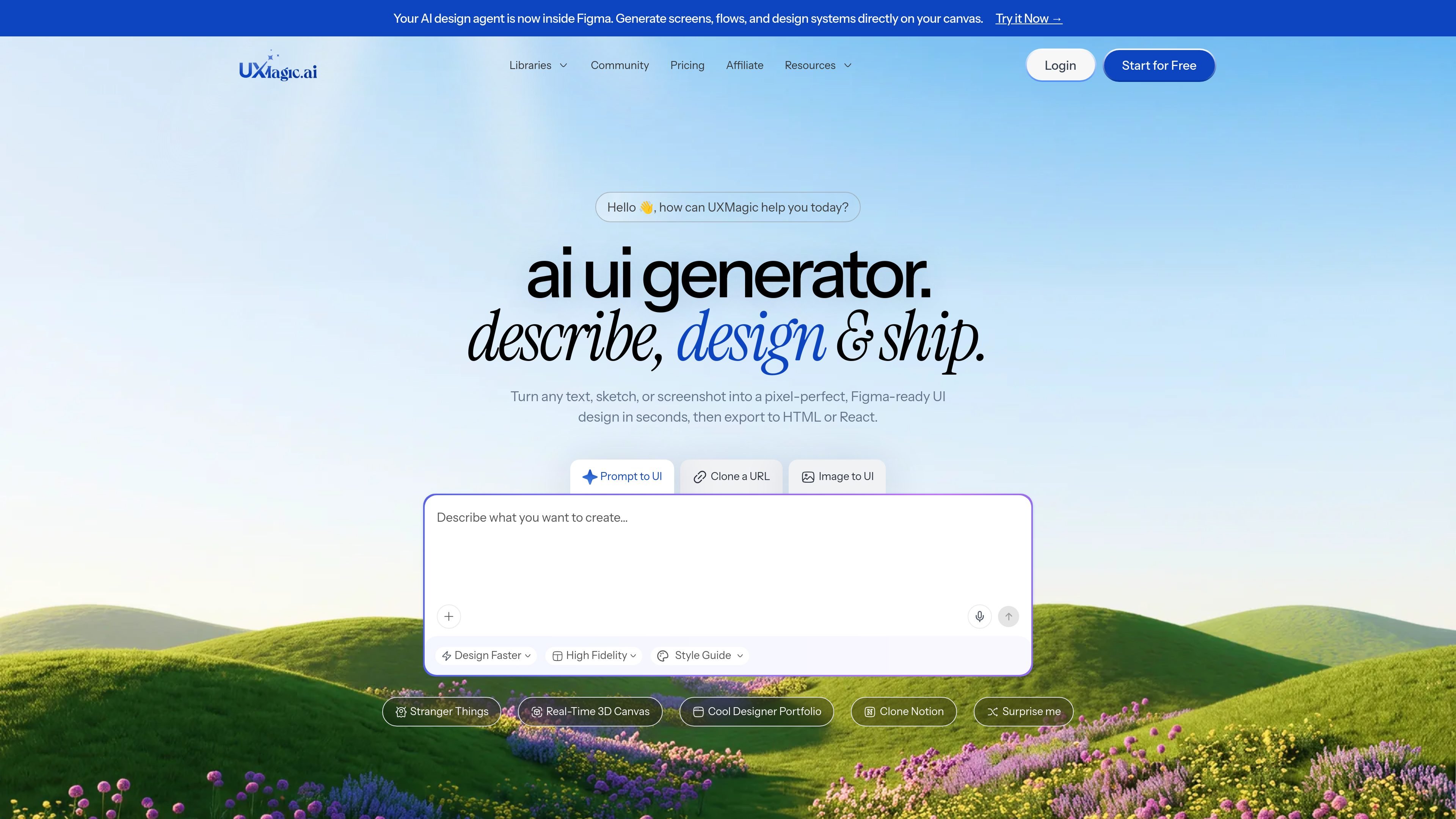
UXMagic is an AI UI design generator that turns text prompts, sketches, screenshots, and URLs into editable, Figma-ready interface designs. It is aimed at designers, product managers, founders, and teams that want to move from idea to UI without starting each screen from scratch.
The product focuses on producing structured UI layouts that can be refined in Figma or exported as code. Source pages also describe workflows for cloning existing websites, importing design systems, and generating wireframes, mockups, landing pages, dashboards, and prototypes.
Describe a website and generate a complete design that can be refined or exported without rebuilding layouts by hand.
Turn product descriptions into clickable prototypes that are ready for review and testing.
Generate dashboard layouts with charts, metrics, and navigation from a prompt.
Convert text prompts, screenshots, sketches, or URLs into structured UI layouts for Figma and web output.
Bring in existing Figma projects, components, styles, and brand assets so new screens follow the same design system.
Export designs to Figma and to code outputs such as HTML, React, and Webflow where supported.
Turn a product idea into a first-pass interface when you want a structured starting point instead of a blank canvas.
Convert hand-drawn sketches or screenshots into editable screens for faster iteration in Figma.
Paste a live website URL to recreate the layout as an editable design for analysis, redesign, or adaptation.
Create dashboard layouts, wireframes, and prototypes for reviews, planning, and early validation.
Import existing Figma components and styles so new screens stay aligned with an established brand system.
UXMagic is an AI UI design generator for turning text prompts, hand-drawn sketches, screenshots, and URLs into Figma-ready UI designs.
UXMagic can generate multi-screen UI designs from a prompt, export them to Figma for refinement, and then export clean HTML or React code for handoff or deployment.
It supports text-to-UI, image or screenshot-to-UI, sketch-to-UI, and URL cloning. The output can include editable Figma designs and exported HTML, React, or Webflow workflows where supported.
Yes. UXMagic supports Figma export, a dedicated Figma plugin, and importing a Figma design system so generated screens can follow existing typography, colors, and components.
Pricing information shows a free option with no card required and paid plans with monthly or annual billing, plus an enterprise option for teams that need custom billing.
Les données de trafic sont fournies à titre indicatif uniquement.

paraflow.com
Paraflow est un agent de conception produit sur canvas qui transforme les idées en PRD, parcours utilisateur, UI, prototypes et code frontend, avec export vers Figma, GitHub, HTML et ZIP.

migma.ai
Migma est une plateforme de création d’e-mails par IA qui génère, modifie, envoie et suit les e-mails marketing et transactionnels. Créez-les avec des prompts ou importez-les depuis Figma, des captures, du HTML et les éléments de marque de votre site.

pixelcrew.ai
PixelCrew est un workflow de conception avec AI qui coordonne des agents spécialisés pour transformer un brief écrit en recherche, direction créative, wireframes UX, textes, ressources de design system, documentation QA et HTML/Tailwind prêt pour la production. Il s’adresse aux personnes et aux équipes qui ont besoin de sites web, de tableaux de bord, de landing pages ou de design systems sans partir d’un modèle rigide.

uxpin.com
UXPin est un outil de conception UI et de prototypage avec bibliothèques React, mise en page assistée par IA et transfert de code prêt pour la production.

alloy.app
Alloy est un outil de prototypage IA pour créer des démos interactives à partir de produits existants, avec capture du navigateur, connexion au code, partage cloud et transfert vers les workflows GitHub, MCP ou Figma.

wonder.design
Wonder est un outil de design natif de l’IA pour créer, modifier et synchroniser des designs avec du code.