
Anonymous Twitter viewing
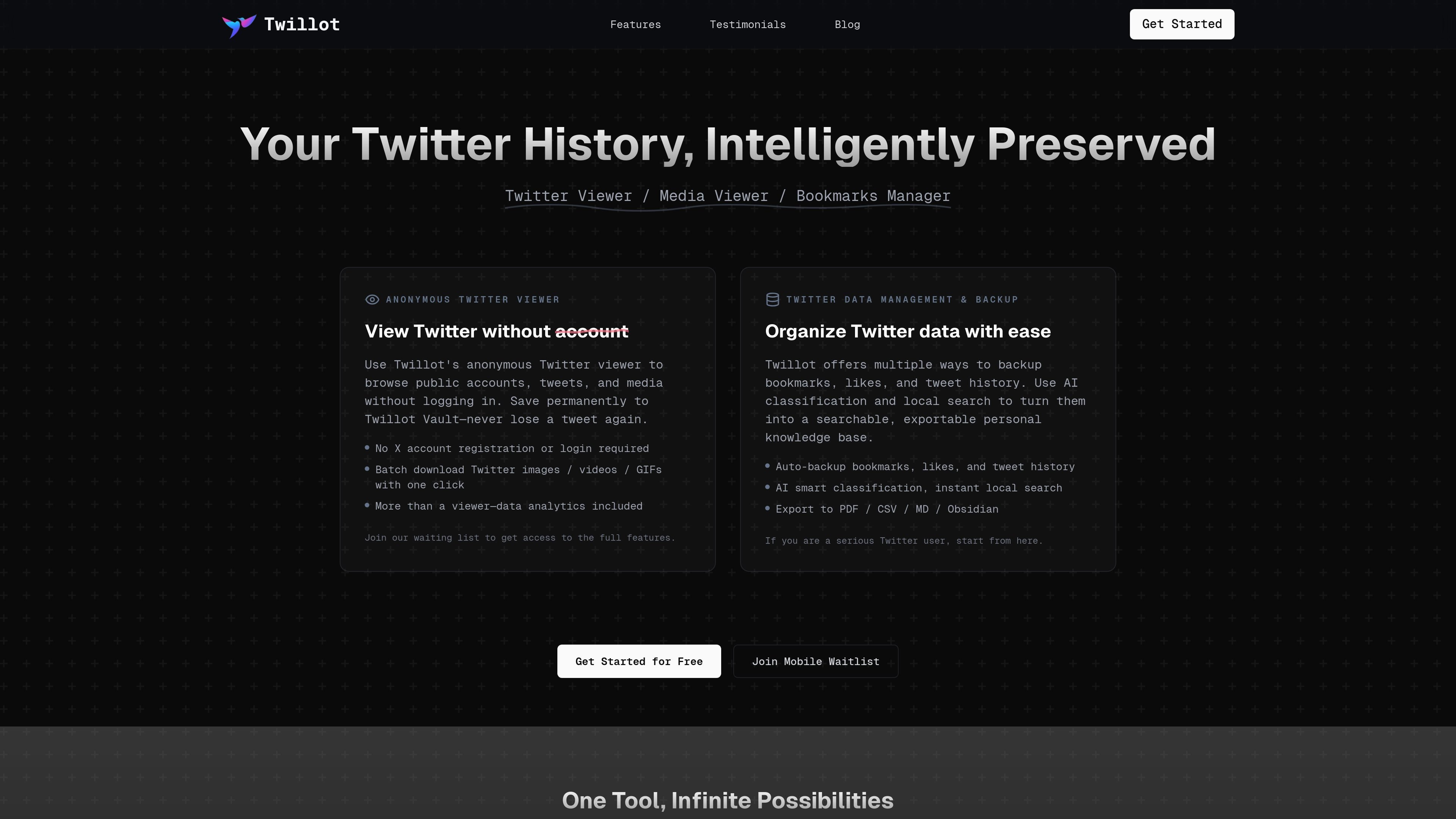
Browse public accounts, tweets, threads, replies, and media without logging in. The viewer is positioned as a distraction-free way to inspect Twitter content and save it to a Twillot vault.

Gestion des données Twitter avec navigation anonyme, sauvegarde, recherche et IA
Twillot is a Twitter data management tool for saving, organizing, searching, and exporting content from X. It combines an anonymous public viewer with local backup and analytics features so users can work with tweets, bookmarks, likes, replies, and media in one place.
The home page positions the product as a way to preserve Twitter history without losing track of important posts. It emphasizes local indexing, AI-assisted classification, and export options for people who want a searchable personal archive rather than a simple bookmarking tool.
Browse public accounts, tweets, threads, replies, and media without logging in. The viewer is positioned as a distraction-free way to inspect Twitter content and save it to a Twillot vault.
Automatically back up bookmarks, likes, tweet history, replies, and other Twitter data into local storage. The home page emphasizes local indexing and millisecond search for saved content.
Use AI classification, topic grouping, sentiment, and context-based organization to sort tweets into folders and tags. The pricing page also references advanced filters and AI organization for saved content.
Search saved tweets and media with full-text, language-aware search and keyword highlighting. The product pages present search as a core way to find items quickly after backup or import.
Export saved data to formats such as PDF, CSV, Markdown, JSON, Google Drive, and Obsidian. The pricing page also mentions exporting as Markdown and PDF for paid plans.
Manage media and account data with batch actions, gallery views, list management, and block management. The pricing page includes batch download media, Twitter list management, import from Twitter archive, and follower cleanup features.
Use the anonymous viewer to browse public timelines, threads, replies, and media without signing in. This suits readers who want to inspect content without connecting an X account.
Back up bookmarks, likes, and tweet history into local storage, then use folders, tags, and search to turn saved posts into a personal reference library. The site frames this as a way to avoid losing important tweets over time.
Use AI classification and filters to sort a large collection of bookmarks or tweets by topic, sentiment, author, or context. This is aimed at people with messy saved content who need a better retrieval workflow.
Export tweets, bookmarks, and media into shareable formats such as PDF, CSV, Markdown, JSON, or Google Drive. The home page positions these outputs as useful for creators, researchers, and analysts who need deliverables or datasets.
Manage lists, followers, following, and blocked users from one interface, including archive import and batch actions on supported plans. This fits users who want to clean up or reorganize Twitter network data.
Twillot is a Twitter data management tool built around anonymous viewing, local search, and backup workflows. The home page also describes features for bookmarks, likes, tweet history, exports, media downloads, and analytics.
The home page says you can use Twillot's anonymous viewer without logging in or registering an X account. It is designed to browse public accounts, tweets, threads, replies, and media without account access.
Yes. The pricing page shows a free plan and paid Mini, Basic, and Pro plans. It also marks some capabilities as paid-member features, such as cloud backup, export options, batch download, list management, and custom folder colors.
The source shows export to PDF, CSV, Markdown, JSON, Google Drive, and also mentions Obsidian on the home page. The pricing page additionally mentions exporting data as Markdown and PDF on the Mini plan.
The source does not provide detailed onboarding steps. Available pages suggest the workflow is to install the extension, connect it to Twitter data such as bookmarks or archives, and then organize, search, export, or download content locally.
Les données de trafic sont fournies à titre indicatif uniquement.
| avr. | 222468 |
|---|---|
| mai | 224483 |
| juin | 240495 |

waveterm.dev
Terminal open source avec prévisualisation, édition, navigation web, tableaux de bord et gestion à distance.

sigmabrowser.com
Navigateur privé avec chat IA, agent de navigateur et IA locale pour la recherche et l’automatisation

tapt.io
Tapt est une plateforme de cartes de visite numériques pour partager ses coordonnées via NFC et QR codes, avec gestion des contacts et des leads.

ai-toolbox.co
AI Toolbox ajoute dossiers, recherche, exportation et gestion des prompts à ChatGPT, Gemini et Claude.

hirebase.org
Plateforme IA de recherche et de données d’emploi en temps réel

prized.dev
Prized aide les équipes des opérations, du support et de la finance à créer et déployer des outils internes avec l’IA. Les données de l’entreprise sont préconnectées et leur périmètre défini, les accès sont consignés dans une piste d’audit et le déploiement est protégé par la connexion de l’entreprise.