
Natural-language scheduling
Add, delete, search, and edit calendar events by sending natural language requests instead of filling out forms.

Toki est un assistant de calendrier IA qui gère événements, rappels et workflows par texte, voix, images et captures d’écran, avec synchronisation Google Calendar, Apple Calendar et Outlook.
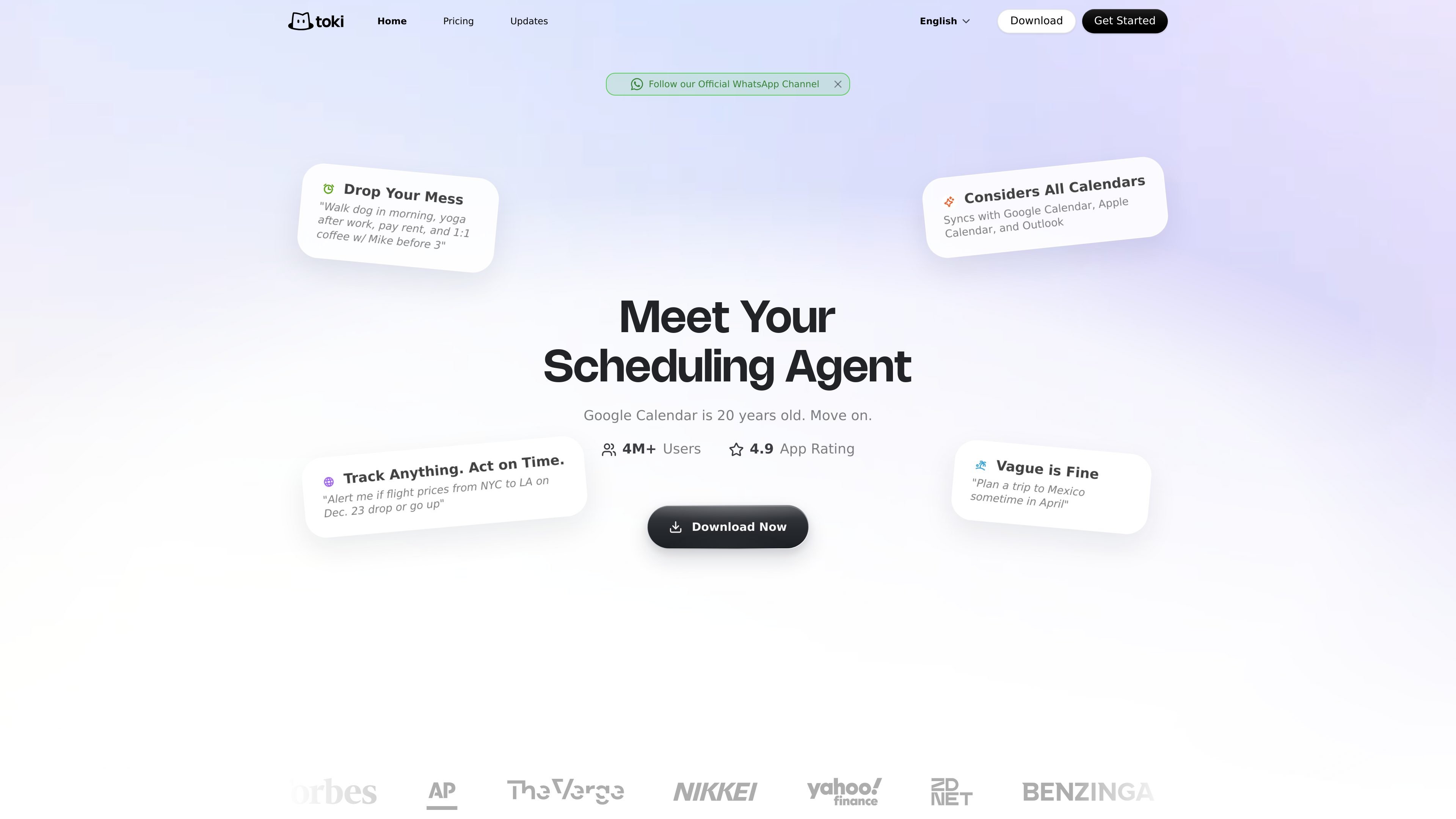
Toki is an AI-powered personal calendar and scheduling assistant built to help people manage events, reminders, notifications, and calendar workflows through natural language. It is presented as a scheduling agent that can take requests from text, voice, images, and screenshots, then turn them into calendar actions.
The product connects with Google Calendar, Apple Calendar, and Outlook, and it is available across mobile, web, and messaging surfaces including Telegram and LINE. The public pages also describe weekly summaries, phone and app notifications, and premium features such as schedule analysis and memory.
Add, delete, search, and edit calendar events by sending natural language requests instead of filling out forms.
Create events from text, voice messages, images, and screenshots, including posters, itineraries, and chat messages with time details.
Sync with Google Calendar, Apple Calendar, and Outlook so Toki can work across existing calendars.
Receive phone notifications and system notifications, with the site also describing weekly summaries and activity updates.
Paid tiers unlock Schedule Analysis and Memory, which the pricing page lists as premium features.
Use Toki when you want to turn a spoken request, typed message, or screenshot into a scheduled event without manually entering every field.
Use it to manage a single personal calendar or multiple connected calendars, depending on the plan, while keeping events synced across Google Calendar, Apple Calendar, and Outlook.
Use the app for reminders and notifications when you want schedule updates on your phone or through system alerts.
Use Toki’s paid features if you want analysis of your schedule or memory features that learn from prior activity over time.
Use the web, mobile, or messaging surfaces when you need to work from the device or channel that is most convenient at the moment.
Toki can be used by sending requests in natural language. The sources show support for text, voice messages, and images such as screenshots, posters, itineraries, and chat messages with scheduling information.
The sources say Toki connects with Google Calendar, Apple Calendar, and Outlook. The pricing page shows different tiers for syncing 1, 3, or 5 calendar accounts depending on plan.
Toki is available on iPhone, iPad, Apple Watch, Mac, web, Android phones and tablets, and also on Telegram and LINE. The llms.txt file also points to the web app at web.toki.com.
The pricing page shows a free plan plus paid Plus and Super plans, and mentions a 7-day trial on the paid plans. It also says some advanced features, including Schedule Analysis and Memory, are available on paid tiers.
The contact page lists dedicated email addresses for product feedback, partnerships, billing, privacy, and security. It also says users can send feedback from inside the app.
Les données de trafic sont fournies à titre indicatif uniquement.

saner.ai
An AI personal assistant for ADHD-friendly note search, task planning, email, and calendar workflows.

getbo.com
Bo AI est un assistant personnel textuel qui vous aide à vous organiser, suivre votre santé, créer des rappels et trouver rapidement des informations. Il fonctionne via iMessage et se connecte à certaines applications avec la Bo app.

grimoai.com
Grimo AI is an iOS productivity assistant that turns plain-language requests into tasks, calendar events, and notes. It also supports chat and voice interactions for organizing plans, reminders, and daily schedules.

vimcal.com
Vimcal est une application de calendrier pour gérer de nombreuses réunions, avec accès multiplateforme, planification partagée et outils de délégation pour assistants de direction.

cronloop.ai
Cronloop est une plateforme qui exécute des agents IA selon un calendrier, toutes les cinq minutes ou jusqu’à une fois par semaine. Elle permet d’automatiser les tâches récurrentes avec Codex ou Claude Code, de suivre chaque exécution en direct et de conserver la mémoire d’une exécution à l’autre.