
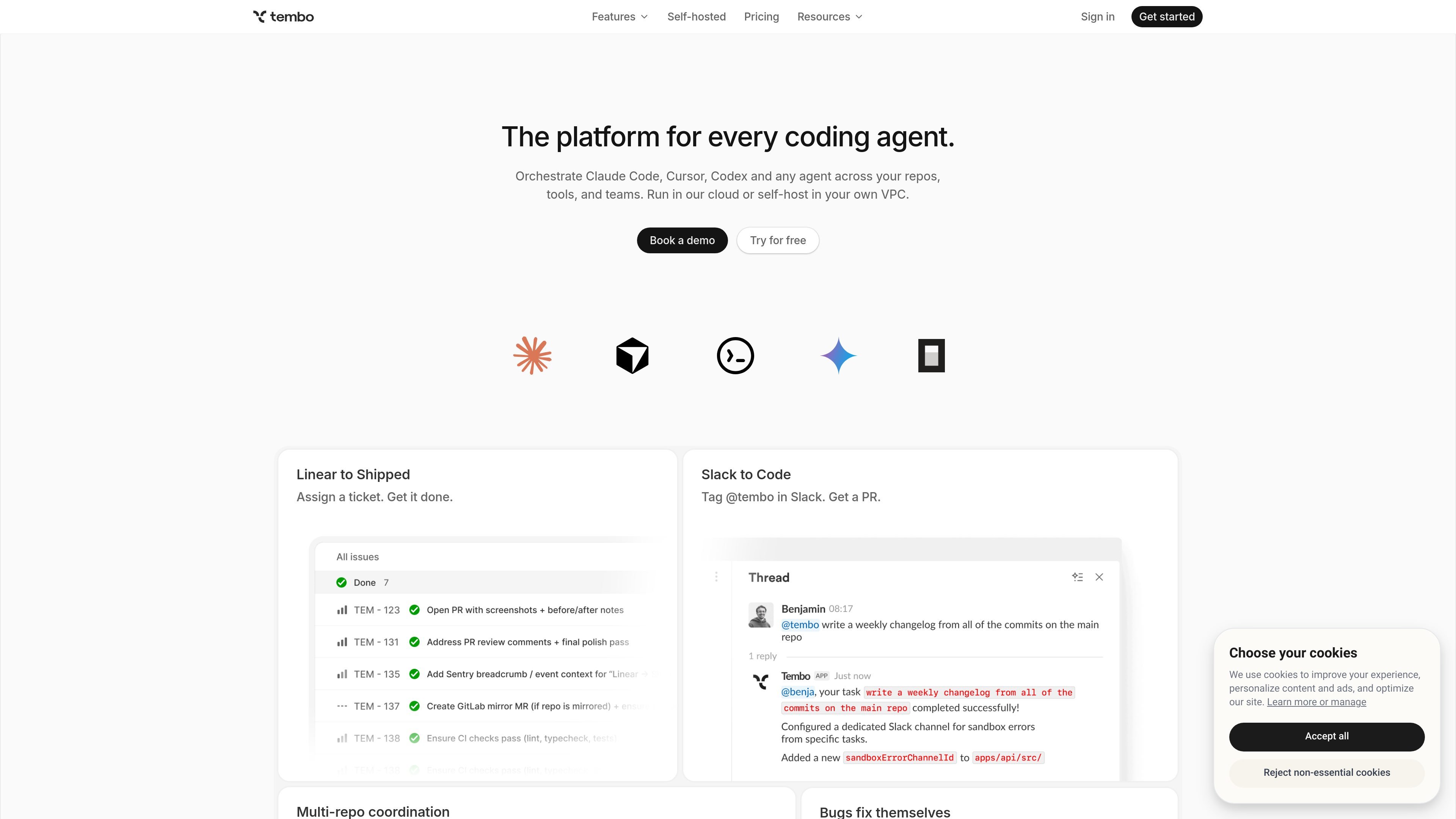
Orchestrate multiple coding agents
Use Claude Code, Codex, Cursor, or other agents within one orchestration layer instead of managing each tool separately. Tembo is positioned as a platform for every coding agent.

Orchestrez des agents de code entre dépôts, outils et équipes
Tembo is a platform for orchestrating coding agents across repositories, tools, and teams. It is designed to let teams use agents such as Claude Code, Codex, Cursor, or custom agents while keeping the work connected to the systems they already use.
The product centers on automated development workflows such as turning Linear issues into PRs, generating PR descriptions, posting release notes, coordinating multi-repository changes, and routing requests through Slack or GitHub. Tembo can run in Tembo's cloud or be self-hosted in a customer VPC, and the pricing page shows free, paid, and enterprise options.
Use Claude Code, Codex, Cursor, or other agents within one orchestration layer instead of managing each tool separately. Tembo is positioned as a platform for every coding agent.
Connect Tembo to source control, issue trackers, chat tools, monitoring, databases, and cloud services. The integrations page lists GitHub, GitLab, Bitbucket, Linear, Jira, Notion, Sentry, Slack, PostgreSQL, AWS, Supabase, and Raycast.
Create automations that run on schedules or on webhook events. The homepage says automations can be triggered by events and can access webhook payloads.
Coordinate changes across multiple repositories in a single task. Tembo says one task can open PRs across multiple repos, even across platforms.
Use built-in and custom MCP servers to extend what the platform can do. The integrations page highlights Tembo MCP, Playwright MCP, Context7 MCP, and the ability to add any custom MCP.
Move work between chat and development tools. The site shows workflows such as tagging @tembo in Slack, assigning Linear issues, generating PR descriptions, and posting release notes to Slack.
Turn a tracked issue into implementation work by connecting Linear or Jira to Tembo, then route the task into a repository workflow that can generate changes and open pull requests.
Ask Tembo to generate a PR description from the diff so reviewers get context on what changed, why it changed, and what to look for during review.
Use the release-notes template to group merged PRs, format changes, and post release notes into Slack without manually assembling the changelog.
Coordinate a task that affects more than one repository so related backend, client, or shared-library changes stay aligned in a single workflow.
Route production signals from Sentry into Tembo so errors can be turned into fixes and alerts can reach the right team in Slack.
Tembo is for teams using coding agents such as Claude Code, Codex, Cursor, or custom agents to work across repositories and connected tools. The site also positions it for teams that want to automate repetitive development tasks and route them through existing systems like Linear, Slack, GitHub, and Sentry.
Tembo adds orchestration, integrations, and automation around coding agents. The site says you can use any agent you choose and avoid lock-in, while Tembo coordinates tasks, triggers workflows, and connects to your repos and team tools.
Tembo supports a cloud option and a self-hosted option in your own VPC. The pricing page also notes an Enterprise tier with SSO, advanced security, BYOK, dedicated support, and SLA guarantees.
Yes. The integrations page lists GitHub, GitLab, Bitbucket, Linear, Jira, Notion, Sentry, Slack, PostgreSQL, AWS, Supabase, Raycast, and support for custom MCP servers, so teams can connect their existing workflow tools.
The site emphasizes that Tembo proposes solutions and lets you reject or request changes from places like Linear, Slack, and GitHub. It also includes FAQ prompts about code quality, review standards, and whether agents can be trusted without close supervision.
Les données de trafic sont fournies à titre indicatif uniquement.

openhands.dev
OpenHands est une plateforme open source et agnostique des modèles pour agents de programmation cloud, qui automatise les workflows d’ingénierie via le Web, la CLI, l’interface terminal et le SDK, avec des déploiements locaux, cloud et d’entreprise.

tessl.io
Tessl est une plateforme d’habilitation des agents qui fournit aux agents de programmation un contexte structuré et versionné ainsi qu’une couche de compétences gouvernée. Elle aide les équipes à créer et gérer des logiciels natifs de l’IA avec les offres Free, Team et Enterprise.

jackalope.dev
Jackalope is a desktop workspace for running AI coding agents in parallel across separate Git worktrees. It helps developers carry project context between tasks, use supported agent tools, and review related changes together.

augmentcode.com
Plateforme de développement agentique pour coder à chaque étape du cycle logiciel

github.com
GitHub Copilot est un assistant de programmation et une plateforme d’agents IA pour développeurs.

mistral.ai
Plateforme d’IA d’entreprise pour créer des assistants, agents de code, modèles personnalisés et workflows de déploiement