
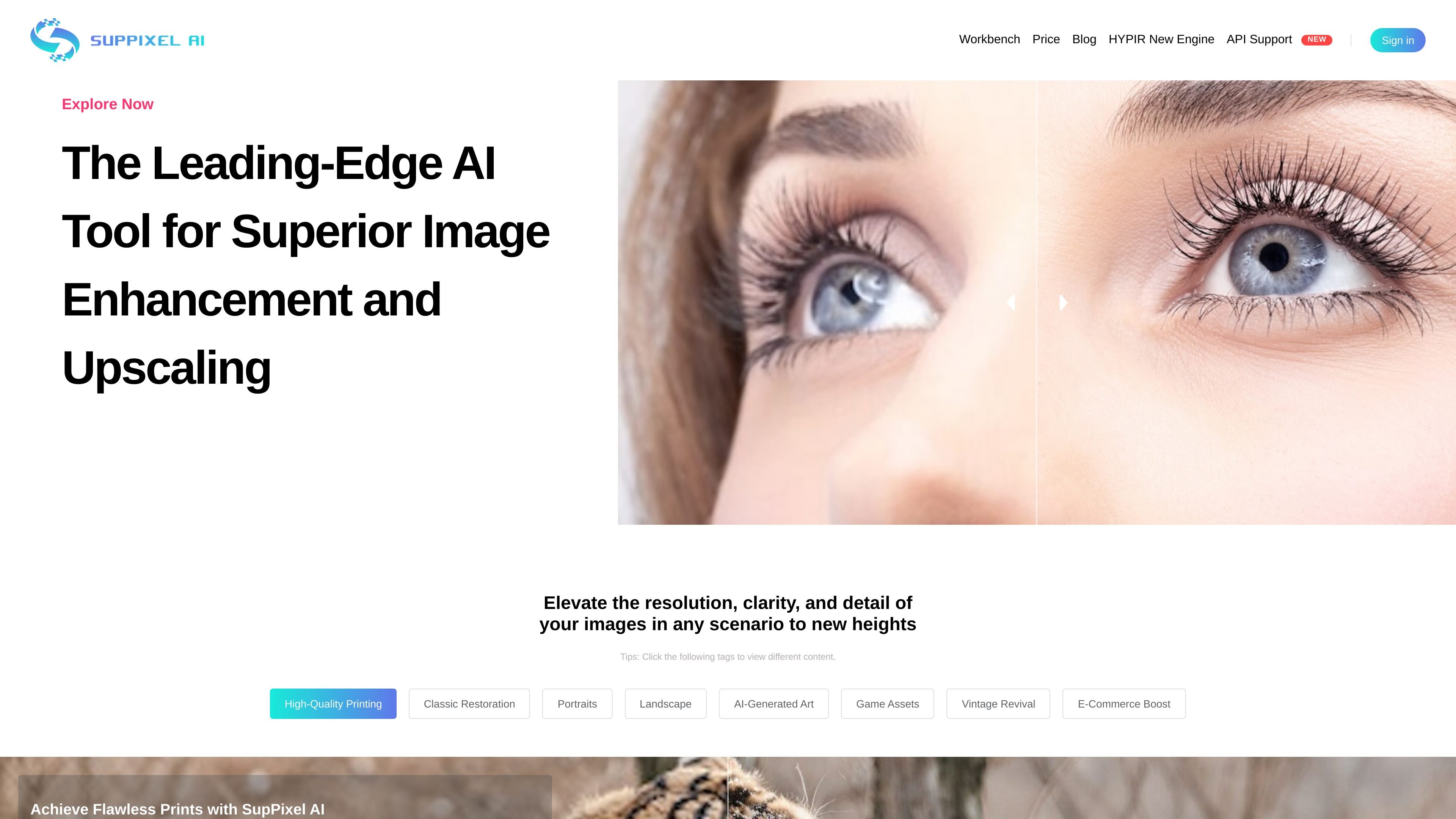
Image enhancement and upscaling
Enhances and upscales images in one step, with the goal of improving clarity, resolution, and detail for the final output.

Outil web d’amélioration et d’agrandissement d’images pour plus de résolution, netteté et détails
SupPixel AI is an image enhancement and upscaling tool focused on improving resolution, clarity, and detail. The site presents it as an all-in-one model for enlarging images while keeping them clear enough for practical use.
It is built for images that are compressed, noisy, or blurry, and the product messaging emphasizes outputs suited to printing, restoration, creative assets, and business visuals. Users submit a job, let it process in the background, and later review results from their account history.
Enhances and upscales images in one step, with the goal of improving clarity, resolution, and detail for the final output.
Supports compressed, noisy, or blurry images, positioning the model as a general cleanup tool rather than a single-purpose enlarger.
Processes jobs after submission so users can close the browser and return later to retrieve results from the history page.
Uses credits rather than flat per-image pricing, with usage tied to image size and upscale factor.
Lists use tags such as high-quality printing, classic restoration, portraits, landscape, AI-generated art, game assets, vintage revival, and e-commerce boost to indicate the kinds of images it can handle.
Improve photos that need to be enlarged for posters, handouts, or other print output while preserving clarity.
Restore older or damaged-looking images where the goal is to recover detail and reduce the roughness of degraded files.
Create clearer portraits, landscape images, or AI-generated art assets for sharing or further editing.
Prepare sharper visuals for e-commerce listings, websites, presentations, and social media posts.
Upscale or clean up game assets and other digital artwork that needs more resolution without starting from scratch.
Processing time varies with output image size and typically ranges from a few seconds to two minutes. The site says results continue processing after submission, and you can review them later from the history page if you are logged in.
No. The site says you can close the browser after submitting a task as long as you are already logged in. The job continues processing, and you can return later to see the result in your history.
SupPixel AI says it is suitable for business use, including work for bloggers, website owners, designers, photographers, and other users who need clearer images for presentations, ads, websites, and social posts.
SupPixel AI offers Starter, Basic, and Pro subscriptions. The site says there is no free trial because of computational costs, and billing is managed through Stripe.
Credits are the usage unit in SupPixel AI. The site says credit consumption depends on the original image pixel count and the upscale factor; for example, a 1080p image typically costs 2 to 4 credits and a 4K image around 15 to 20 credits.
Les données de trafic sont fournies à titre indicatif uniquement.

erase.bg
Erase.bg est un outil de suppression d’arrière-plan par IA pour les images et les vidéos courtes. Il permet de créer des arrière-plans transparents pour les personnes, les animaux et les objets. Après inscription, il propose une offre de démarrage gratuite, des packs de crédits payants et des options d’entreprise pour les flux à plus fort volume.

cleanup.pictures
Outil web de retouche photo pour supprimer objets, personnes, textes et défauts, avec export gratuit en 720p, Pro en pleine résolution et API.

bgsub.cn
BgSub est un outil en ligne qui supprime ou remplace automatiquement l’arrière-plan des images dans le navigateur, sans téléverser les données d’image. Idéal pour traiter rapidement photos, produits et visuels marketing.

imagedescriber.online
Outil d’IA en ligne pour décrire des images, extraire du texte, générer des prompts et traiter des photos par lots

qwen.ai
Qwen Studio est un assistant IA basé sur les modèles de la série Qwen, conçu pour discuter, rechercher, générer des images, comprendre le contenu multimodal et créer sur le web. Il est gratuit sur le web, iOS, Android, macOS et Windows.

roboflow.com
Roboflow est une plateforme de vision par ordinateur pour développeurs et entreprises, couvrant l’annotation, l’entraînement, l’automatisation des workflows et le déploiement d’images, de vidéos et de flux en temps réel.