
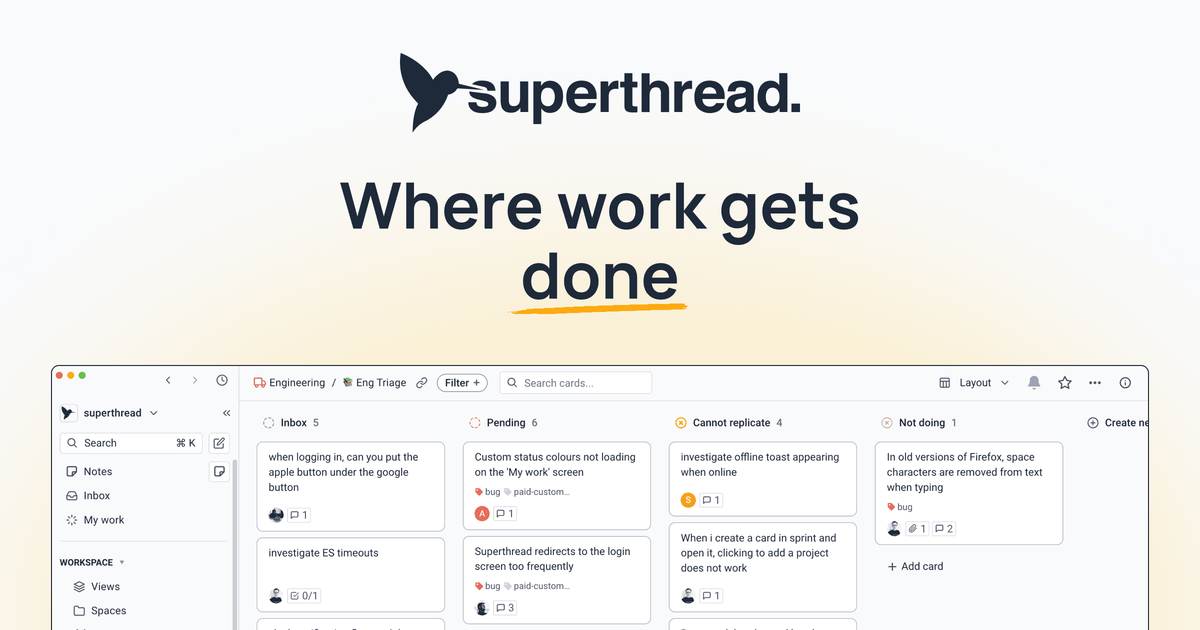
Unified work organization
Manage tasks, projects, cards, boards, spaces, and pages in one workspace instead of splitting work across separate tools.

Superthread est un espace de travail d’équipe pour les tâches, projets, documents et notes de réunion.
Superthread is a workspace for teams that want tasks, projects, docs, and meeting notes in one place. The product positions itself as a fast, structured alternative to using separate tools for project management, documentation, and meeting capture.
The product combines boards, pages, and meeting notes with workflow features such as sprints, timeline and calendar views, comments, and search. It also supports imports from Jira, Trello, and Shortcut, native integrations with GitHub, Slack, and Google Calendar, and Zapier-based connections to other apps.
Manage tasks, projects, cards, boards, spaces, and pages in one workspace instead of splitting work across separate tools.
View work as kanban boards, list views, timelines, calendars, or project boards, with support for swimlanes, sprints, child cards, and relationships.
Create collaborative documents with sub-pages, rich text, inline comments, real-time editing, templates, and version history.
Take meeting notes with transcription, AI note templates, calendar links, and shared notes; the Business plan adds meeting transcription and AI search features.
Connect with GitHub, Slack, Google Calendar, Zapier, and a public API to automate status changes, notifications, and other workflow steps.
Use universal search, notifications, inbox, saved filters, favorites, and comments to keep work discoverable and current.
Keep project tasks, supporting docs, and meeting notes in the same workspace so teams do not have to switch between separate systems to follow a project.
Migrate from Jira, Trello, or Shortcut by importing boards, issues, comments, and attachments while preserving history and workflow structure where possible.
Create a knowledge base or internal wiki with pages, sub-pages, permissions, and shared links for read-only or edit access.
Track engineering or product work with sprints, child cards, relationships, and multiple board views such as kanban, list, timeline, and calendar.
Capture meeting discussion, generate notes, and tie action items back to existing work through calendar-connected AI notes and manual transcription.
Superthread combines tasks, projects, docs, and meeting notes in one workspace. The homepage describes it as a fast place to plan, collaborate, and get work done, and the pricing page separates those core workflow areas into tasks & projects, docs & wiki, and meeting notes.
Yes. The pricing page includes a Free plan, and the homepage says you can start for free with no credit card required. The free tier includes limited usage on boards and cards, while paid plans add more capacity and features.
Yes. Superthread supports native integrations with GitHub, Slack, and Google Calendar, and it also connects to many other tools through Zapier. The pricing page also lists a public API for bespoke integrations.
Yes. The homepage says Superthread offers one-click import for Jira, Trello, and Shortcut, and the Medialab customer page describes a team moving from Jira, Confluence, and SharePoint to Superthread.
Superthread's security page says users manually start transcription in the app, audio is not stored, and notes are stored in a UK data centre on AWS with encryption at rest. It also says the company does not train its own models on meeting data.
Les données de trafic sont fournies à titre indicatif uniquement.

stempad.com
Stempad est un éditeur scientifique dans le navigateur pour notes, documents et workflows techniques, avec outils de maths, graphiques, chimie, code, dessin, export, collaboration et IA.

mum.jiker.ai
MuM est un moteur Markdown pour macOS axé sur la lecture, avec un lecteur AppKit conçu sur mesure, la navigation entre projets, la recherche de documents, la création de plans et l’export PNG/PDF. Ses outils en ligne de commande rendent les documents et renvoient du JSON structuré pour les workflows d’agents.

formaloo.com
Formulaires et workflows web pour collecter des données, créer des documents et automatiser les relances

buildots.com
Buildots fournit aux équipes de construction des données d’avancement vérifiées, des analyses prédictives et une documentation pour mieux piloter les projets.
foglioapp.com
Foglio is a private document editor for work documents, personal notes, and lightweight collaborative writing. It combines a distraction-free editor with templates, folders, link sharing, exports, and AI-assisted document creation.