
Audio and video upload
Upload audio or video files for automatic transcription. The homepage describes a drag-and-drop or browse-based upload flow with support for a variety of media formats.

SoundType AI transforme les enregistrements audio et vidéo en texte consultable, avec résumés, identification des intervenants et export.
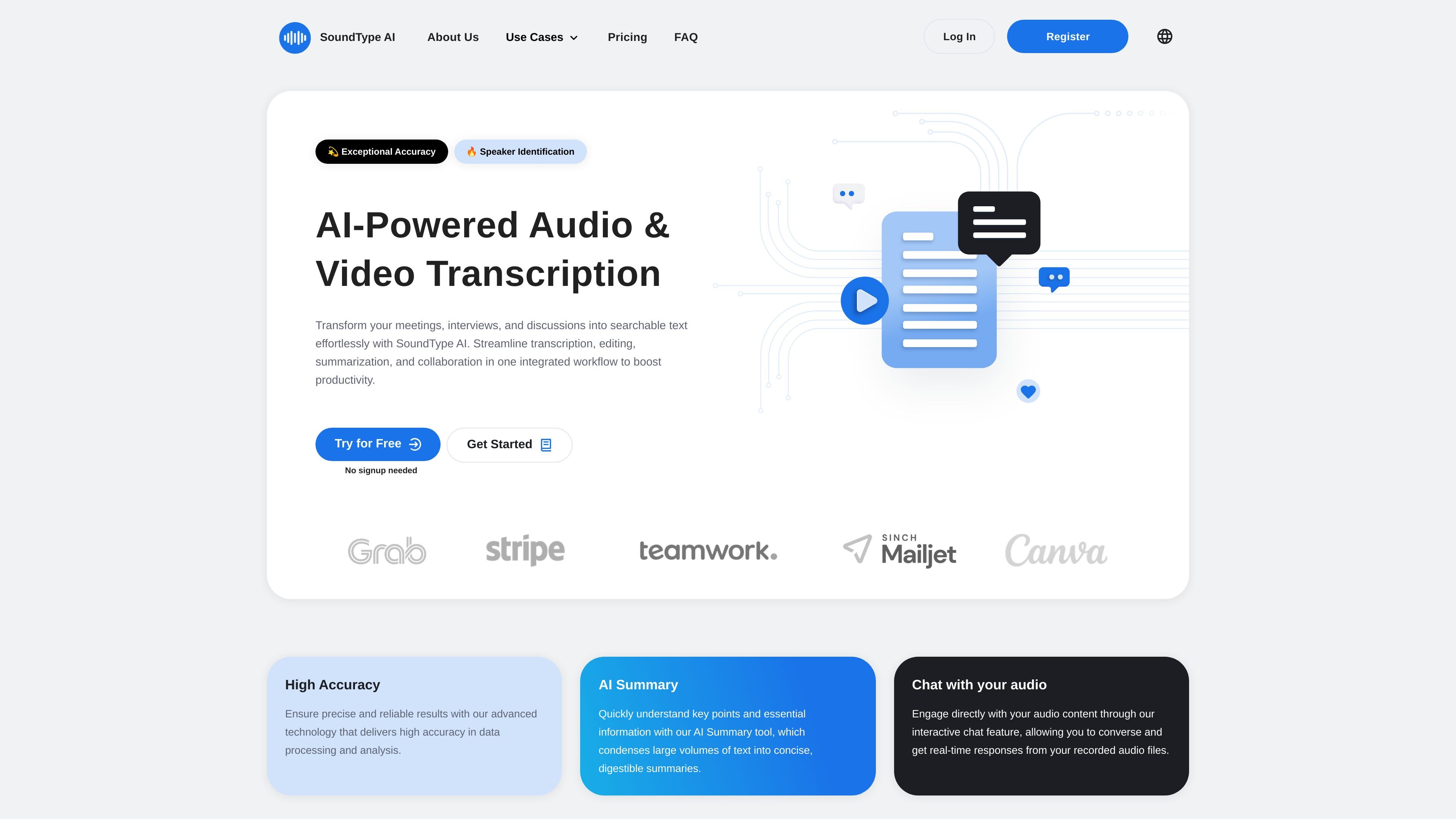
SoundType AI is an AI-powered audio and video transcription tool that turns recordings into searchable text. It is designed to help people move from raw meeting notes, interviews, lectures, and other recordings to transcripts, summaries, and exports in one workflow.
The homepage emphasizes automated transcription, summary generation, and chat-based interaction with audio content. The pricing page adds speaker identification, editing, export options, translation, and higher-volume plans, showing a product aimed at individual creators, professionals, and teams that need to process recorded content regularly.
Upload audio or video files for automatic transcription. The homepage describes a drag-and-drop or browse-based upload flow with support for a variety of media formats.
Generate text from speech with support for accents, dialects, and technical terminology. The homepage also says the system can distinguish between speakers in multi-person recordings.
Create concise summaries from completed transcripts. The site positions this as a way to review long recordings more quickly.
Ask questions about recorded audio through a chat-style interaction. The homepage describes this as an interactive way to engage with audio content.
Export transcripts in multiple formats. The pricing page lists SRT, PDF, and Microsoft Word (DOCX) on the Pro plan, while the homepage also mentions TXT export for editing.
Review and edit transcripts in the product interface. The Basic plan includes transcript review and editing, and higher plans add priority processing and translation features.
Convert recorded meetings into text, then use the summary and chat features to review decisions and action items faster than replaying the full recording.
Transcribe interviews for article drafts, research notes, or internal documentation. The speaker identification and export options help turn raw recordings into usable text.
Create transcripts and subtitles for podcast or video workflows. The Pro plan’s SRT export supports video-oriented publishing tasks, while editing tools help refine the text before sharing.
Use transcription and summaries for lectures or study recordings. The site specifically positions the product for educators and students who need accessible text from spoken content.
Handle recurring transcription work with larger monthly minute allowances on higher plans. The Business tier is aimed at higher-volume use and adds team-oriented features that are listed as coming soon.
SoundType AI converts uploaded audio or video into text, and the site says it can also generate summaries and let you interact with audio content through chat.
The pricing page shows a Basic plan with 180 transcription minutes per month, a Pro plan with 1,800 minutes per month, and a Business plan with 7,200 minutes per month.
The site says it supports audio and video file transcription and allows export in TXT, SRT, PDF, and Microsoft Word (DOCX) formats depending on the plan.
The homepage says the system can distinguish between speakers in multi-person recordings, and the pricing page includes speaker identification in the Basic plan.
The site lists several planned Business features as coming soon, including usage analytics, a collaborative workspace, transcript sharing and editing within teams, and sharing permissions.
Les données de trafic sont fournies à titre indicatif uniquement.

transcripcionplus.com
Transcripción+ propose la transcription audio-texte par IA et un service révisé par des professionnels, avec API REST, identification des intervenants, résumés et traduction dans plus de 20 langues.

nevercap.ai
NeverCap est un outil de transcription IA qui convertit l’audio et la vidéo en texte modifiable, avec importations groupées, identification des intervenants, horodatage et plus de 100 langues, sans plafond mensuel de minutes.

wavoai.com
WavoAI transcrit les fichiers audio et crée des résumés avec IA, identification des intervenants et insights.

memo.ac
Memo AI est une application de transcription par IA pour ordinateur, compatible avec Windows et macOS. Elle convertit l’audio et la vidéo en texte, avec transcription par lien, traduction multilingue et export aux formats SRT, VTT, Markdown et Notion.

transkriptor.com
Transkriptor convertit l’audio et la vidéo en texte modifiable grâce à l’IA, pour les réunions, cours, entretiens, appels et notes vocales. Disponible sur le web, ordinateur, mobile et Chrome, avec résumés, exports et vocabulaire personnalisé.

accuratescribe.ai
Transcription cloud audio et vidéo avec sous-titres, intervenants et exports modifiables