
Task or day-long recording
Press ⌘⇧R to start capturing a single task or a longer work session while you continue working normally.

ScreenCap est une application d’enregistrement d’écran pour macOS privilégiant le stockage local. Elle aide les équipes à documenter leurs workflows et à les partager, avec des contrôles de confidentialité intégrés à la capture. Les enregistrements restent sur le Mac par défaut et peuvent être recherchés et étiquetés pour être réutilisés.
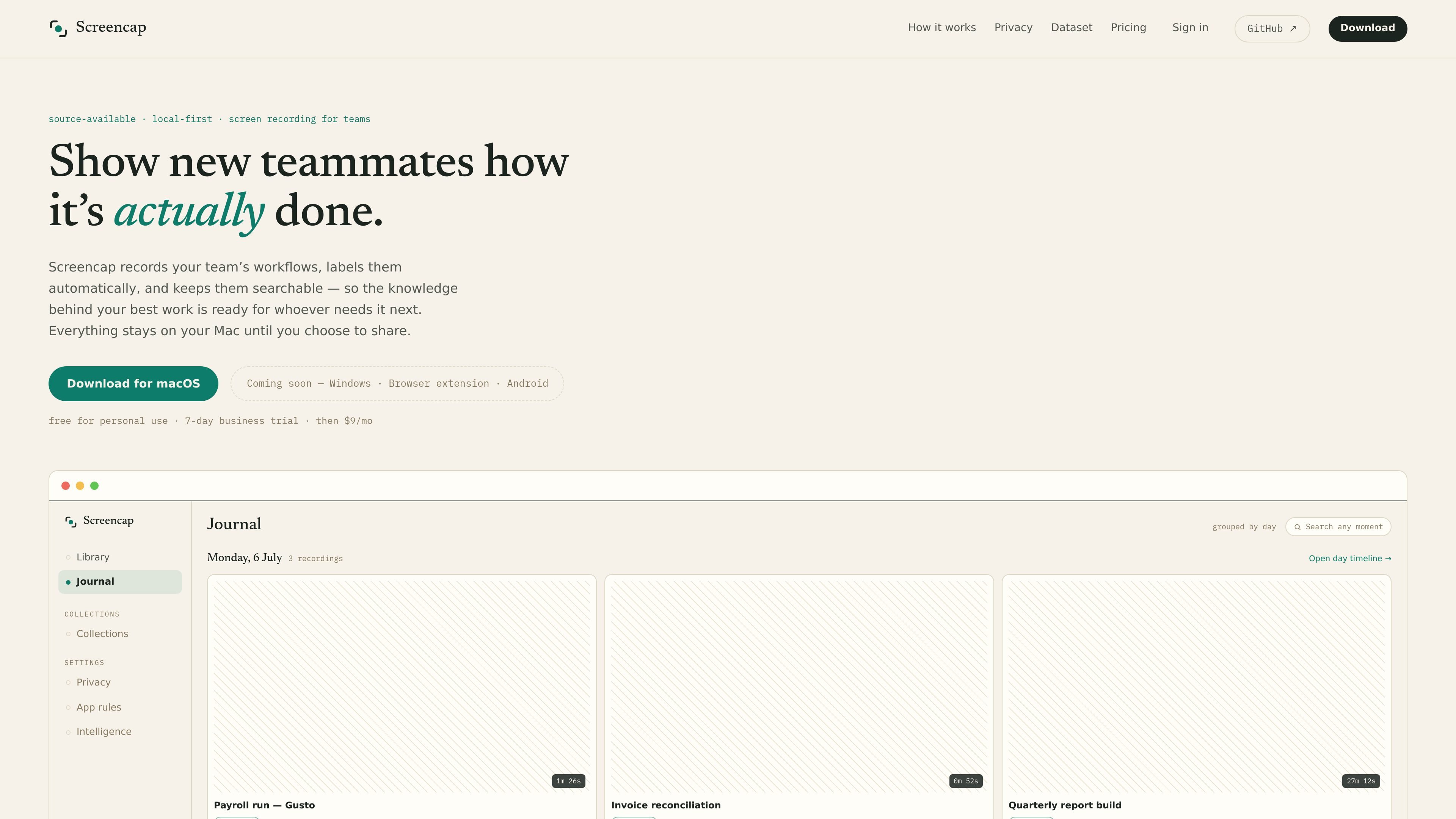
ScreenCap is a local-first screen recording app for macOS focused on preserving team knowledge while enforcing privacy at capture time. It records workflows on your Mac, automatically labels them, and keeps them searchable so teammates can find how a process was done later.
The product is built around the idea that sensitive content should be blocked or masked before it is ever written to disk. Recordings stay on the local Mac unless you choose to share them, back them up in a cloud plan, or export an encrypted file.
Press ⌘⇧R to start capturing a single task or a longer work session while you continue working normally.
Password managers and banking are cut before a frame is written, and email and chat are masked as they record.
An on-device model splits footage into labeled tasks and indexes spoken words and on-screen moments so recordings stay searchable.
You can share a single task or assemble multiple recordings into an onboarding collection, with each exported copy scrubbed of names, secrets, and PII.
While recording, ScreenCap can query connected MCP servers and store that context with the recording on your machine.
The app, capture engine, encryption, agent, and anonymizer are described as public on GitHub, and releases are notarized and reproducible.
Record a payroll run, expense approval flow, or other repeatable internal process, then share the labeled recording with a teammate who needs the exact steps.
Create ordered onboarding collections from multiple recordings so new teammates can learn processes from real examples instead of separate explanations.
Keep sensitive work on your Mac while recording, using app blocking and masking to avoid capturing passwords, banking screens, email, or chat content.
Search back through recorded moments months later to find a specific task, spoken instruction, or on-screen event without rewatching everything.
Record with connected MCP servers so the capture preserves contextual references to the app or record on screen for later viewing.
It is a local-first screen recording app for macOS. It records workflows on your Mac, labels them automatically, and keeps recordings searchable for later reuse or sharing.
Recordings are stored locally in ~/.screencap on the Mac where they were created. The site states that nothing leaves your Mac unless you choose a cloud plan or share selected recordings.
ScreenCap blocks password managers and banking apps before a frame is written, and masks email and chat as they record. Shared copies are scrubbed of names, secrets, and PII before they leave your Mac.
The site says ScreenCap can query connected MCP servers while you record, so the captured recording includes context about what was on screen at that moment.
The app is available for macOS, with Windows, a browser extension, and Android listed as coming soon. The page also notes macOS 14+ and Apple silicon.
Les données de trafic sont fournies à titre indicatif uniquement.
| mai | 0 |
|---|---|
| juin | 0 |
| juil. | 1359 |
Les analyses de trafic ne sont pas encore disponibles.

hellothematic.com
Thematic est une plateforme de musique libre de droits destinée aux créateurs à la recherche de morceaux sous licence pour leurs vidéos, podcasts et contenus sociaux. Elle associe recherche assistée par IA, playlists sélectionnées et communauté favorisant la promotion des artistes.

omphalis.ai
Omphalis est une application de lecture et de compréhension qui rend les articles, PDF, podcasts, vidéos, EPUB et documents Word plus clairs et faciles à parcourir. Elle aide à lire des contenus denses, à garder les annotations dans leur contexte et à retrouver l’essentiel plus tard.

trycase.dev
TryCase est un outil de test de bout en bout assisté par l’IA pour les pull requests GitHub. Il exécute les parcours utilisateur concernés dans des environnements Linux éphémères et publie les verdicts, vidéos, captures d’écran et détails des échecs dans la pull request.

dramafork.com
DramaFork aide les créateurs d’histoires et les équipes à produire des vidéos interactives modifiables, lisibles et testables.