
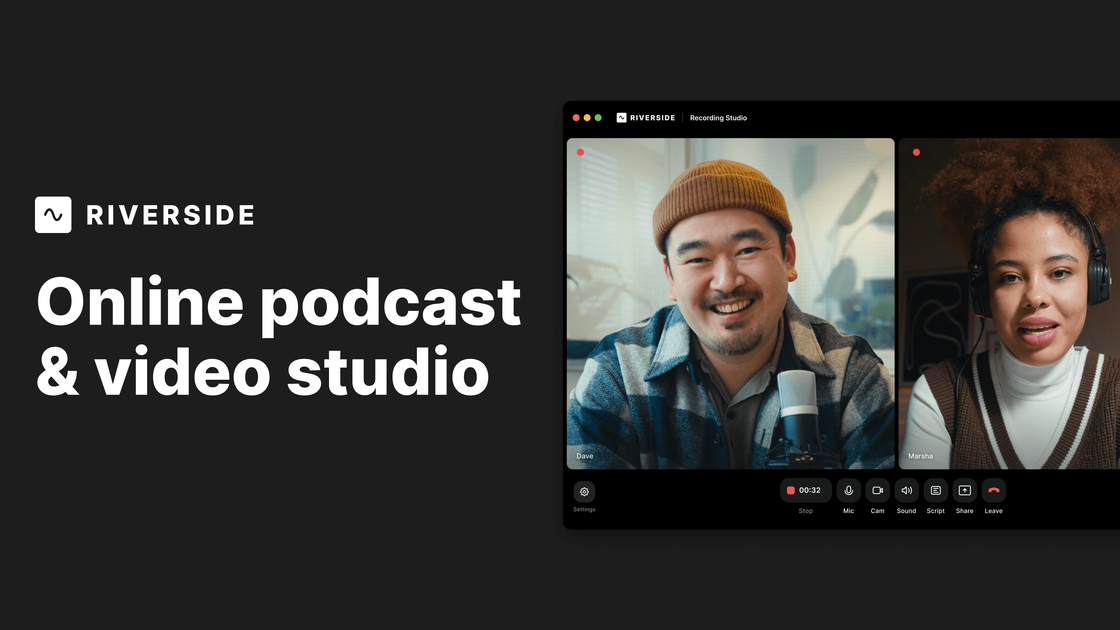
Local multi-track recording
Record solo or with guests in separate audio and video tracks, with local recording designed to preserve quality even when internet conditions vary.

Riverside est un studio en ligne pour enregistrer, monter, réutiliser et publier des podcasts et des vidéos. Il prend en charge les sessions à distance, la postproduction assistée par AI et l’hébergement ou le livestreaming selon le forfait.
Riverside is an online recording and editing studio for podcasts, video content, webinars, live streams, and related content workflows. It centers on remote recording with local capture, separate tracks, and an editing flow that combines transcript-based editing with AI-assisted cleanup and repurposing.
The product is designed for creators and teams that want to record high-quality audio and video without a traditional studio setup. Depending on the plan, Riverside also covers hosting, publishing, multistreaming, webinar registration and follow-up, and team collaboration features.
Record solo or with guests in separate audio and video tracks, with local recording designed to preserve quality even when internet conditions vary.
Capture up to 4K video and uncompressed WAV audio, with separate tracks that can be downloaded and edited individually after the session.
Edit directly from the transcript by searching, cutting, copying, and pasting text, which is designed to make timeline work feel closer to document editing.
Use AI to remove filler words and silences, clean up sound, correct speech, adjust eye contact, generate B-roll, create clips, and produce transcripts, show notes, titles, and descriptions.
Publish recordings to YouTube, Spotify, Apple, and other podcast directories, or stream live to multiple destinations depending on plan.
Set up studios, manage guests, use producer controls, and support live audience interaction for recording sessions, webinars, and events.
Record interviews or solo episodes with separate tracks so you can edit each speaker independently and preserve audio/video quality from each device.
Host webinars or live events, stream to multiple destinations, and use registration, reminders, Q&A, and call-ins to manage the session.
Create marketing videos, clips, and social assets from one recording using AI tools for transcripts, captions, thumbnails, and short-form repurposing.
Work with producers and larger production teams that need studios, roles, collaboration tools, and controlled recording workflows.
Record screen shares, presentations, and remote sessions for tutorials, customer stories, or internal communications where separate tracks and post-production flexibility matter.
Yes. Riverside offers a Free plan and a free trial flow for paid plans, so you can start without paying upfront. The free plan includes limited multi-track recording and basic editing features, while higher tiers add more recording time and advanced tools.
Riverside is built around browser-based remote recording with local capture on each device. Guests can join with a click and do not need downloads or installations in the standard flow, while hosts can invite participants, manage studios, and record separate tracks.
The platform supports text-based editing, AI-assisted cleanup, Magic Clips, show notes, transcriptions, captions, and publishing workflows. It also includes options for multistreaming, webinar hosting, and podcast hosting depending on plan.
Riverside is available as an online studio, with mobile apps for phone and iPad, and a Mac app listed as coming soon on the recording page. The source also highlights browser-based workflows and phone use as a webcam or second camera.
The pricing page lists integrations for HubSpot on webinar plans and Salesforce on Business plans. The homepage also says you can publish to YouTube, Spotify, and Apple, but it does not list a broader integration catalog in the provided sources.
Les données de trafic sont fournies à titre indicatif uniquement.

diffusion.studio
Diffusion Studio est un éditeur vidéo en ligne avec canevas infini, montage sur timeline, flux de travail assistés par IA et exports 4K. Le forfait gratuit inclut des projets illimités, sans filigrane, et l’usage commercial.

async.com
Async est une suite créative d’IA conversationnelle pour produire, monter et réutiliser des vidéos.

yiqijian.com
一起剪 est un éditeur vidéo en ligne et outil de création IA pour transformer des textes en vidéos, traiter sous-titres et voix, composer dans le cloud et publier en un clic.

roll.ai
Plateforme de production vidéo IA pour créer des vidéos à distance de qualité studio depuis un téléphone.

cybercut.ai
CyberCut est un éditeur vidéo web basé sur l’IA qui transforme des séquences ou des scripts en vidéos montées avec moins de travail manuel. Il prend en charge l’édition en langage naturel, la conversion de longues vidéos en formats courts et la création vidéo à partir de scripts.

clipgoat.com
Éditeur et diffuseur vidéo IA en ligne pour créer des formats courts depuis YouTube, Reddit et des récits