
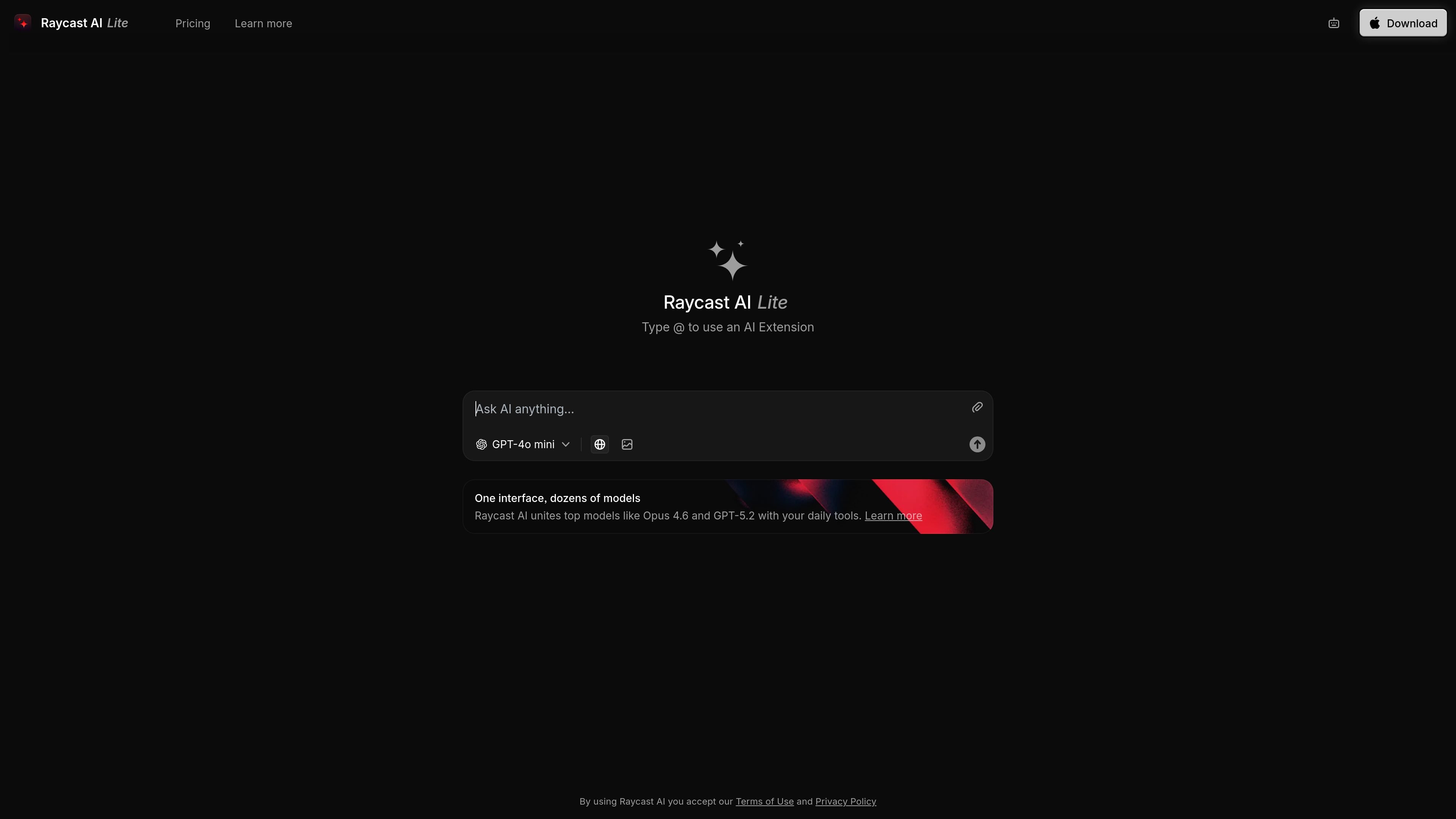
Multiple AI models in one place
Raycast AI combines multiple leading models in one interface, including examples such as Opus 4.6, GPT-5.2, and GPT-4o mini.
Raycast AI est l’assistant IA de Raycast qui réunit plusieurs modèles de pointe et des extensions dans une seule interface. Sa version web allégée, Raycast AI Chat, s’intègre aux flux de travail quotidiens de l’OS.
Raycast AI is an AI assistant experience from Raycast that combines leading models with extensions in a single interface. The source describes it as something you can try on the web and also as part of Raycast AI on your OS.
Its core purpose is to help users work with AI inside their existing daily tools, using a model picker and extension-based actions rather than a standalone chat experience. The page also points to a lite version of Raycast AI Chat that is available to try for free.
Raycast AI combines multiple leading models in one interface, including examples such as Opus 4.6, GPT-5.2, and GPT-4o mini.
The page presents Raycast AI Chat as a lite web version that you can try for free, making the product accessible without a full desktop setup in the source text.
The interface supports AI Extensions, with the prompt to type @ to use an extension directly from the chat experience.
The product is positioned as working with your daily tools on your OS, indicating an operating-system-level workflow rather than a standalone chatbot.
The main page links to Learn more, Pricing, and Download, suggesting a product that spans web access, product information, and app download entry points.
Use the web version to try Raycast AI Chat without committing to a full desktop workflow first.
Run prompts against different models from one interface when you want to compare outputs or choose a model for a task.
Use @ extensions to connect a prompt to a Raycast extension when you want AI-assisted actions tied to your tools.
Use Raycast AI alongside everyday OS workflows when you want AI available in the same environment as other tools.
Raycast AI is presented as a web experience for trying Raycast AI, and the page also points to Raycast AI on the OS through the main product site. The source does not spell out a detailed setup flow.
The source describes Raycast AI as combining leading models with powerful extensions and says you can try a lite version of Raycast AI Chat for free. It does not provide a detailed comparison between free and paid access.
The page highlights Raycast AI Chat and AI Extensions, including the prompt to type @ to use an AI Extension. It does not provide a full list of supported extensions or connected apps in the collected text.
The collected pricing URL returns 404: NOT_FOUND, so no verified plan details or limits are available from the provided sources.
Les données de trafic sont fournies à titre indicatif uniquement.

alterhq.com
Assistant IA natif pour macOS dédié au travail vocal, à l’automatisation des apps, aux notes de réunion et à l’aide contextuelle dans les fichiers, sites web et applications, avec modèles locaux et vos propres clés API.

www.vocalvia.com
VocalVia est un espace de travail de conversion de documents en podcasts et de synthèse vocale qui transforme fichiers source et contenus web en scripts modifiables et audio prêt à exporter, pour un flux axé sur la relecture.