
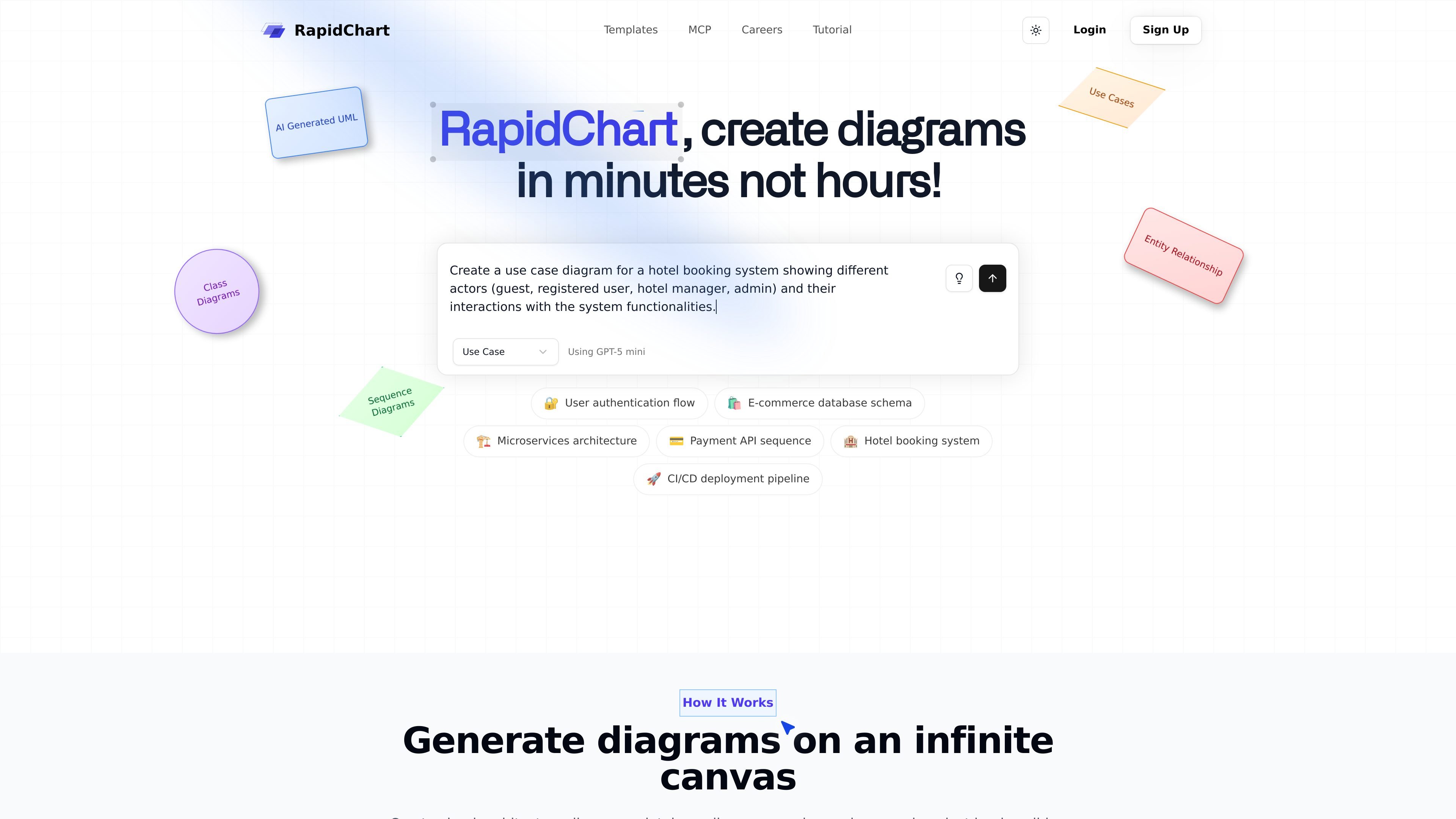
AI-powered diagram generation
Describe a diagram in plain language or paste code, and RapidChart generates technical diagrams on an infinite canvas.

RapidChart est un éditeur de diagrammes UML et techniques avec IA, capable de les générer et modifier depuis des prompts ou du code, avec prise en charge d’UML, ER, C4, du cloud et de Cursor.
RapidChart is an AI-powered UML and technical diagram editor that turns prompts or pasted code into structured diagrams on an infinite canvas. The home page positions it as a way to create diagrams in minutes instead of hours, with support for class diagrams, sequence diagrams, use case diagrams, ER diagrams, C4 diagrams, and cloud architecture diagrams.
The product combines AI generation with manual editing tools, community templates, import and export features, and a Cursor MCP integration for generating diagrams directly from code. The tutorial also notes optional API keys for unlimited AI generation requests and access to premium models, while the site’s pricing page was unavailable in the collected evidence.
Describe a diagram in plain language or paste code, and RapidChart generates technical diagrams on an infinite canvas.
Work with flowcharts, sequence diagrams, class diagrams, use case diagrams, C4 diagrams, ER diagrams, and cloud architecture diagrams in one editor.
Adjust nodes and edges directly on the canvas, including text editing, styling, deletion, drag-and-drop placement, and arrow settings.
Create diagrams from code in Cursor using the MCP workflow, including support for diagram generation, updates, workspace browsing, and model checks.
Import PNG, JPG, JPEG, GIF, WebP, and SVG files into the canvas, including multiple files at once.
Export and share diagrams through PNG output, public links, website or document embeds, and team sharing with permissions.
Describe a system, workflow, or codebase in plain language and generate a starting diagram on the canvas, then refine the result with direct editing.
Map database structures with tables, relationships, and constraints using the ER diagram tools for schema planning or documentation.
Visualize service boundaries, components, and interactions with C4 diagrams, sequence diagrams, or architecture-oriented templates.
Use the Cursor MCP workflow to generate or update diagrams from source code without leaving the IDE.
Import reference images or logos and combine them with generated content when you need a diagram to reflect existing visual assets.
RapidChart generates UML and other technical diagrams from text prompts, and the tutorial also describes support for updating existing diagrams and creating diagrams from code in Cursor through the MCP workflow.
The site highlights flowcharts, sequence diagrams, class diagrams, use case diagrams, C4 architecture diagrams, ER diagrams, and cloud architecture diagrams for AWS, Azure, and Google Cloud.
Yes. The MCP page describes a Cursor integration that lets you generate diagrams directly from code after installing the package, creating an API token, and configuring Cursor.
The tutorial says diagrams are automatically saved locally, with manual save available via Cmd/Ctrl + S, and it also mentions public links, embeds, team sharing, and permissions for sharing diagrams.
The pricing page returned a 404 error in the collected evidence, so the site copy here does not confirm current plan details, pricing, or trial terms.
Les données de trafic sont fournies à titre indicatif uniquement.

alloy.app
Alloy est un outil de prototypage IA pour créer des démos interactives à partir de produits existants, avec capture du navigateur, connexion au code, partage cloud et transfert vers les workflows GitHub, MCP ou Figma.

migma.ai
Migma est une plateforme de création d’e-mails par IA qui génère, modifie, envoie et suit les e-mails marketing et transactionnels. Créez-les avec des prompts ou importez-les depuis Figma, des captures, du HTML et les éléments de marque de votre site.

wonder.design
Wonder est un outil de design natif de l’IA pour créer, modifier et synchroniser des designs avec du code.

uxpin.com
UXPin est un outil de conception UI et de prototypage avec bibliothèques React, mise en page assistée par IA et transfert de code prêt pour la production.

mokkup.ai
Outil en ligne de wireframing de tableaux de bord BI avec prompts IA, modèles et widgets glisser-déposer.

promptessor.com
PrompTessor est un espace de travail web dopé à l’IA pour générer, analyser, optimiser, affiner, rétroconcevoir, enregistrer et réutiliser des prompts avec ChatGPT, Claude, Gemini et modèles similaires.