
Creative effects
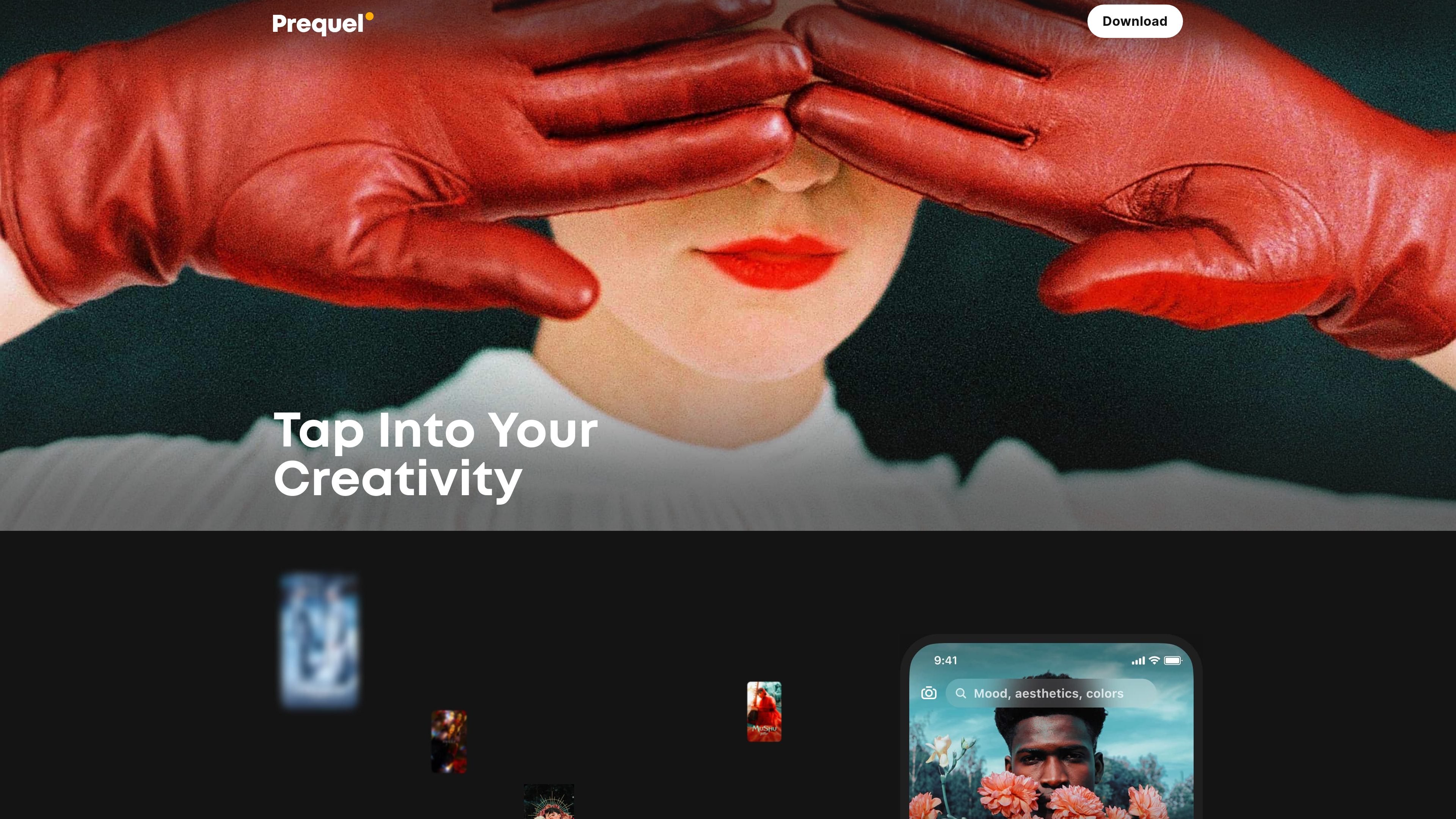
Apply 800+ effects, including D3D, AR objects, and captions, to turn photos into more stylized edits.

Éditeur mobile de photos et vidéos avec outils IA, effets et modèles
Prequel is a photo and video editing app built around an easy-to-use creative toolkit for stylized social content. The homepage positions it as a way to explore presets and templates, then bring an idea into a finished edit without starting from a blank canvas.
The app combines effects, AI-powered transformations, retouching, filters, and advanced adjustment controls in one workflow. It also extends into video with template-based editing, intros, outros, and background music, while the subscription policy shows that additional services are delivered through Prequel Gold and, in some cases, separate in-app purchases.
Apply 800+ effects, including D3D, AR objects, and captions, to turn photos into more stylized edits.
Use AI-powered tools to create profile pictures, comic-book looks, and artwork from selfies and portraits.
Retouch portraits by smoothing skin, whitening teeth, and reshaping facial features for a cleaner finish.
Adjust color and mood with filters such as vintage, retro, Y2K, and Indie Kid styles in a single tap.
Fine-tune images with standard editing controls for contrast, brightness, saturation, warmth, and sharpening.
Build videos with intros, outros, and background music using ready-made templates.
Choose this when you want to turn ordinary photos into stylized posts with effects, filters, and AI-generated looks before sharing on social platforms.
Use the retouch tools when you need quick portrait cleanup such as smoothing skin, whitening teeth, or reshaping facial features.
Start from a template when you want to assemble short-form videos with intros, outros, and background music without building everything manually.
Apply manual controls when you need more than a simple filter and want to tune brightness, contrast, saturation, warmth, or sharpness.
Use the business subscription if you need commercial-use rights for content created with Prequel on supported iOS devices.
Prequel is a photo and video editor for creating and enhancing social content with filters, effects, retouching tools, AI effects, and video templates.
The source materials indicate that Prequel Gold is a paid subscription that unlocks a collection of custom-made filters, effects, and tools. Some services are not included in Prequel Gold and may require in-app purchases.
Prequel Gold may be billed monthly, weekly, or annually depending on the plan, and it may include a free trial for eligible users. Free trials convert to paid subscriptions unless cancelled before the trial ends.
Prequel’s terms say paid services generally do not transfer across operating systems or different devices unless specifically stated otherwise. The app is accessed through the mobile application and subscriptions are purchased through Google Play or the App Store.
Prequel Business is available only for devices supporting iOS, and it is intended for legal entities that need commercial use rights under the subscription policy.
Les données de trafic sont fournies à titre indicatif uniquement.

skylum.com
Skylum propose la gamme de logiciels de retouche photo Luminar pour ordinateur et appareils mobiles, dont Luminar Neo, Luminar Mobile et Aperty. Ces outils offrent une retouche assistée par l’IA sur Mac, Windows, iPhone, iPad, Android et ChromeOS, avec des options multiappareils selon les formules.

airbrush.com
Airbrush est un éditeur photo IA pour retoucher les portraits et améliorer les images : retouche, suppression d’objets, modification de l’arrière-plan et optimisation. Disponible sur le web, ordinateur et mobile, avec une tarification au crédit.

photoleapapp.com
Photoleap est un éditeur photo mobile avec IA pour générer des images et créer des transformations.

lensa.app
Lensa est un éditeur photo mobile avec IA pour les portraits, les arrière-plans et les avatars IA.

photoeditor.ai
Éditeur photo et générateur d’images IA dans le navigateur, avec plus de 30 outils de retouche, restauration, agrandissement et texte-image.

aiease.ai
AI Ease est une plateforme d’IA accessible via navigateur pour créer des images et des vidéos, retoucher des photos et générer des visuels à partir de texte, d’images ou d’effets. Certaines fonctions sont gratuites, avec des forfaits payants pour aller plus loin.