
AI-assisted subject and face edits
The Polarr mobile editor includes AI face retouching and selective sky, person, and background tools. The Polarr Pro iOS description also lists AI subject and face detection for targeted adjustments.

AI-assisted photo editing, reusable filters, and selective adjustments across mobile and desktop photo tools.
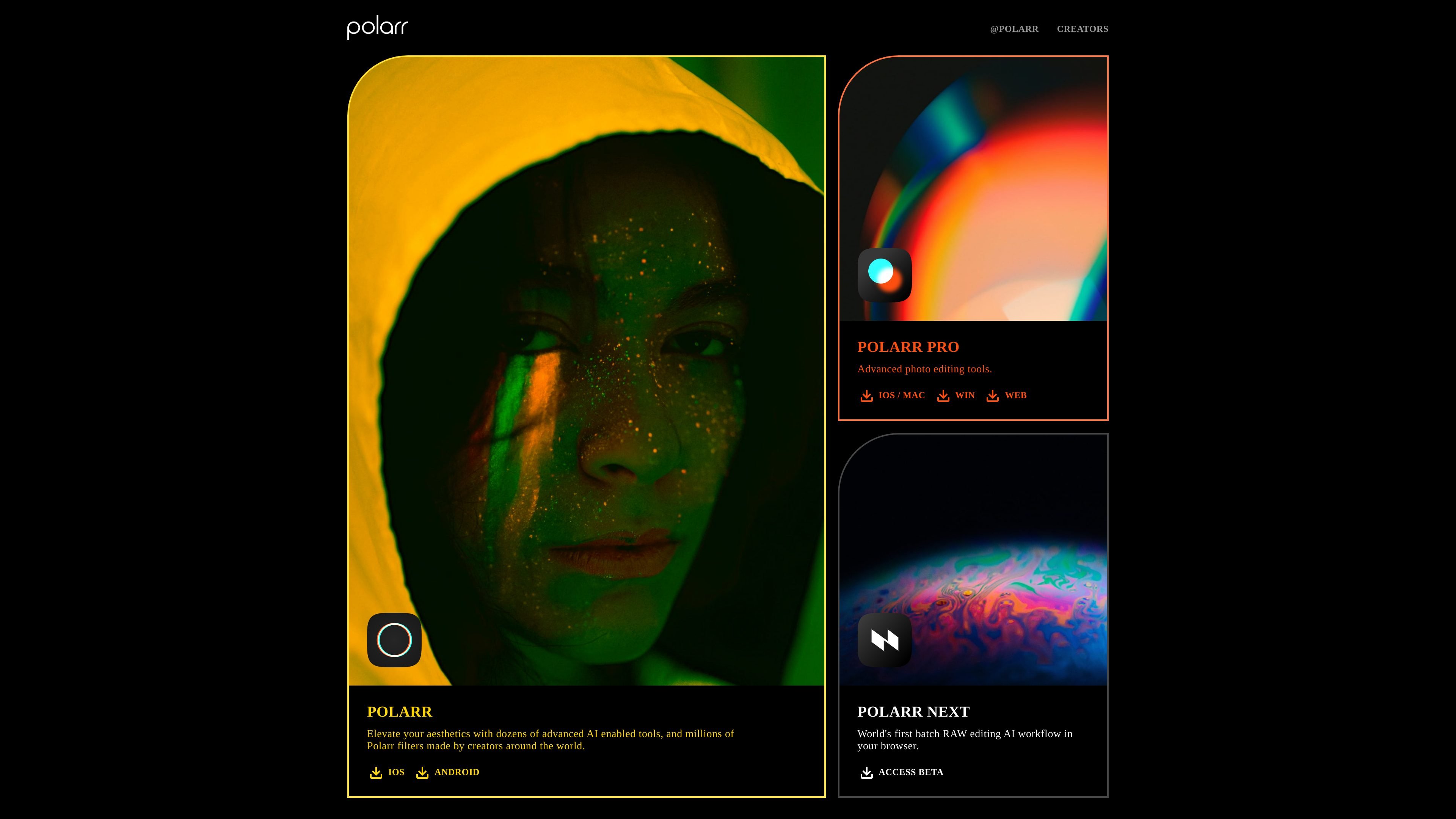
Polarr provides photo editors for creators who want to adjust images, retouch portraits, and build reusable visual styles. The mobile photo editor includes AI-assisted face and subject selection, masks, overlays, and creator filters. Polarr Pro offers a photo-editing workspace with local adjustments and export controls, including a browser editor.
The product names matter: Polarr and Polarr Pro are photo tools, while 24FPS is a separate video-effects app. Polarr Next was a separate RAW-editing workflow and announced an end-of-availability date of October 13, 2026, with a transition to Pixieset Photo Editor. That announcement should not be confused with the current Polarr photo-editor offerings.
The Polarr mobile editor includes AI face retouching and selective sky, person, and background tools. The Polarr Pro iOS description also lists AI subject and face detection for targeted adjustments.
The Pro comparison lists crop, exposure, contrast, temperature, tint, vibrance, and saturation in its free features. Pro adds tools such as curves, HSL, and denoising.
Photo workflows support brush, radial, gradient, color, and luminance masks, plus overlay blending. The Pro comparison separates premium masking and overlay tools from the free adjustments.
Search creator filters, create and share your own, and scan or produce filter QR codes in Polarr. The Pro editor also supports custom filters, with premium filters and filter synchronization in its paid feature set.
The Pro editor provides image compression, resizing, and metadata controls. Paid batch export supports applying filters, renaming, and resizing across multiple photos.
24FPS offers aesthetic effects for video on iOS and Android. It is a separate product rather than evidence that every Polarr photo-editor tool processes video.
Apply a reusable filter and adjust light, color, or selected areas of a photo in the Polarr mobile editor.
Use face-aware controls and local adjustments to refine portrait appearance while retaining control over the edits.
Use Pro export controls and its paid batch workflow when multiple finished photos need consistent filtering, sizes, or filenames.
Choose the separate 24FPS app for a video-effects workflow instead of assuming that a photo-editor subscription includes every video tool.
The Polarr mobile photo editor is listed for iOS and Android. Polarr Pro has official links for iOS/macOS, Windows, and web. 24FPS is listed for iOS and Android. Features and product access vary across those offerings.
Yes. The Pro comparison explicitly lists free editing features, including crop, light and color adjustments, basic and custom filters, and image export. Pro membership adds premium tools such as advanced masks, overlays, filter sync, and batch export.
The Pro editor page displays $7.99 billed monthly or $47.99 billed annually, equivalent to $3.99 per month with annual billing. These are Pro membership prices; the Polarr mobile app has separate Lite and Studio subscriptions. The annual equivalent is not a month-to-month charge.
Polarr Next announced that it would no longer be available after October 13, 2026, with a transition to Pixieset Photo Editor. The announcement concerns Next, a separate product. The photo-editor features described here do not include an ongoing Next RAW service.
The U.S. iOS Pro listing says subscriptions renew unless canceled at least 24 hours before the current period ends. Manage the subscription through the Apple account used for the purchase. Regional prices and other product subscriptions can differ.
Les données de trafic sont fournies à titre indicatif uniquement.

skylum.com
Skylum propose la gamme de logiciels de retouche photo Luminar pour ordinateur et appareils mobiles, dont Luminar Neo, Luminar Mobile et Aperty. Ces outils offrent une retouche assistée par l’IA sur Mac, Windows, iPhone, iPad, Android et ChromeOS, avec des options multiappareils selon les formules.

airbrush.com
Airbrush est un éditeur photo IA pour retoucher les portraits et améliorer les images : retouche, suppression d’objets, modification de l’arrière-plan et optimisation. Disponible sur le web, ordinateur et mobile, avec une tarification au crédit.

evoto.ai
AI photo-editing software for photographers, with culling, retouching, batch editing, and delivery tools.

photoleapapp.com
Photoleap est un éditeur photo mobile avec IA pour générer des images et créer des transformations.

lensa.app
Lensa est un éditeur photo mobile avec IA pour les portraits, les arrière-plans et les avatars IA.

snapedit.app
Éditeur photo IA pour supprimer des objets, effacer les arrière-plans, améliorer et retoucher les images sur web et mobile.