
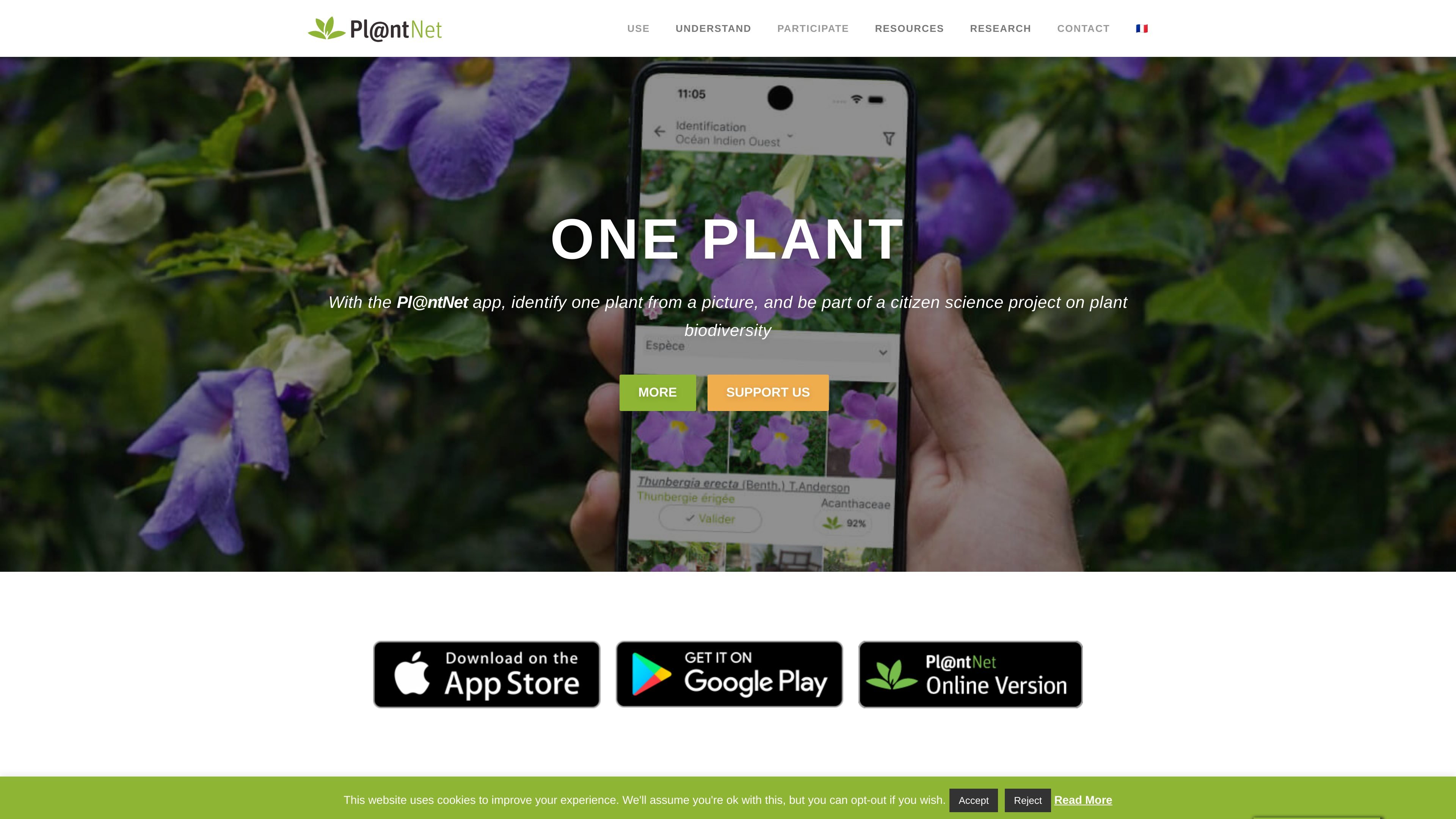
Photo-based plant identification
Identify plants from photos in the web app or mobile app by using image recognition to compare submitted images with the platform’s species database.

Pl@ntNet identifie les plantes à partir de photos et soutient la recherche sur la biodiversité sur le web, Android et iOS.
Pl@ntNet is a citizen-science platform for identifying and inventorying plant species from photos. It combines a plant-recognition application with a community review process and a broader biodiversity data project.
The product is available on the web and on smartphones for Android and iOS. Users can submit plant photos, receive identification help, and, if they create an account, contribute observations that may be reviewed by the community and used to improve the AI model and public biodiversity datasets.
Identify plants from photos in the web app or mobile app by using image recognition to compare submitted images with the platform’s species database.
Use the service on both smartphone and browser, with explicit support for Android, iOS, and the web.
Create an account to share observations that can be reviewed by the community and contribute to the platform’s learning loop.
Confirm a suggested species or propose a different determination when you have botanical knowledge, adding human review to the workflow.
Contribute geolocated observations that may later support mapping and biodiversity research, with GPS data highlighted as important.
Benefit from a model that is retrained regularly, described as roughly monthly, to incorporate new observations and revisions.
Take a picture of an unknown plant and use the web or mobile app to get an identification suggestion based on image recognition.
Share your own observations from a created account so they can be reviewed by other users and potentially contribute to the AI model.
Confirm or correct a proposed species identification if you have botanical expertise, helping improve the quality of shared observations.
Record geolocated plant sightings for biodiversity mapping and research projects that rely on public observation data.
Use the help pages on iOS or Android to learn how to capture better plant photos before submitting observations.
Pl@ntNet is available on the web and on smartphones, with versions for Android and iOS. The site also points users to specific guidance for iOS and Android in its usage help pages.
Pl@ntNet uses image recognition, so it works best with clear photos. The help page advises taking good-quality images and sharing several photos of the plant organs when possible.
Users can share observations from a created account. Those observations may be reviewed by the community and, when they reach sufficient confidence, added to the public database and used to train the AI.
The site presents Pl@ntNet as a free participatory science platform, supported by donations, with no advertising and no resale of data.
Not every observation is shared. The site notes that only observations with enough confidence and acceptable image quality are added to the public database, and GPS location is important for mapping species.
Les données de trafic sont fournies à titre indicatif uniquement.

calpulse.ai
CalPulse est une application de suivi nutritionnel par IA qui estime calories et macronutriments à partir de photos de menus ou de repas, avec suivi des objectifs sur iOS et Android.

tap.pm
Tap Mobile crée des applications mobiles dotées d’IA pour scanner des documents, améliorer les photos, personnaliser les téléphones et gérer les appels sur iOS et Android.

eye-shapes.com
Outil d’IA qui identifie la forme des yeux à partir d’une photo

calorieasy.app
Compteur de calories avec IA qui estime les calories des photos et enregistre les repas sur iOS et Android.

socialfinder.ai
SocialFinder.ai identifie des identités en ligne par photo, nom d’utilisateur ou téléphone, avec recherche d’image inversée et suivi des abonnés Instagram.

snapappraise.com
SnapAppraise est un service d’estimation de bijoux accessible depuis un navigateur, qui évalue la valeur d’une pièce à partir de photos et affiche des ventes comparables. Un point de départ gratuit et rapide pour vendre, prévoir une assurance, partager une succession ou simplement satisfaire sa curiosité.