
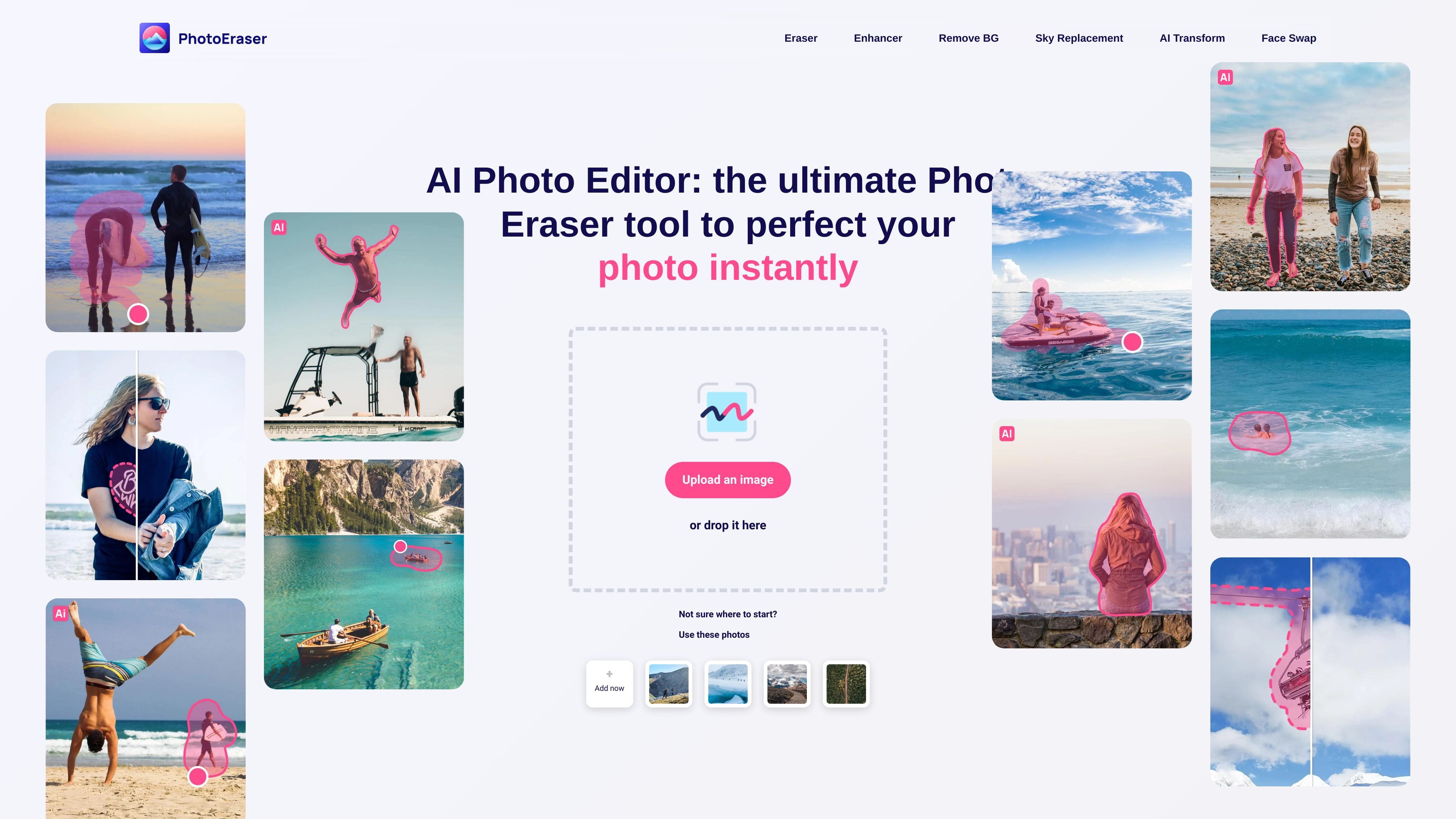
Object erasing
Select an unwanted object in a photo and use Eraser to remove it.

AI photo editing for erasing unwanted objects, removing backgrounds and enhancing images.
Photoeraser is a browser-based photo editor for cleaning up and adjusting images. Upload a HEIC, PNG or JPG image, then choose an editing tool. Eraser removes selected objects, people or blemishes; other tools offer image enhancement, background removal and cropping.
The platform also provides a face-swap workflow: upload the source images, choose an available model option or supply a base image, then download the edited result. Review changes and make further adjustments before using the image.
Select an unwanted object in a photo and use Eraser to remove it.
Use the enhancer to improve image quality or the background tool to remove or replace the background.
Select an area for blemish editing, or resize and crop a photo to change its framing.
Upload the images for a swap, select an available model option or upload a base image, and download the edited photo.
The face-swap page describes previews and side-by-side before-and-after comparison. You can return to adjust the result.
Select a distracting object or unwanted bystander, remove it and inspect the surrounding area for editing artifacts.
Remove a background or adjust the crop to emphasize the subject, then review the edges and framing.
Use images you have permission to edit, then inspect the generated face-swap result before using it.
The web editor lists HEIC, PNG and JPG as supported photo formats.
Upload the images, choose an available model option or provide a base image, and download the edited photo. You can return for further adjustments.
The face-swap page describes instant previews and side-by-side before-and-after comparison.
Sign in using the email associated with the subscription, open the account tab and choose Manage Subscription. The published cancellation FAQ states that unused subscription time is not refunded.
Les données de trafic sont fournies à titre indicatif uniquement.

pixlr.com
Éditeur photo et générateur d’images IA dans le navigateur, avec suppression d’arrière-plan.

picwish.com
Éditeur photo IA pour supprimer les arrière-plans, améliorer les images et créer en ligne.

cartoonize.net
Éditeur photo en ligne pour transformer vos images en dessins et croquis

flair.ai
AI product photography and editing for creating branded e-commerce images, videos, and ads.

airbrush.com
Airbrush est un éditeur photo IA pour retoucher les portraits et améliorer les images : retouche, suppression d’objets, modification de l’arrière-plan et optimisation. Disponible sur le web, ordinateur et mobile, avec une tarification au crédit.

evoto.ai
AI photo-editing software for photographers, with culling, retouching, batch editing, and delivery tools.