
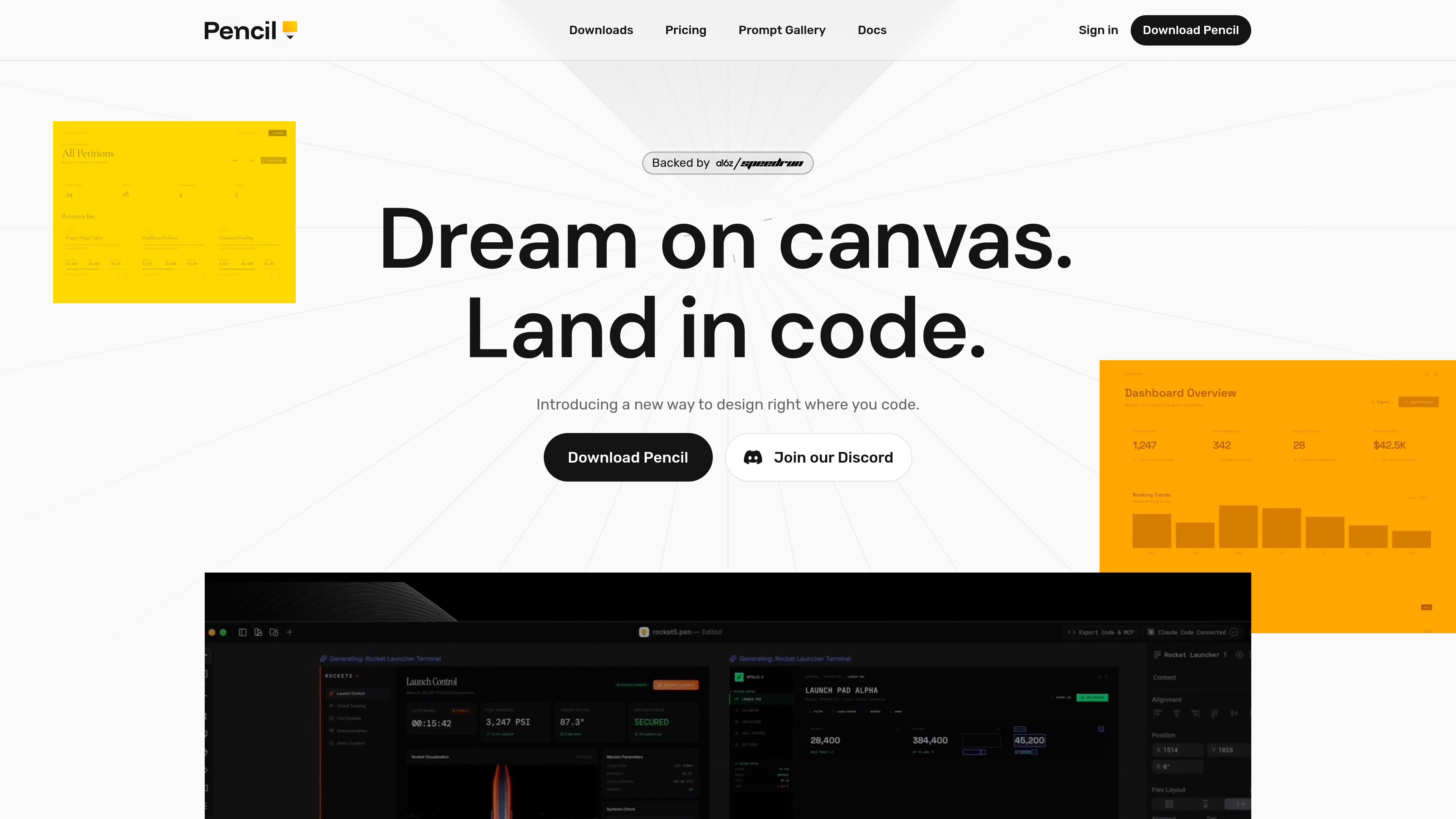
IDE-native design canvas
Design directly in your IDE rather than switching between a separate design tool and your code editor. The product is positioned around keeping design and code close together.

Pencil est un outil de conception assisté par l’IA qui permet de créer des interfaces dans votre IDE et votre base de code. Les designers et développeurs peuvent créer, itérer et gérer leurs fichiers de conception avec le code, sans changer d’outil.
Pencil is an AI-assisted design tool for creating interfaces on a canvas that lives close to code, with a strong focus on working inside the developer’s IDE. The site describes it as an agent-driven MCP canvas built around an open design format that lives in your codebase.
Its core purpose is to let teams design without leaving their coding environment, then keep design files versioned, branchable, and mergeable like normal source code. Pencil also emphasizes direct interaction with prompts, design kits, and imported Figma content so users can move from idea to production-ready UI in one workflow.
Design directly in your IDE rather than switching between a separate design tool and your code editor. The product is positioned around keeping design and code close together.
Generate screens or broader flows with an AI-driven canvas workflow. The homepage says you can work side by side with AI and create multiple directions in parallel.
Use an open design format that lives in your codebase. Pencil says design files are readable, debuggable, extendable, and versionable with Git.
Move designs between tools more easily by copying from Figma. The homepage says vectors, text, and styles come over intact.
Use curated component-based design kits or bring your own. The homepage says Pencil includes brand kits and can plug into a team’s existing design system from the codebase.
Access the product through a desktop app, IDE extensions, and a CLI. The downloads page lists native desktop builds, add-ons for several editors, and an npm-installed CLI.
Create UI screens or flows directly in your editor when you want design work to happen alongside implementation rather than in a separate handoff step.
Use the prompt gallery or your own prompts to generate new screen directions, refine layouts, or explore multiple concepts quickly.
Import an existing Figma design as a starting point, then continue iterating on it in Pencil with the source design assets preserved.
Work on repository-based design files that can be versioned, branched, and merged with Git as part of the normal development process.
Use the CLI or editor extensions when you want AI-assisted design from a terminal or inside tools like Cursor and VS Code.
Pencil is designed to work inside your preferred IDE. The site names Cursor, VS Code, Claude Code, and OpenAI Codex on the homepage, and the downloads page lists extensions for Cursor, VS Code, Google Antigravity IDE, and Windsurf, plus a CLI for terminal-based use.
The homepage describes Pencil as an agent-driven MCP canvas built around an open design format that lives in your codebase. The downloads page also shows a desktop app, IDE extensions, and a CLI, indicating multiple ways to use the product.
The pricing page says Pencil is currently free. It also notes that paid features or plans may be introduced in the future, with terms shown before any charge.
The prompts page is a gallery of copyable prompts that can be pasted into Pencil to generate or modify designs. The examples include web app, mobile app, and design-direction prompts.
Les données de trafic sont fournies à titre indicatif uniquement.

banani.co
Banani est un outil de conception d’interfaces avec IA qui transforme prompts, références et PRD en designs et prototypes modifiables.

thebrief.ai
The Brief est une plateforme de génération publicitaire propulsée par l’IA, qui permet aux équipes de créer, adapter, publier et optimiser leurs annonces dans un même flux de travail. Elle prend en charge la génération de créations entraînées sur la marque, les exportations multiformats et la collaboration entre marketeurs, designers, agences et entreprises.

canva.cn
Canva est un outil de conception visuelle en ligne qui permet de créer et de partager des ressources numériques et imprimées grâce à l’édition par glisser-déposer, aux modèles et aux fonctionnalités assistées par IA. Il prend en charge les workflows individuels, d’équipe et d’entreprise pour les présentations, publications sociales, logos, affiches et bien plus.

shotcandy.app
Shotcandy est un outil gratuit et open source pour navigateur qui transforme captures d’écran, enregistrements vidéo et extraits de code en images ou vidéos prêtes à partager. Ajoutez arrière-plans, cadres, dimensions et animations, sans importer de fichiers ni créer de compte.

animaapp.com
Plateforme d’IA sensible au design qui transforme fichiers Figma, URL, prompts et clones de sites en applications et code prêts pour la production, avec intégration API et SDK.

flora.ai
FLORA est une toile créative alimentée par l’IA pour les designers, les équipes de marque, les agences et les équipes créatives internes. Elle réunit génération, édition et collaboration dans un même espace de travail, avec accès à plus de 50 modèles de texte, d’image et de vidéo.