
Multiple input formats
Upload PDFs, Word documents, PowerPoint files, URLs, or plain text, and have the tool generate a quiz from the material instead of requiring manual setup.

Générateur de quiz IA qui transforme PDF, documents, URL et texte en quiz corrigés automatiquement
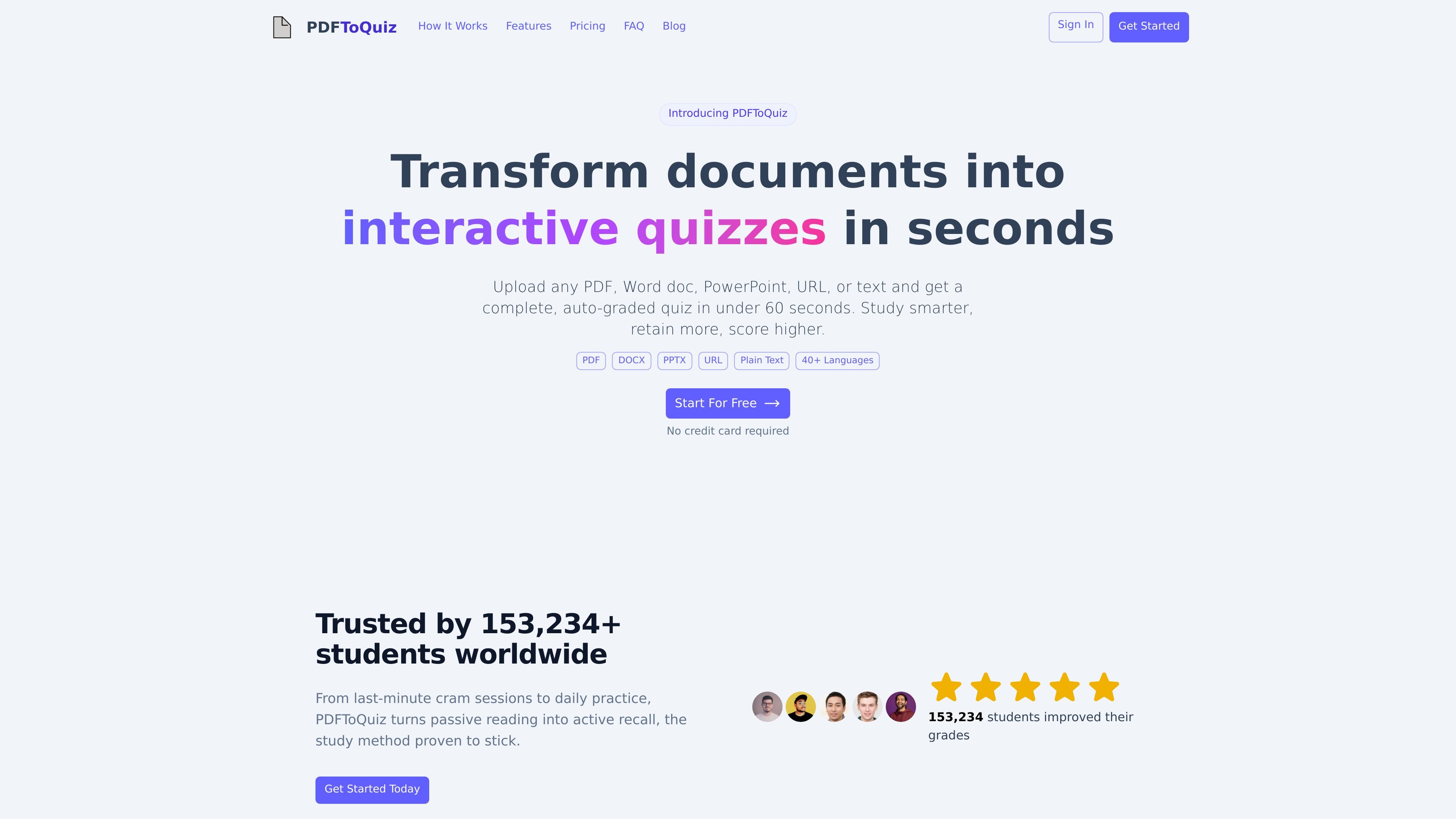
PDFToQuiz is an AI quiz generator that turns PDFs, Word documents, PowerPoint files, URLs, or pasted text into auto-graded quizzes. The site positions it for students, teachers, researchers, and other learners who want to convert reading material into active recall practice.
The workflow is straightforward: upload material, let the AI extract key concepts, and receive quiz questions in a short time. The product also supports review features such as answer explanations, progress tracking, language selection, and export options for taking quizzes beyond the web app.
Upload PDFs, Word documents, PowerPoint files, URLs, or plain text, and have the tool generate a quiz from the material instead of requiring manual setup.
The system generates multiple choice, true/false, fill-in-the-blank, and long-answer questions based on the source content.
Each missed question includes an AI explanation so you can see why an answer was wrong and review the underlying concept.
The product tracks scores across sessions and shows which topics are mastered and which still need work.
Quizzes can be generated in 40+ languages, which supports multilingual study and international classrooms.
Users can export quizzes to PDF, CSV, or XLSX, and share a quiz through a link that does not require an account to view.
Turn lecture notes, slides, or textbook chapters into practice questions for exam preparation, then use the explanations to review missed concepts.
Convert worksheets or handouts into auto-graded quizzes that can be shared with students through a link without requiring a separate LMS setup.
Generate review questions from published papers or research notes to support reading comprehension and concept recall.
Use the text or URL input to make quick quizzes from articles, guides, or notes when you want active recall without rebuilding content by hand.
Export quizzes to PDF, CSV, or XLSX when you need printed practice, spreadsheet analysis, or a file format that can be reused outside the app.
Your first upload is free, and you can take that quiz as many times as you want. The source says subsequent uploads require the Pro tier.
The product uses OpenAI GPT-5 models to analyze your document, extract key information, and generate quiz questions automatically. You upload a PDF or other supported input, and the system returns a quiz in seconds.
The source lists PDF, Word documents, PowerPoint files, URLs, and plain text as input types. It also mentions DOCX and PPTX on the site and supports PDF uploads up to 1 GB for free users and 5 GB for Pro users.
The source says free users can upload PDFs up to 5 pages, while Pro users can upload up to 100 pages per document.
Yes. The site says you can review, edit, and customize the generated questions, including choosing question types such as multiple choice and true/false.
Les données de trafic sont fournies à titre indicatif uniquement.

studypotion.ai
Assistant d’étude IA qui transforme notes, documents et vidéos en fiches, quiz et plus encore.

sumazon.com
Outil d’étude IA qui transforme vidéos et documents en résumés, examens, fiches et quiz

raena.ai
Application d’étude IA qui transforme notes, PDF et vidéos en quiz, résumés, fiches et plus encore.

mindgrasp.ai
Mindgrasp transforme cours, fichiers, vidéos et liens en notes, fiches, quiz, résumés et aide au tutorat par IA.

quizgecko.com
Plateforme d’apprentissage IA qui transforme vos supports en quiz, fiches, notes et podcasts

algoreducation.com
Plateforme d’apprentissage IA qui transforme les supports d’étude en cartes mentales, fiches, quiz, résumés et notes.