
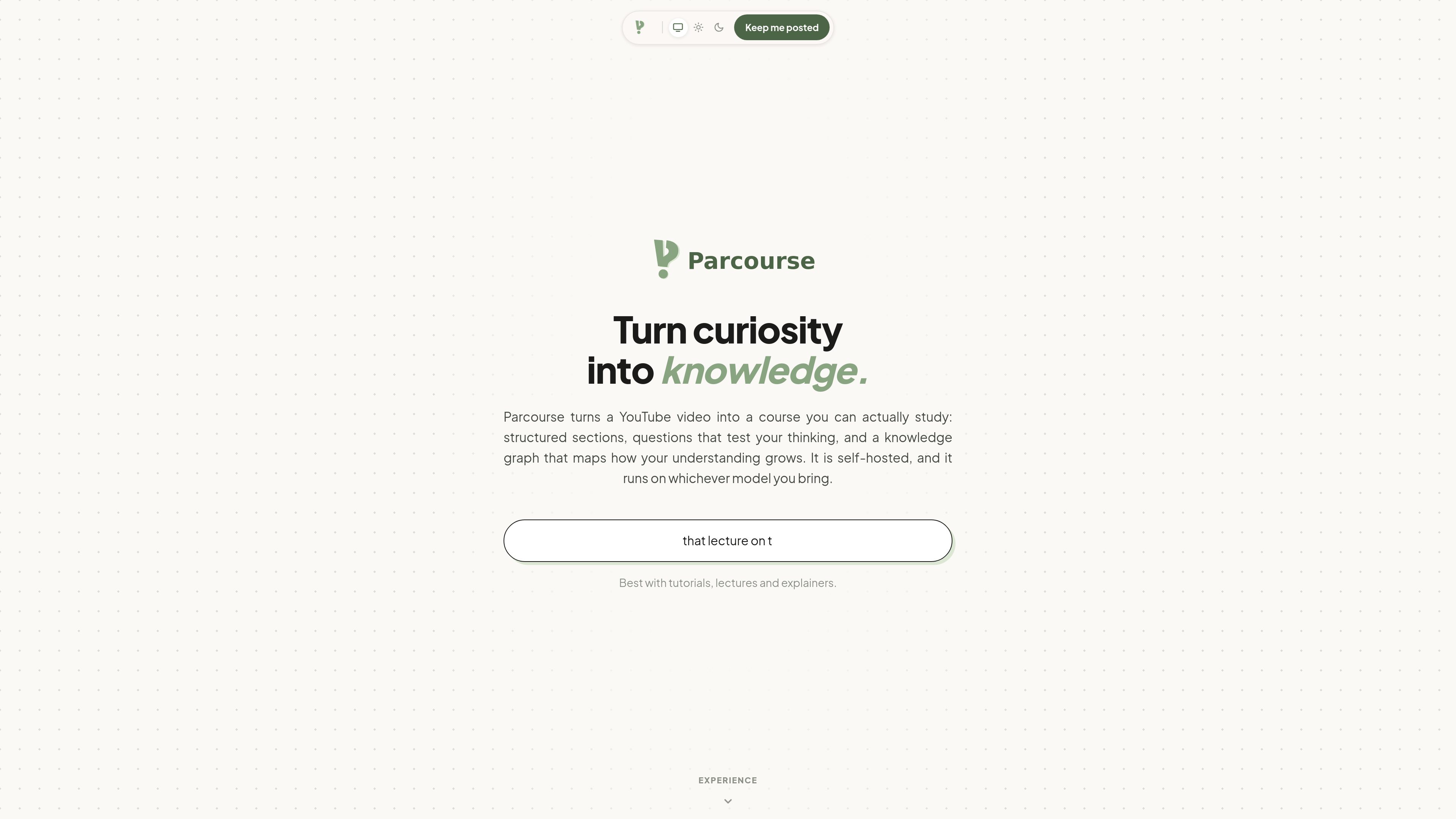
Turns a YouTube link into a course
Any YouTube video can be used as the starting point for a course, with no library or catalog to browse first.

Parcourse est un outil auto-hébergé qui transforme des vidéos YouTube en cours structurés avec sections, questions, notes et graphe de connaissances. Apprenez à partir de cours, tutoriels et vidéos explicatives grâce à un format facile à réviser et à retrouver.
Parcourse is a self-hosted tool that turns a YouTube video into a study course. It takes a video and presents it as sections, notes, questions, and a knowledge graph, so the material is easier to review than a single long playback.
The homepage positions it for tutorials, lectures, and explainers. The core workflow is to paste a YouTube link, generate a course, and study the result through quizzes, cheatsheets, and progress views that help you follow what you have learned.
Any YouTube video can be used as the starting point for a course, with no library or catalog to browse first.
Sections are created from the transcript and shown with timestamps, so the video becomes a sequence of study units instead of one continuous watch.
When a section ends, a question strip appears beneath it, which supports active review instead of passive watching.
The examples show course notes that can be edited and saved, plus a drawer-style cheatsheet that sits over the course without stopping playback.
Parcourse can collect questions from the course into a quiz with multiple-choice and written answers, then show feedback and scores after submission.
The product includes a graph that tracks fields, topics, and skills, with mastery rolled up across linked items so users can see where understanding is strong or thin.
Use a lecture video as the source for a course, then move through its sections, questions, and quiz instead of trying to remember everything from a single viewing.
For how-to videos and explainers, Parcourse can turn the transcript into smaller study steps that are easier to pause, revisit, and test against.
The cheatsheet and markdown note view are useful when you want to capture key points from the video and keep them alongside the course.
The quiz workflow helps confirm what you remember from the course and surfaces where answers were thin or incorrect.
The knowledge graph is useful when a topic spans several fields, topics, or skills and you want to see how mastery changes across them.
The homepage says it is best with tutorials, lectures, and explainers, and it accepts any YouTube link as input.
No. The site says there is no catalogue to browse; you paste a YouTube link and create a course from it.
The examples show sections, section questions, notes, a cheatsheet, a full quiz, and a knowledge graph.
Yes. One example says that if the creator already split the video into chapters, Parcourse can use those divisions or regenerate them.
A pricing page was linked from the site, but it currently returns a 404, so pricing details are not confirmed from the available source.
Les données de trafic sont fournies à titre indicatif uniquement.

theastudy.com
Outil d’étude IA qui transforme les cours en questions, guides, fiches, tests, résumés et kits d’apprentissage adaptatifs

mindgrasp.ai
Mindgrasp transforme cours, fichiers, vidéos et liens en notes, fiches, quiz, résumés et aide au tutorat par IA.

alice.tech
Alice est un assistant d’étude doté d’IA qui transforme les supports de cours importés en synthèses structurées, exercices pratiques et ressources de préparation aux examens, pour les étudiants à l’université et au lycée. Il propose une formule Basic gratuite et une formule Pro payante.

studyflash.ai
Outil d’étude IA qui transforme notes et PDF en résumés, fiches et quiz

sophistai.app
SophistAI transforme le programme d’un cours en carte de connaissances interactive pour mieux étudier et préparer ses examens.

aistudio.baidu.com
Plateforme en ligne d’apprentissage et de pratique de l’IA avec cours gratuits, contenu de grands modèles, projets, jeux de données, calcul cloud et concours.