
Fast local editor startup
Opens and renders Markdown files quickly enough that the app window appears before a heavier editor’s loading screens. The homepage positions speed as a core part of the workflow rather than a separate mode.

OpenMarkdown est un éditeur Markdown local-first pour macOS qui conserve les notes dans de simples fichiers .md et prend en charge la collaboration avec des agents via une CLI, un serveur MCP et un plugin Claude Code, sans déplacer le contenu vers une base de données ou un espace de travail cloud.
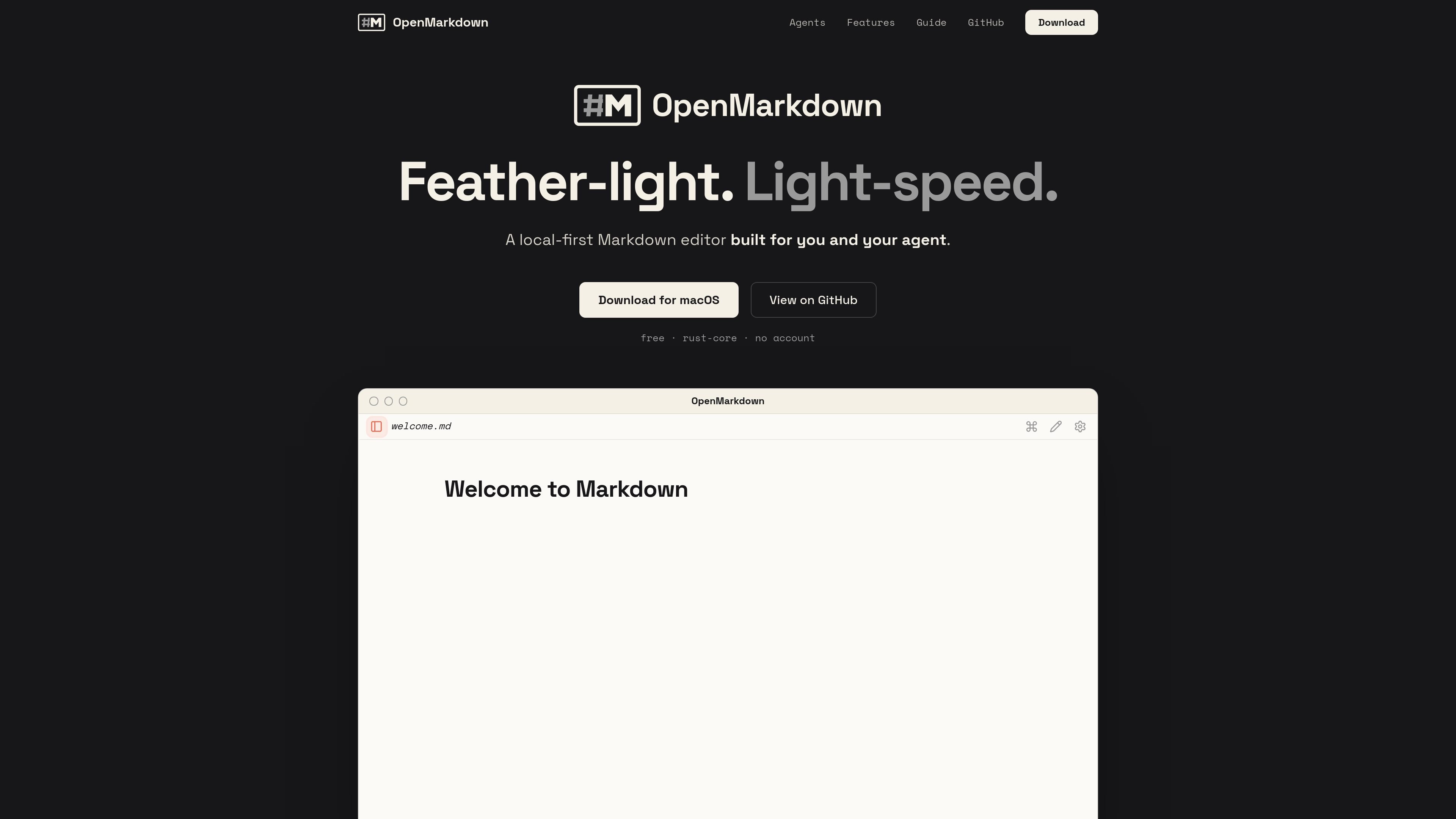
OpenMarkdown is a local-first Markdown editor for macOS that keeps your notes as plain .md files on disk. The product is designed around quick startup, keyboard-driven editing, and a file-based workflow that does not rely on a database or cloud account.
It also adds agent-friendly collaboration through an openmd CLI, an MCP server, and a Claude Code plugin. That lets an external agent open the same file, jump to headings, read sections, and write content in place while the app stays on the user's machine and renders the file directly.
Opens and renders Markdown files quickly enough that the app window appears before a heavier editor’s loading screens. The homepage positions speed as a core part of the workflow rather than a separate mode.
Keeps notes as plain .md files on disk with no database or file lock-in. The site says open and close leave the file unchanged, with autosave after pauses and crash recovery for tabs, folders, and cursor position.
Works with an external agent rather than embedding AI inside the app. The guide and install page describe MCP connectivity plus a Claude Code plugin, with tools for opening files, revealing headings, reading sections, writing sections, waiting for changes, and running commands.
Lets the agent work in the same file the user is viewing, including opening the right note, jumping to a heading, and editing selected text or sections in place. The install runbook is built around co-editing a live note with the agent.
Offers three views for the same Markdown file: live preview, source, and reading. The guide says a single control cycles between them, and source mode keeps markers visible for prompts and commit messages.
Includes a command palette and keyboard-driven navigation. The guide documents standard Mac shortcuts, ⌘P for commands and files, heading jumps, find-and-replace, tab switching, and zoom controls.
Write and save notes in plain Markdown without moving content into a database or hosted workspace. This fits users who want files they can keep, back up, and open elsewhere.
Collaborate with an agent on the same document, with the agent opening files, reading sections, and writing changes directly into the note. The install flow is built around that shared-file model.
Use the editor from the terminal through openmd to open files, reveal headings, check what is already open, or wait for a file change. The guide treats the CLI as part of the normal workflow, not a separate integration.
Draft prompts, commit messages, or other plain-text content in source mode, where Markdown markers stay visible and text is not reformatted. The guide calls out source mode as useful for prompts and commit messages.
Open a document in live preview or reading mode when you want a rendered view rather than raw Markdown. The product cycles between the three views for the same file.
OpenMarkdown is a local desktop Markdown editor, and the guide and install page describe support for Claude Code, Codex, Gemini CLI, opencode, and any MCP client through the openmd MCP server.
The install page says you first install the desktop app, then turn on the openmd command line tool in Settings. After that, you connect your agent by pointing it at the openmd MCP server or by using the Claude Code plugin flow.
No. The site says OpenMarkdown uses plain .md files on disk, and the file stays the source of truth while the app renders and edits it.
The site says OpenMarkdown can open files from the terminal with the openmd CLI, and the guide documents commands such as openmd notes.md, openmd reveal, openmd status, and openmd mcp.
The homepage says Windows and Linux are coming soon, while the current download section lists macOS with Apple Silicon and Intel support.
Les données de trafic sont fournies à titre indicatif uniquement.

feedvector.com
Planifiez et programmez vos contenus LinkedIn avec rédaction, prompts de commentaires, analyses et automatisation dans un flux de travail unique, avec prise en charge de MCP pour les clients d’IA compatibles.

pylar.ai
Pylar est une couche d’accès aux données gouvernée pour les agents IA, qui expose les vues SQL comme outils MCP plutôt qu’un accès direct aux bases.

ilolink.com
ilolink permet de publier des documents Markdown, HTML, PDF, DOCX et d’autres formats sous forme de liens partageables, accessibles sans connexion. La plateforme fournit aussi des statistiques de lecture — vues, progression, cartes thermiques, commentaires et réactions — ainsi qu’un connecteur MCP pour les assistants IA d’équipe.

buildwithfern.com
Fern transforme les spécifications OpenAPI en documentation, SDK et CLI personnalisée, avec recherche IA, llms.txt et serveur MCP.

bravostudio.app
Bravo Studio est une plateforme no-code qui transforme les designs Figma en apps natives iOS et Android, avec Bravo MCP et Bravo To Go.

routebase.dev
Routebase est une plateforme de gestion du cycle de vie des API qui réunit conception, simulation, tests, documentation, gouvernance et supervision autour d’une spécification évolutive. Son serveur MCP intégré permet aux agents IA d’utiliser les API selon les autorisations de l’équipe.