
Reference-guided video generation
Use a first frame, first and last frames, or multiple media references to guide subject, style, and composition.

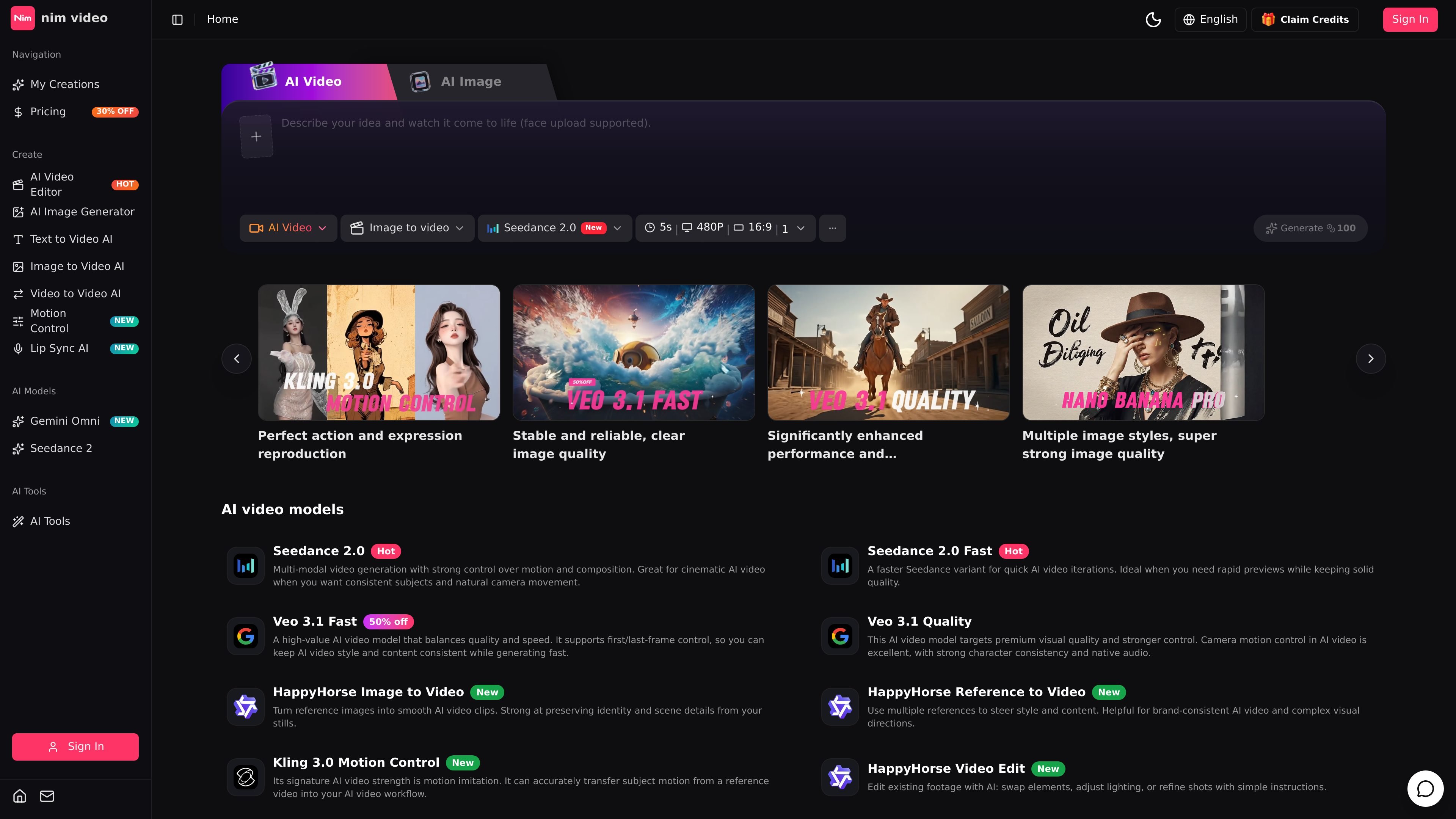
Generate images and create, edit, or extend videos in a multi-model AI studio.
Nim Video is a browser-based AI studio for video and image creation. It combines multiple models for generating clips from text, still images, reference media, and existing footage, alongside text-to-image and image-to-image workflows. Creators can generate an asset, review it, refine their prompts or references, and develop another version in the same workspace.
Video tools support generation, editing, extension, and motion transfer. Users choose a model and configure the output settings available for that workflow. Plans differ in credits, resolution, generation privacy, watermarks, queue priority, and support.
Use a first frame, first and last frames, or multiple media references to guide subject, style, and composition.
Revise existing footage with instructions to swap elements, adjust lighting, or refine a shot. Supported video modes also extend clips.
Use Kling Motion Control to transfer a subject’s motion from a reference clip into a new scene.
Generate a new image from text or use an existing image as a reference, with models including GPT Image, Wan Image, Nano Banana, and Seedream.
Set aspect ratio, duration, and resolution where supported. The Seedance image-to-video interface offers durations from 4 to 15 seconds; output options depend on the chosen model and plan.
Generate short clips, campaign images, and alternative visual directions from prompts or reference assets.
Turn an existing product image into a motion concept by describing camera movement and subject action.
Explore alternate shots through video editing, motion transfer, or extension without starting every concept from scratch.
Free access includes 10 one-time credits, fast text-to-video, 720p motion control, and 720p output. Free generations are public, and videos have watermarks.
The annual billing option is $199 for Basic, $299 for Pro, or $499 for Business. Annual credits are granted upfront and remain valid until that subscription period ends. Monthly billing is also offered.
The selected model’s credit rate is multiplied by output duration. When video input is used, both input and output seconds count; the total rounds up to a whole credit.
Pro and Business include private generation. Nim Video's service terms permit personal and commercial use of generated videos under their conditions. Business includes a commercial license.
Les données de trafic sont fournies à titre indicatif uniquement.
| mai | 272 |
|---|---|
| juin | 1054 |
| juil. | 210 |
Les analyses de trafic ne sont pas encore disponibles.

pixverse.ai
Generate videos from prompts and images, with multi-shot direction, native audio, and production tools.

seaart.ai
Create and edit images or videos with AI models, templates and effects, then remix work from SeaArt’s creator community.

pictory.ai
Turn scripts, articles, presentations, images, and recordings into editable videos with AI.

klingai.com
Generate images and video with reference-based motion and start-and-end-frame controls.

openart.ai
An AI creation studio for generating and editing images, video, characters, worlds, music, and audio.

imagine.art
Create and edit images, video, and audio with AI models, shared canvases, and repeatable workflows.