
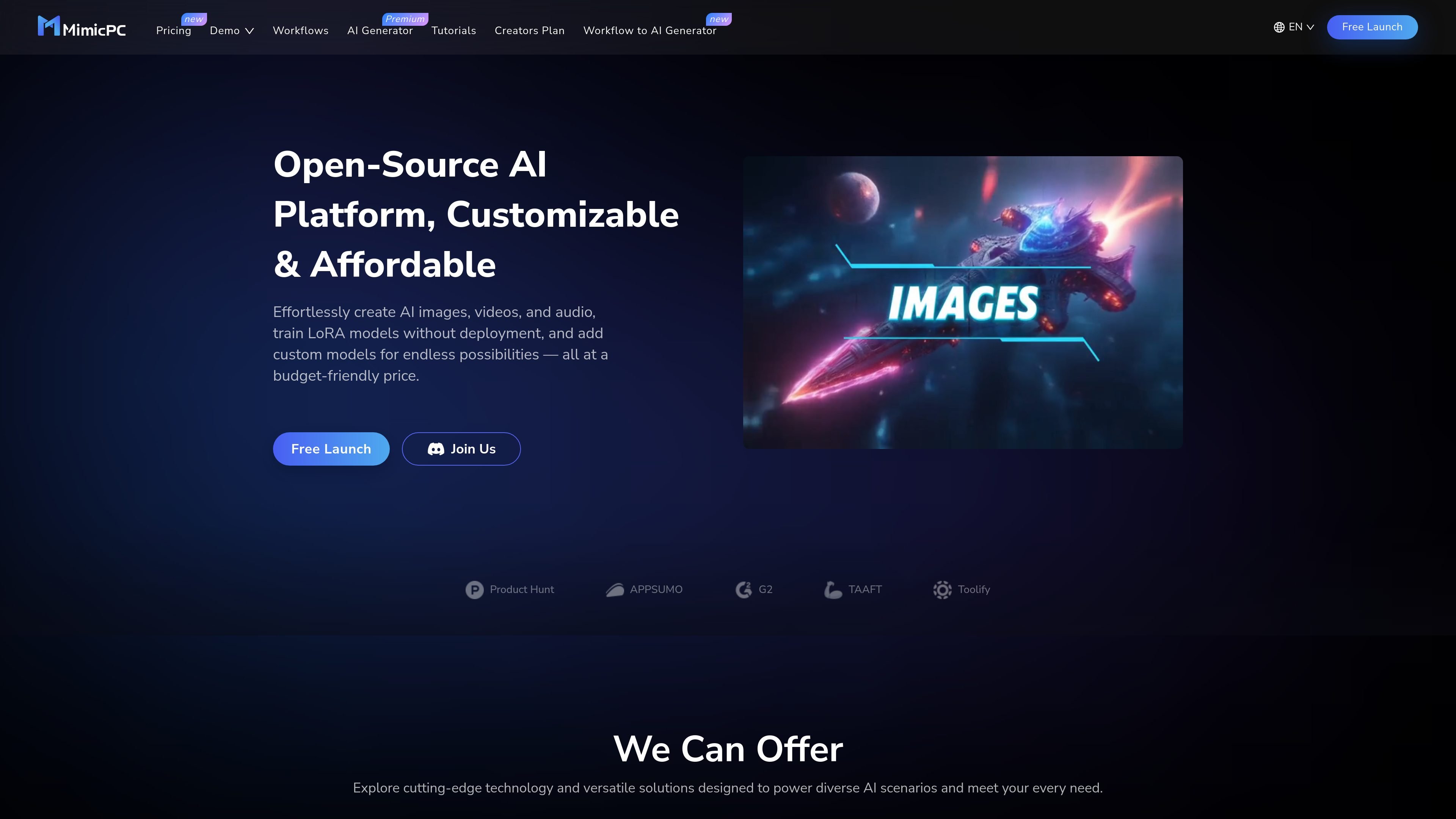
Image creation
Generate images from text prompts with support for popular image models such as FLUX and SD 3.5, along with pre-installed workflows like ComfyUI, WebUI, WebUI Forge, Fooocus, InvokeAI, and SwarmUI.

Plateforme IA open source pour générer des médias, entraîner LoRA et exécuter des workflows cloud
MimicPC is an open-source AI platform for creating images, videos, and audio, training LoRA models, and running custom AI apps without deploying your own environment first. The homepage positions it as a customizable and affordable way to access a range of ready-to-use AI workflows and models.
The platform includes pre-installed apps, workflow templates, and a tutorial hub, so users can begin with common AI tools and then adjust their setup as needed. Its public pages also highlight GPU-based hardware options and a pricing model that includes a free trial, monthly plans, and pay-as-you-go style usage.
Supported tools shown on the site include image-generation, face-swapping, training, audio, video, and language-model workflows. That makes MimicPC relevant to creators who want a cloud-based workspace for experimenting with multiple AI tasks in one place.
Generate images from text prompts with support for popular image models such as FLUX and SD 3.5, along with pre-installed workflows like ComfyUI, WebUI, WebUI Forge, Fooocus, InvokeAI, and SwarmUI.
Create face swaps in images or videos while preserving realistic output, using tools such as Facefusion and Roop-Unleashed.
Train custom models, including LoRA models, without deployment, with support for tools such as AI-Toolkit and Kohya_ss.
Work with text-to-speech, speech-to-text, voice conversion, and music creation workflows through apps like RVC, AudioCraft, F5-TTS, OpenVoice, and ChatTTS.
Create dynamic videos with AI workflows that bring scenes to life, with ComfyUI listed as one of the supported tools.
Use pre-installed AI apps and workflow templates, then customize, save, share, and collaborate on workflows from the platform.
Creators can generate AI images from prompts using the included image apps and model options, then refine their workflow without building a local environment.
Users who need branded or task-specific outputs can train LoRA or other custom models and install their own models or extensions on the platform.
Teams or individuals working on multimedia content can use the same platform for voice conversion, transcription, music generation, and video creation.
People experimenting with AI tools can start with pre-installed apps and workflow templates, which lowers the amount of setup needed before testing ideas.
Users who want a cloud GPU environment can choose among listed hardware tiers and pricing modes instead of managing local infrastructure.
MimicPC provides pre-installed AI apps and ready-to-go workflows, so users can start creating without setting up their own machine or deploying models first.
The site shows use cases for individual creation and experimentation, and the pricing page describes flexible plans, cloud storage, and shared storage. It does not provide specific team collaboration or multi-seat details.
The home page highlights image, video, audio, model training, and custom model installation, but it does not spell out all workflow limitations or output controls on the public page.
The pricing page states that orders are non-refundable and that the platform offers a free trial, monthly plans, and a first-order discount, but it does not document every plan limit on the public page.
Les données de trafic sont fournies à titre indicatif uniquement.

producer.ai
Google Flow Music est une plateforme d’IA générative pour créer, remixer et partager des chansons, avec génération de vidéos musicales, remixage audio et création d’outils dans une application web proposant des forfaits gratuits et payants.

beatoven.ai
Beatoven.ai est un générateur de musique par IA qui crée, à partir de prompts textuels, des musiques d’accompagnement et des effets sonores libres de droits, avec export MP3/WAV et accès API pour les workflows audio.

riffusion.com
Plateforme musicale générative par IA pour créer, remixer et partager des morceaux, avec vidéos et outils personnalisés.

soundful.com
Plateforme musicale IA pour créer des morceaux, boucles et expériences de marque

uberduck.ai
Plateforme web d’IA vocale et musicale pour synthèse, clonage, conversion et génération musicale

songgenerator.io
Plateforme musicale IA pour créer chansons, paroles et pistes sans voix