
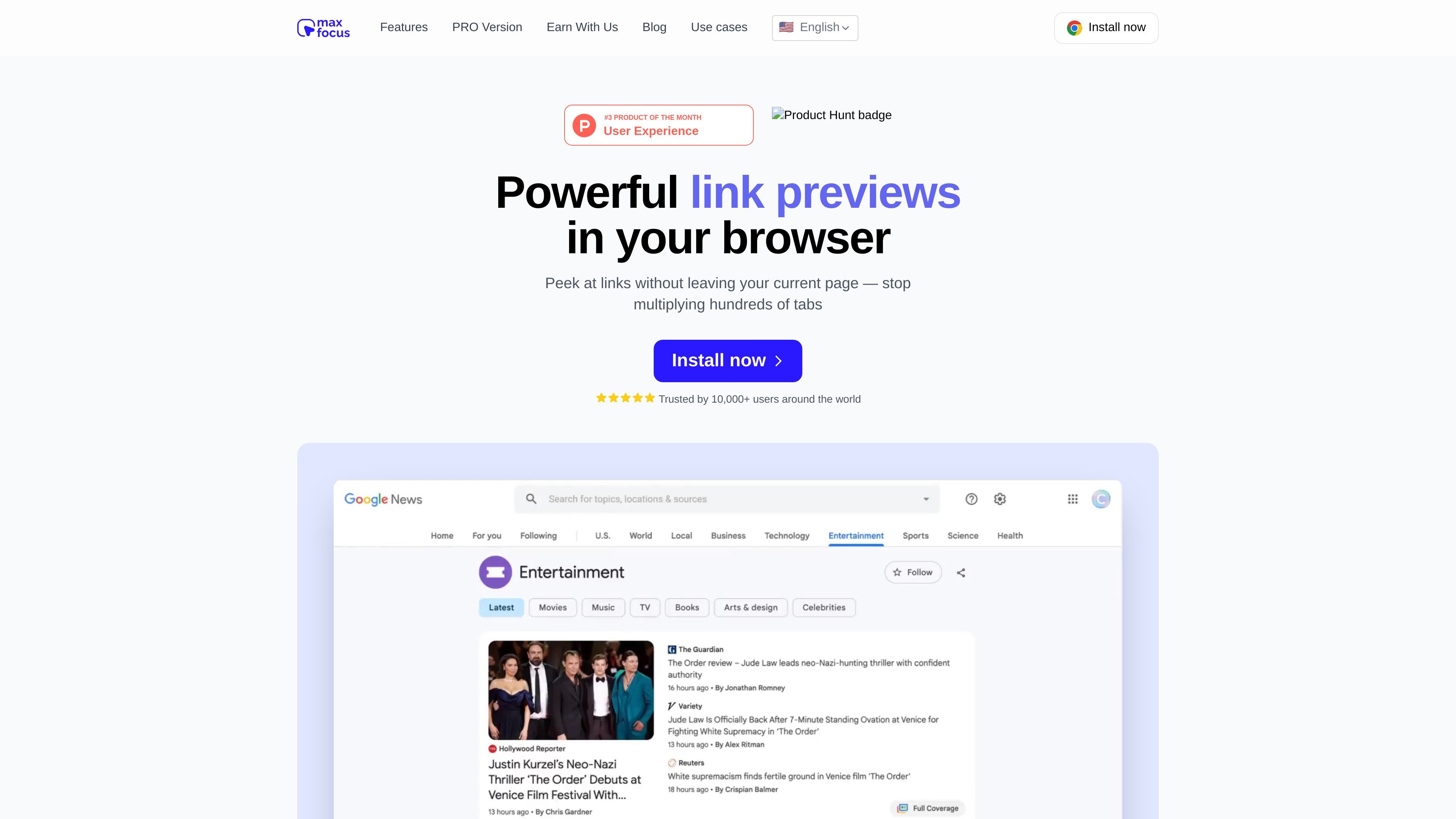
Instant link previews
Preview the content behind a link without leaving the page you are on. The site says you can open previews by hover, click, long-click, or shortcuts.

Prévisualisez les liens avant de les ouvrir avec mode lecture, aperçus vidéo et assistant IA.
MaxFocus is a browser extension for previewing links before you open them. It is positioned as a way to stay on the current page while checking articles, videos, and other linked content, reducing the need to open many tabs.
Beyond previews, the product adds a reader view, a distraction-free video mode, configurable preview behavior, and an AI assistant for asking questions or getting summaries. The site says it works on major desktop browsers and most websites.
Preview the content behind a link without leaving the page you are on. The site says you can open previews by hover, click, long-click, or shortcuts.
Convert webpages into a cleaner reading view with ads and distractions removed so you can focus on the text.
Open video pages in a stripped-down preview that shows the video itself without sidebars or other page clutter.
Adjust how previews open, how long they stay open, their size, and how they look. The product page presents customization as a core part of the workflow.
Use the built-in AI assistant to ask questions about the content you are viewing, get summaries, and see prompts that help you go deeper.
The site says MaxFocus avoids tracking browsing history, does not store personal data, and blocks trackers to support private browsing.
Browse feeds or search results and inspect a destination page before opening it, which helps reduce tab buildup and repeated back-and-forth navigation.
Read research articles, blog posts, or reference pages in a cleaner layout when you want to focus on the text and skip page clutter.
Watch lectures, demos, or other embedded video content in a stripped-down view that removes sidebars and surrounding distractions.
Work through research in Notion, Google Docs, or similar pages and preview linked resources without leaving the workspace.
Use the AI assistant to ask questions about a page or preview and get a summary before deciding whether to open the full content.
MaxFocus is a browser extension that previews a link’s destination before you open it. The site describes it as similar to link preview behavior in iOS Safari or Arc, but available in other desktop browsers.
You can preview links by hovering over them, long-clicking, or using shortcuts, depending on how you configure it. The extension then shows the linked content in a preview window while you stay on the current page.
MaxFocus works on major desktop browsers including Chrome, Firefox, Edge, Vivaldi, and Brave. The homepage also says it is compatible with most websites.
The site states that MaxFocus does not collect personal information and does not store browsing history. It also says the extension blocks trackers and removes tracking tags from links in PRO.
MaxFocus PRO is presented as a one-time purchase that unlocks all features and future updates. The PRO page says it works across all devices with one payment and does not require an account.
Les données de trafic sont fournies à titre indicatif uniquement.

midship.ai
Tests SOX par IA suivant les plans d’audit et générant des dossiers de travail documentés avec des liens de preuve vérifiables.

tailoredread.com
Générez des livres de non-fiction personnalisés selon vos objectifs, intérêts et parcours, avec aperçu et export aux formats EPUB, PDF et Kindle.

sunapp.ai
Application d’apprentissage audio IA pour créer des cours et résumés personnalisés avec questions en lecture

dehurdle.com
Une plateforme de simulation vocale basée sur l’IA pour s’entraîner aux conversations à fort enjeu avec un retour en temps réel. Conçue pour les équipes commerciales, de support, de direction et autres équipes en contact avec la clientèle, elle permet de répéter scripts, réponses aux objections et prises de parole avant les réunions importantes.

birdseyes.ai
BirdsEyes transforme les contenus que vous consultez en graphe personnel d’intérêts et propose quiz, clubs et compatibilité, avec connexions en lecture seule à YouTube et Pinterest et des offres gratuites ou payantes.