
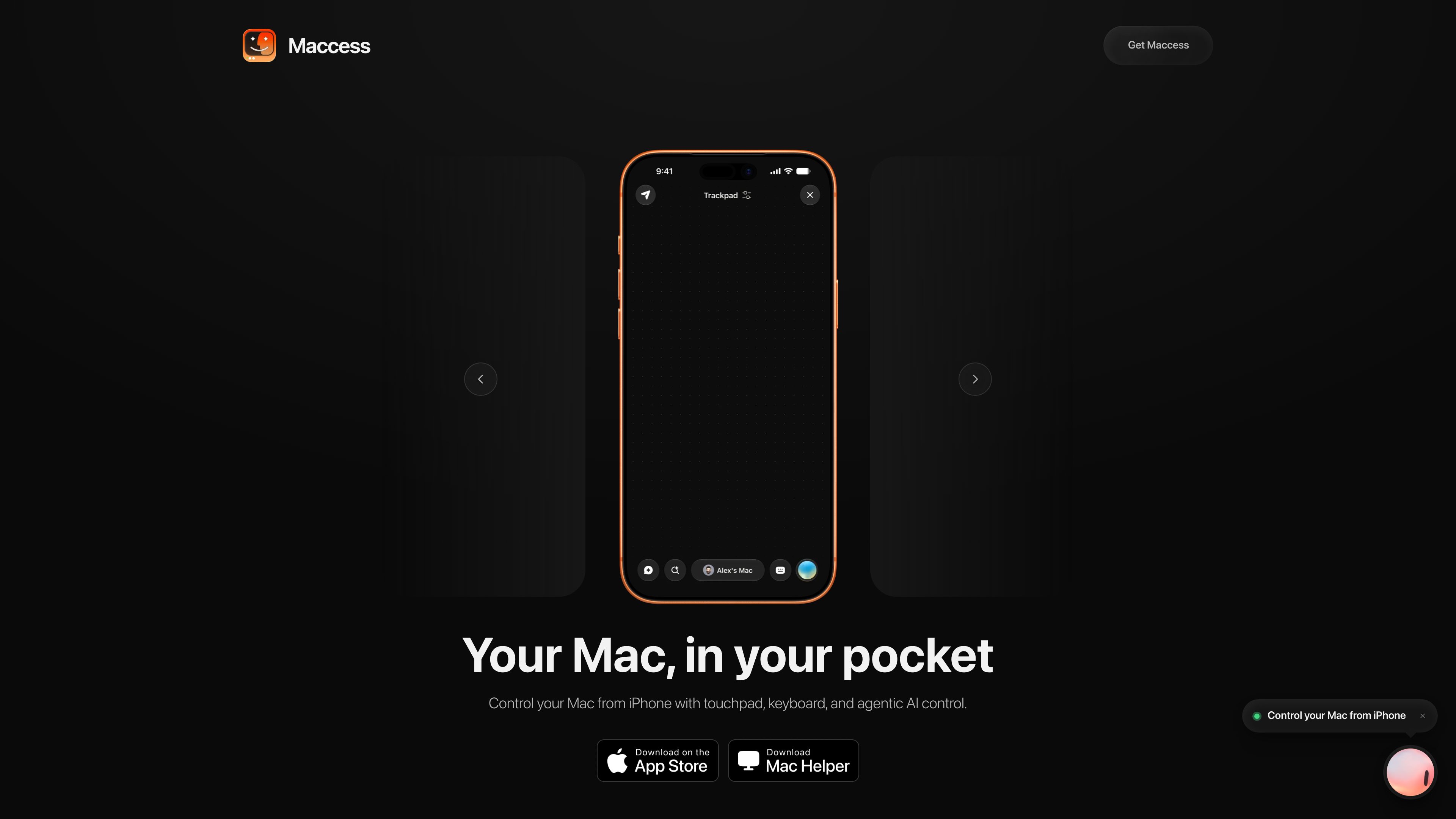
Precision touchpad control
Use iPhone gestures to move the cursor, click, scroll, and right-click on the Mac.

Maccess est une app iPhone qui permet de contrôler votre Mac avec un pavé tactile, un clavier, la recopie d’écran et le transfert de fichiers, avec une assistance IA en option. Utilisez-la en Wi‑Fi local ou, avec Pro, depuis l’extérieur de votre réseau domestique.
Maccess is an iPhone app for controlling a Mac from your phone. It pairs with a free Maccess Helper app on the Mac, then lets you use touchpad gestures, keyboard input, screen mirroring, file access, system controls, and Mackie AI-assisted tasks.
The product is built around two connection modes: local control over the same Wi‑Fi network and Online Access for Pro users when they are away from home. Maccess is aimed at people who already use both iPhone and Mac and want a remote-control workflow that starts with a quick pairing step and then stays available in the background through the Mac menu bar helper.
Use iPhone gestures to move the cursor, click, scroll, and right-click on the Mac.
Type on the Mac from iPhone, search the system, launch apps, switch windows, and quit apps.
View the Mac screen on iPhone and interact with it in portrait or landscape mode.
Send photos and documents to the Mac, or browse Mac folders and pull files back to the phone.
Lock, sleep, restart, or shut down the Mac, and check battery, storage, and what is playing.
Use voice or text to ask Mackie to work on the Mac, send files or photos as context, and run terminal commands or automations on supported plans.
Use the iPhone as a remote touchpad and keyboard when the Mac is on the same Wi‑Fi network and you do not want to sit at the desk.
With Pro Online Access, connect to a trusted Mac over the internet instead of being limited to the local network.
Send photos or documents to the Mac, then browse folders on the Mac and bring files back to the phone when needed.
Lock, sleep, restart, or shut down the Mac and check basic status information without opening the computer.
Use Mackie to type requests, speak commands, or provide files and photos for AI-assisted Mac workflows on Pro plans.
You need the iPhone app plus the free Maccess Helper app on your Mac. The helper runs in the menu bar and is required for pairing and control.
Yes, for local control. On the same Wi‑Fi network, Maccess can connect device-to-device without routing session traffic through Maccess servers.
Yes, but only with Pro Online Access. That mode uses the internet so you can reach your Mac when you are away from home.
Maccess is built for iPhone and Mac. The source states iPhone needs iOS 17 or newer and the Mac needs macOS 15.6 or newer for Maccess Helper.
Subscriptions are purchased and managed through Apple. The source says you can change or cancel them in your iPhone's Apple Account subscription settings, and refunds are handled by Apple.
Les données de trafic sont fournies à titre indicatif uniquement.

projectsky-ten.vercel.app
Project SKY est un compagnon IA natif de Windows 11, présent sur le bureau, qui permet d’interagir avec les applications, le contenu affiché, la voix et le contexte local sans changer d’onglet.
homeway.io
Homeway est un service cloud pour Home Assistant offrant l’accès à distance, l’intégration d’assistants vocaux, le contrôle par AI, le streaming vidéo et un accès sécurisé au réseau local.

zyntax.app
Zyntax est un éditeur de code pour Android doté d’un terminal intégré, d’outils Git, d’une assistance IA et de la gestion des paquets. Il permet de coder, tester et déployer depuis un téléphone ou une tablette, sans dépendre d’un ordinateur portable.

protonote.io
ProtoNote est un outil privé de révision qui permet de partager des prototypes et des créations générées par l’IA, puis de recueillir des commentaires épinglés directement sur la page. Il accepte les fichiers HTML, Markdown, les images et les PDF, et peut aussi être utilisé depuis Claude comme connecteur.

sshly.app
Sshly est un client SSH natif pour Mac qui regroupe les connexions, les clés SSH, la gestion des fichiers et la redirection de ports dans une seule app. Il propose un flux de travail SSH local avec une licence à paiement unique, sans abonnement.

deta.surf
Espace de travail local pour naviguer, prendre des notes et rechercher avec l’IA