
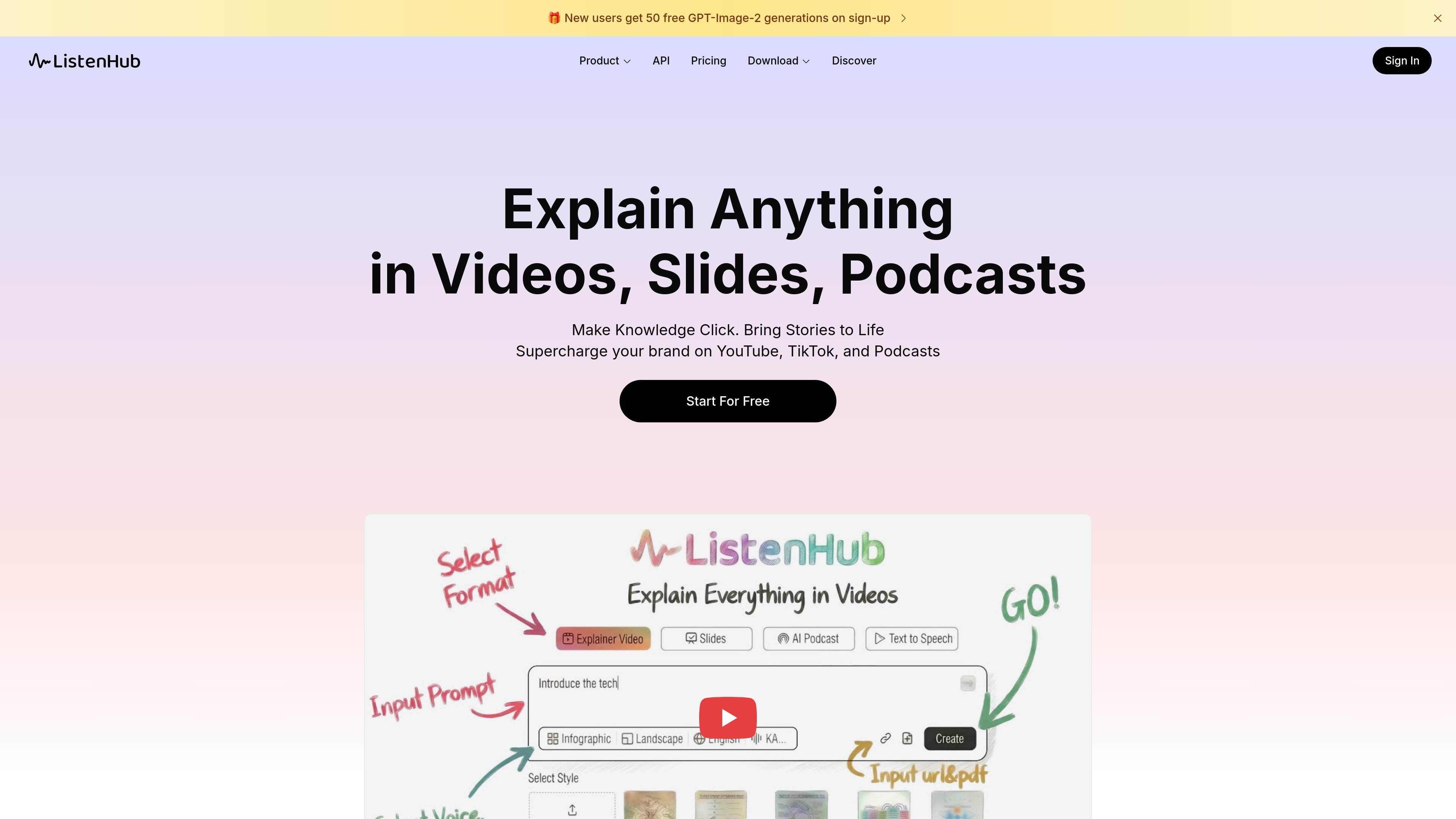
Explainer Video generation
Create explainer videos from uploaded files or text, with options for infographic-style explainers or story-driven scenes. The app also shows output framing such as landscape, portrait, square, or auto.

ListenHub transforme vos sources en vidéos explicatives, diapositives, podcasts et audio de synthèse vocale pour créateurs, enseignants et équipes.
ListenHub is an AI content creation product that turns a single idea or source file into videos, slides, podcasts, or spoken audio. The site presents it as a way to explain complex material through clearer, more structured formats instead of leaving it as raw text or source footage.
The product pages show separate workflows for explainer videos, slides, podcasts, and text-to-speech. Each mode accepts uploaded files or text, then adds format-specific controls such as visual style, aspect ratio, episode length, language, and voice selection.
Create explainer videos from uploaded files or text, with options for infographic-style explainers or story-driven scenes. The app also shows output framing such as landscape, portrait, square, or auto.
Generate slide decks that present ideas in different visual styles, from clean and minimal to bold and expressive. The homepage says the slides mode is intended for presentations, online talks, and visual content creation.
Turn source material into podcast-style episodes with selectable formats such as Quick Insight, Deep Dive, and Debate. The podcast page also lets you choose episode length, language, and two voices.
Convert text into natural-sounding speech and choose whether ListenHub should read the text as written or rewrite it for smoother delivery. The homepage positions this for voice-overs, dubbing, and multilingual content.
Pick from multiple voice-cloning allowances and higher-resolution image generation on paid plans. The pricing page ties these capabilities to plan level rather than offering them universally.
Turn research notes, PDFs, or long-form text into a visual explanation that uses infographics or story scenes to make a topic easier to follow.
Build presentation slides for talks, demos, or internal updates when you want a formatted deck instead of a plain document.
Convert articles, reports, or documents into short-form or longer podcast episodes for listening on the go, with options for quick insights, deeper discussion, or debate.
Generate narration, dubbing, or multilingual voiceovers from text when you need spoken output without recording manually.
Use the app’s template-style examples and mode controls to test different storytelling formats before choosing the one that fits a given audience.
ListenHub can turn uploaded documents or pasted text into explainer videos, slides, podcasts, and text-to-speech audio. The app pages also show mode-specific controls such as video style, slide layout, podcast length, language, and voice selection.
The pricing page shows a Free plan and paid Basic, Pro, Max, and Enterprise options. Paid tiers add more credits, longer usage allotments, voice cloning, higher-resolution image generation, export options, and branding removal depending on the plan.
The podcast workflow supports PDF, TXT, DOCX, EPUB, MD, JPG, JPEG, PNG, and WEBP uploads. The explainer video workflow shows the same supported file types on its upload prompt.
The interface shows English, Mandarin, and Japanese as language options on the podcast and explainer pages. The pricing FAQ also includes a question about supported languages, but the page text shown here does not list the full set beyond those UI options.
The pricing page includes an FAQ item asking whether users can clone their own voice, and the paid plans list different numbers of voice clones. That indicates voice cloning is a supported feature, with higher tiers allowing more cloned voices.
Les données de trafic sont fournies à titre indicatif uniquement.

useaware.co
Taplio est un outil de marketing LinkedIn destiné aux utilisateurs qui quittent Aware après son arrêt. Il réunit analyse, planification, création de contenu et engagement pour les créateurs et les équipes.

learnt.ai
Learnt.ai crée du contenu pédagogique structuré pour les enseignants et les équipes L&D.

pletor.ai
Pletor est une plateforme d’infrastructure créative pour les équipes marketing et créatives, qui transforme la génération d’images, de vidéos et de textes par AI en workflows reproductibles, avec mémoire de marque, collaboration, accès API et orchestration MCP par des agents comme Claude ou Codex.

flova.ai
Flova est un générateur vidéo IA en ligne destiné aux animateurs, cinéastes et créateurs, avec vidéo, audio, cohérence des personnages et crédits par compte pour créer et monter.

tryspira.ai
Spira AI automatise la création, la publication et l’optimisation de contenu social pour les créateurs et les équipes.

www.surgeos.app
Surge est un workflow de contenu basé sur l’IA qui transforme l’URL d’une entreprise en une semaine de publications pour LinkedIn, X, Reddit et TikTok, conçu pour les fondateurs, marketeurs, agences et équipes.