
Inline screen analysis
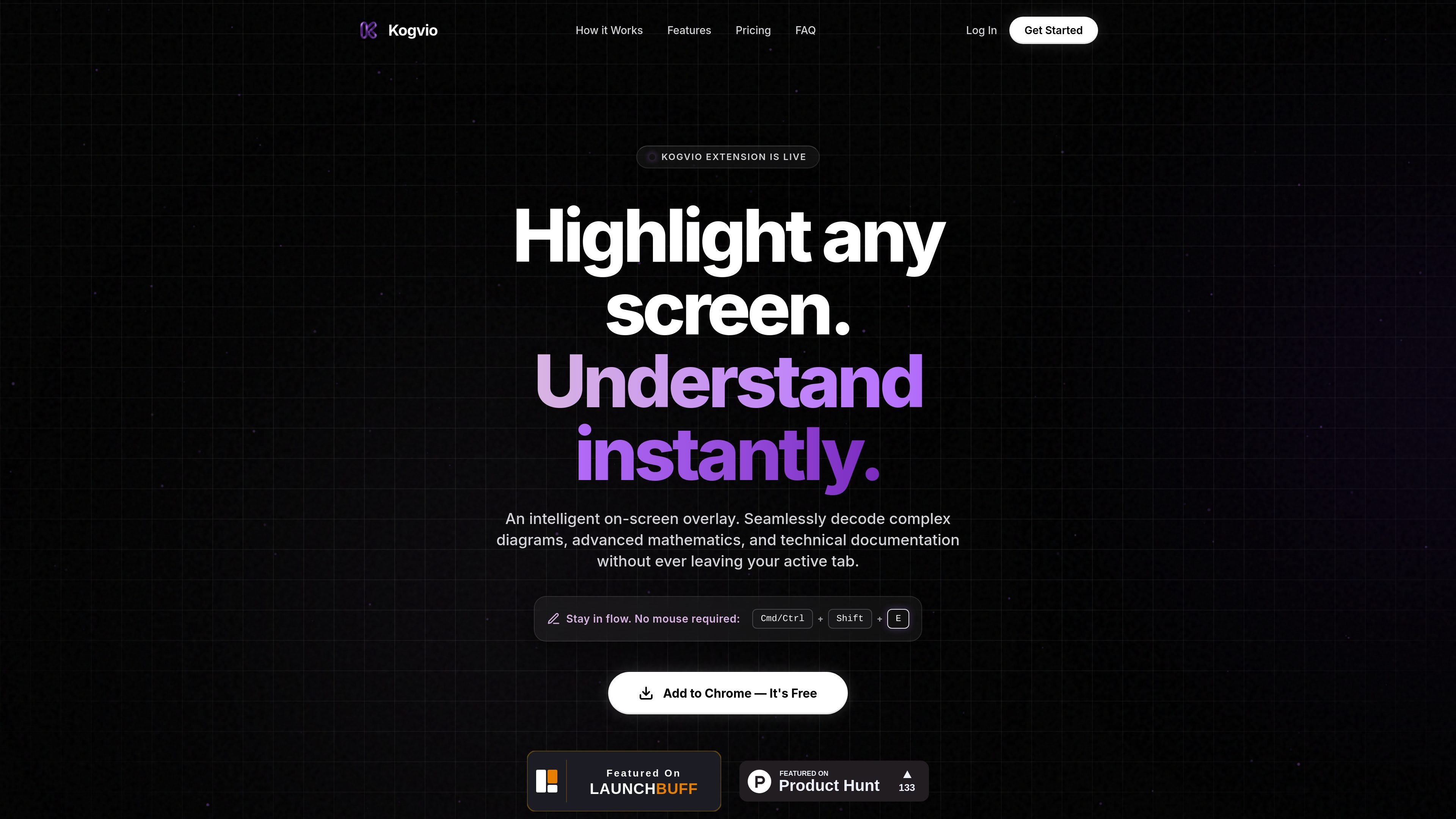
Use Kogvio as an on-screen overlay to interpret highlighted screen content without switching away from the active tab.

Kogvio est une extension Chrome qui ajoute une superposition d’IA à l’écran pour vous aider à comprendre le contenu sélectionné dans l’onglet actif. Elle s’adresse aux personnes qui consultent des diagrammes, de la documentation technique ou des mathématiques avancées et souhaitent obtenir de l’aide sans quitter la page.
Kogvio is a Chrome extension that places an intelligent on-screen overlay over the page you are already viewing. Its stated purpose is to help users understand highlighted content faster, especially when they are working through diagrams, advanced math, or technical documentation.
The product is built around a simple workflow: highlight part of the screen, trigger the extension with Cmd/Ctrl + Shift + E, and get an AI-generated explanation without leaving the active tab. The site also references a free Chrome install flow and a paid Pro subscription for advanced AI vision processing.
Use Kogvio as an on-screen overlay to interpret highlighted screen content without switching away from the active tab.
Highlight any screen area to send snippets for AI processing and receive an instant response based on what is visible.
Work from a keyboard shortcut, Cmd/Ctrl + Shift + E, so you can trigger the tool without relying on the mouse.
Use the product to decode complex diagrams, advanced mathematics, and technical documentation, according to the homepage copy.
For Pro users, scan data is encrypted in a personal Vault, which indicates a separate protected storage flow for processed snippets.
Students can highlight difficult passages or figures while reading and get a quicker explanation without changing apps or tabs.
People working through formulas or proofs can use the overlay to clarify advanced mathematics directly on the page.
Readers of API docs, manuals, or product specs can inspect technical documentation in place and stay focused on the source material.
Anyone reviewing charts, schematics, or other diagrams can use the highlight-and-explain flow to unpack visual information.
Chrome users who prefer keyboard shortcuts can launch the tool quickly with Cmd/Ctrl + Shift + E and keep a mouse-light workflow.
Kogvio is a Chrome extension, so setup appears to involve adding it to Chrome and then using the keyboard shortcut shown on the homepage: Cmd/Ctrl + Shift + E. The site also says, “Add to Chrome — It’s Free.”
Kogvio is described as an intelligent on-screen overlay that helps decode complex diagrams, advanced mathematics, and technical documentation without leaving the active tab.
The terms describe a free tier with daily limits, and they also say users should not use automated scripts or bots to bypass those limits. A Premium (“Pro”) subscription is also available on a recurring basis.
The refund policy says Kogvio Pro subscriptions are final and non-refundable, and users can cancel through the dashboard to stop auto-renewal while keeping Pro access until the end of the current billing cycle.
The privacy policy says scan data is processed in real time, deleted from Kogvio’s servers within 24 hours, and for Pro users it is encrypted in their personal Vault.
Les données de trafic sont fournies à titre indicatif uniquement.

super.work
Slite est une base de connaissances dotée d’une IA pour la documentation et la gestion des connaissances en équipe. Elle aide à rédiger, vérifier, rechercher et maintenir les documents à jour.

heidihealth.com
Heidi est un partenaire de soins basé sur l’IA pour les cliniciens, réunissant documentation, données probantes citées et capture à distance dans un même flux.

cleve.ai
Cleve est un espace de travail IA qui apprend de vos notes et connaissances pour vous aider à écrire, réfléchir et collaborer.

lazy.so
Lazy capture idées, liens et notes sans interrompre votre flux de travail, avec un forfait IA pour interroger le contenu enregistré.

www.promptbridge.co
Prompt Bridge est une extension Chrome qui permet de transférer le contexte des conversations entre les plateformes d’IA prises en charge et de poursuivre les échanges sans repartir de zéro.

kapa.ai
Assistants IA basés sur la documentation technique avec réponses citées