
Stateless browser sessions
Kitesurf is built as an ephemeral browser that exists only for the duration of a task, which fits one-shot automation and bursty agent workloads.

Kitesurf est le navigateur sans état de Cloudflare pour les agents IA et les workflows automatisés. Conçu pour fonctionner sur Workers, il gère le rendu des pages, les captures d’écran et l’extraction HTML en utilisant moins de CPU et de mémoire que Chromium pour les tâches courantes des agents.
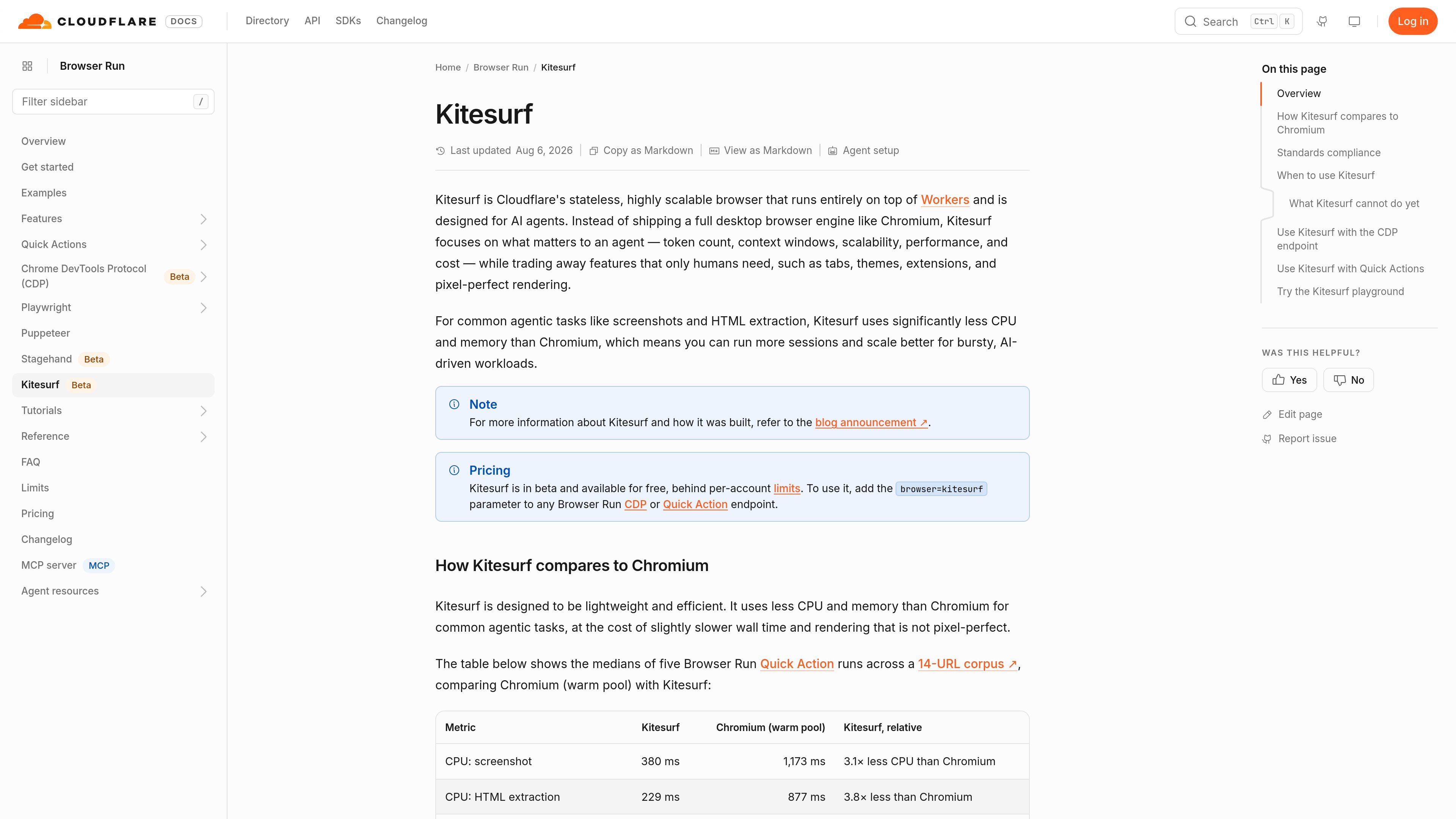
Kitesurf is Cloudflare's stateless browser for AI agents and automation workflows. It runs on top of Workers and is designed around the needs of agentic browsing rather than the full feature set of a human-facing desktop browser.
Cloudflare positions Kitesurf as a lighter alternative to Chromium for tasks such as screenshots and HTML extraction. The main trade-off is lower CPU and memory use in exchange for slower wall time in some cases and rendering that is not pixel-perfect.
Kitesurf is built as an ephemeral browser that exists only for the duration of a task, which fits one-shot automation and bursty agent workloads.
For screenshots and HTML extraction, Cloudflare reports significantly lower CPU and memory use than Chromium, helping reduce resource demand when scaling many sessions.
Kitesurf can be selected on the Browser Run CDP endpoint, so existing Puppeteer, Playwright, chrome-remote-interface, and other CDP-speaking agents can use it by adding browser=kitesurf.
Kitesurf also works with Browser Run Quick Actions, allowing tasks such as screenshot generation or content extraction without building a full browser automation flow.
The playground lets users enter a URL and see how Kitesurf renders it before wiring it into code, which helps confirm whether a site behaves as expected.
Cloudflare says Kitesurf is tested against Web Platform Tests and that its coverage is expanding, with strong coverage in areas such as DOM, HTML, selection, SVG, encoding, CORS, and XHR.
Use Kitesurf when an agent needs to load and interact with pages but does not require a full desktop browser experience.
Kitesurf is suitable for quick tasks that need a page snapshot or extracted HTML, especially when the workflow can use a Quick Action endpoint.
Teams running many independent browser sessions can use Kitesurf to keep memory and CPU usage lower across a large number of ephemeral tasks.
The public playground can be used to test whether a URL renders correctly before adding it to an automation or agent workflow.
Because Kitesurf works through the CDP endpoint, existing browser automation setups can opt in without changing tools, only the browser parameter.
Add browser=kitesurf to a Browser Run CDP endpoint or to a Quick Action endpoint. Cloudflare provides examples for both connection methods.
Cloudflare says existing tools that speak CDP already work, including Puppeteer, Playwright, chrome-remote-interface, and AI agents that use MCP and CDP.
It is aimed at AI agents and automation that need page rendering, screenshots, or HTML extraction, especially when lower CPU and memory use matter more than full browser features.
Cloudflare says it is not yet suitable for video, WebGL, real TLS fingerprint negotiation for bot challenges, or long-running authenticated sessions that rely on persistent state.
Yes. Cloudflare offers a public playground where you can enter a URL, inspect how it renders, and view console and network activity while testing compatibility.
Les données de trafic sont fournies à titre indicatif uniquement.

skyvern.com
Automatisation de navigateur par IA pour des workflows répétables sans sélecteurs fragiles ni scripts personnalisés

coarena.ai
Coarena est une arène d’utilisation informatique où publier de vraies tâches de navigateur, suivre en direct les tentatives de deux agents IA de pointe et désigner le gagnant à l’aveugle. Elle fournit aussi des métriques de référence, des labels de préférences et un accès aux jeux de données pour l’évaluation.

fetchsandbox.com
FetchSandbox est un outil de développement qui permet de tester des intégrations d’API, des webhooks et des workflows avec état dans des environnements de programmation IA. Les développeurs et les agents peuvent valider leurs intégrations sans clés API réelles ni consommation du quota de production.

rainforestqa.com
Rainforest QA est une plateforme d’automatisation des tests par IA, sans code, qui aide les équipes SaaS à créer, maintenir et exécuter des tests de bout en bout avec moins de maintenance manuelle. Elle s’intègre aux workflows CI/CD existants et s’adresse aux équipes qui ont dépassé les tests de régression manuels sans vouloir adopter une solution entièrement basée sur le code.

usebraintrust.com
Plateforme d’entreprise pour recruter, sélectionner les talents et automatiser les workflows

accelq.com
Automatisation des tests sans code, cloud et optimisée par l’IA, pour le web, les API, le mobile, le bureau, le backend et les applications packagées.